Where to Place Desk in Home Office
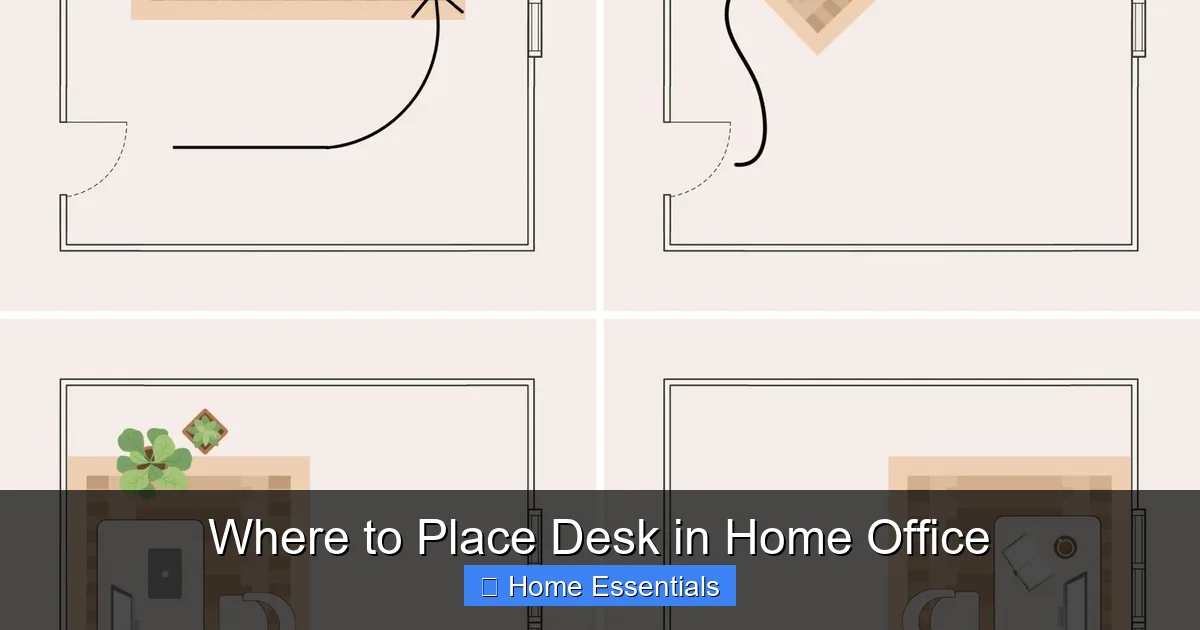
Where you place your desk in a home office is the single most important factor in your daily comfort and productivity. It’s not just about filling an empty corner; it’s about harnessing natural light, minimizing distractions, and creating an ergonomic setup that supports your body. The right placement considers power sources, storage flow, and even room psychology. By strategically positioning your desk, you can transform any space into a高效, healthy, and inspiring work environment.
So, you’ve got the perfect home office chair. You’ve invested in a desk with enough surface area for all your gadgets and notebooks. You’ve even gotten the lighting just right with some smart home devices to control the ambiance. But if you’ve just shoved that beautiful new desk into the first available corner, you might be setting yourself up for a daily battle with back pain, eye strain, and endless distraction. The question of where to place desk in home office isn’t just about interior design—it’s the foundational decision that dictates your physical health, mental focus, and overall work satisfaction. Let’s break down the science and art of desk placement, turning your home office from a mere room into a productivity powerhouse.
Key Takeaways
- Prioritize natural light from the side: Position your desk so light comes from your left or right to avoid glare on your screen and reduce eye strain, while also boosting mood and energy.
- Face the room’s entrance or a wall: Sitting with your back to the door can create subconscious stress. A position where you can see the entrance promotes a sense of security and control.
- Maximize ergonomics from the start: Ensure your desk placement allows for proper chair height, monitor at eye level and arm’s length, and enough space to stretch your legs and move freely.
- Control distractions proactively: Identify noise sources (TV, street, appliances) and high-traffic areas. Use placement, room dividers, or strategic furniture to create a visual and auditory buffer zone.
- Plan for power and connectivity: Your desk must be near enough to outlets for your computer, lamps, and chargers without creating a tripping hazard. Consider cable management solutions from day one.
- Integrate storage into your workflow: Place frequently used items (files, supplies) within easy reach—your “primary zone”—to avoid constant standing and disruption of your focus.
- Embrace flexibility and test your layout: Your ideal spot might not be obvious. Try different arrangements for a few days each, noting your energy levels, comfort, and focus to find your perfect fit.
📑 Table of Contents
- The “Why” Behind Desk Placement: It’s More Than Just Aesthetics
- Mastering Light: Your First and Most Critical Consideration
- Ergonomics and Furniture Layout: Setting Your Body Up for Success
- Minimizing Distractions: The Battle for Your Focus
- Storage, Workflow, and Room Layout: Creating Efficient Zones
- Power, Connectivity, and the Modern Workspace
- Final Checklist and Action Plan: Finding Your Spot
The “Why” Behind Desk Placement: It’s More Than Just Aesthetics
Before we dive into the “where,” we must understand the “why.” Your desk is the command center of your professional life at home. Its location influences everything. Poor placement can lead to chronic discomfort, increased stress, and a significant drop in output. Conversely, a thoughtfully positioned desk can make an 8-hour workday feel manageable, even enjoyable. We’re talking about fundamental human needs: the need for good light to see clearly, the need for an ergonomic posture to avoid pain, and the need for psychological security to focus deeply. Ignoring these is like trying to run a marathon in shoes that don’t fit.
The Productivity-Environment Link
Environmental psychology tells us that our surroundings directly impact our cognitive function. A cluttered, poorly lit, or distracting space forces your brain to work overtime just to process the background noise—both visual and auditory. This is called cognitive load. By optimizing your desk’s position, you reduce this unnecessary load, freeing up mental bandwidth for the actual tasks at hand. You’re not just arranging furniture; you’re designing a system that supports your work.
Health is a Non-Negotiable Factor
Sitting in a poorly positioned desk for hours is a recipe for musculoskeletal disorders. A monitor that’s too high or too low strains your neck. A desk that forces you to reach constantly leads to shoulder and arm tension. A lack of proper light causes eye fatigue and headaches. The placement dictates whether you can achieve a neutral posture—where your spine is aligned, your wrists are straight, and your eyes are level with the top third of your screen. This isn’t a luxury; it’s essential for preventing long-term injury.
Mastering Light: Your First and Most Critical Consideration
Light is the #1 priority. It affects visibility, mood, circadian rhythms, and screen glare. The goal is to harness beneficial light while eliminating harmful glare and shadows.
Visual guide about Where to Place Desk in Home Office
Image source: homebyalley.com
Natural Light: The Gold Standard (If Positioned Correctly)
Nothing beats natural daylight for energy and well-being. However, the direction of that light is everything.
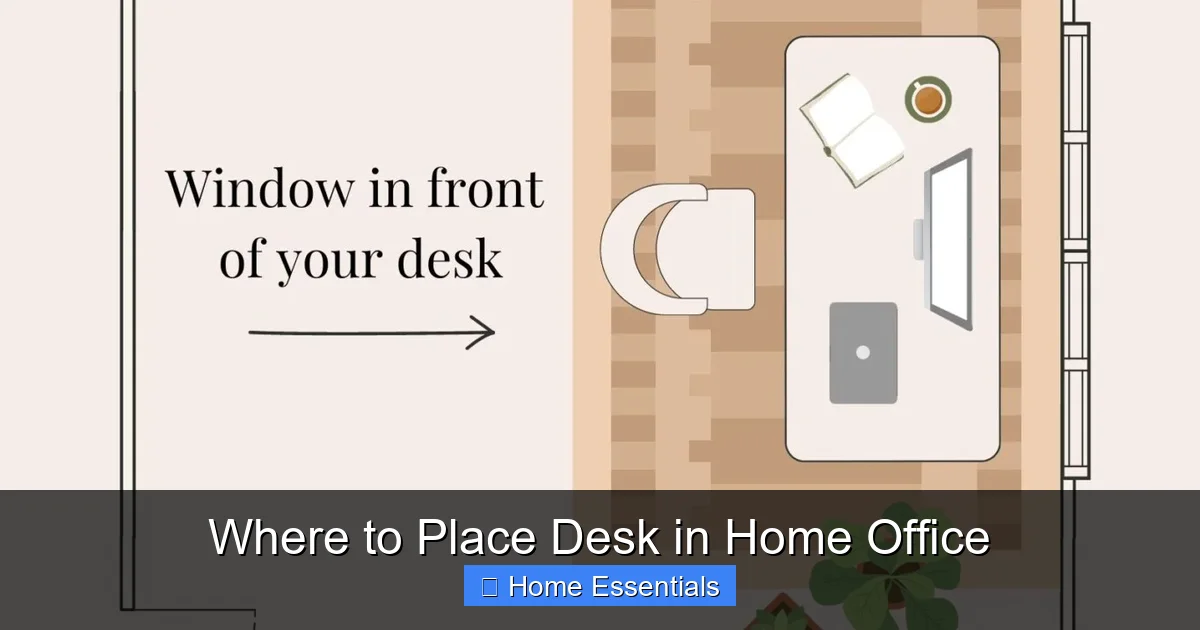
- Ideal: Light from the Side (Left or Right). If you’re right-handed, having light come from your left side (or vice-versa) is perfect. It illuminates your work surface without shining directly into your eyes or bouncing off your monitor. You get all the mood-boosting benefits without the glare headache. Position your desk perpendicular to the window.
- Avoid: Light from Behind You. If the window is directly behind you, your body will cast a shadow over your desk, forcing you to squint. More critically, the light will shine directly onto your screen, creating a mirror-like glare that makes text impossible to read and forces you into awkward neck positions.
- Use with Caution: Light from in Front. Light streaming in from directly in front of you (window behind the monitor) can also cause significant glare on a glossy screen. If this is your only option, invest in a high-quality anti-glare screen protector and use blinds to diffuse the light.
Pro Tip: Use sheer curtains or blinds to diffuse harsh direct sunlight. This softens the light, reduces heat, and prevents it from becoming a moving distraction as clouds pass by. For the tech-savvy, consider smart bulbs that work with Apple Home to automatically adjust color temperature throughout the day—cooler, blue-enriched light for focus in the morning, warmer tones for late afternoons.
Artificial Lighting: Filling the Gaps
You won’t have perfect natural light all day. A layered artificial lighting approach is key.
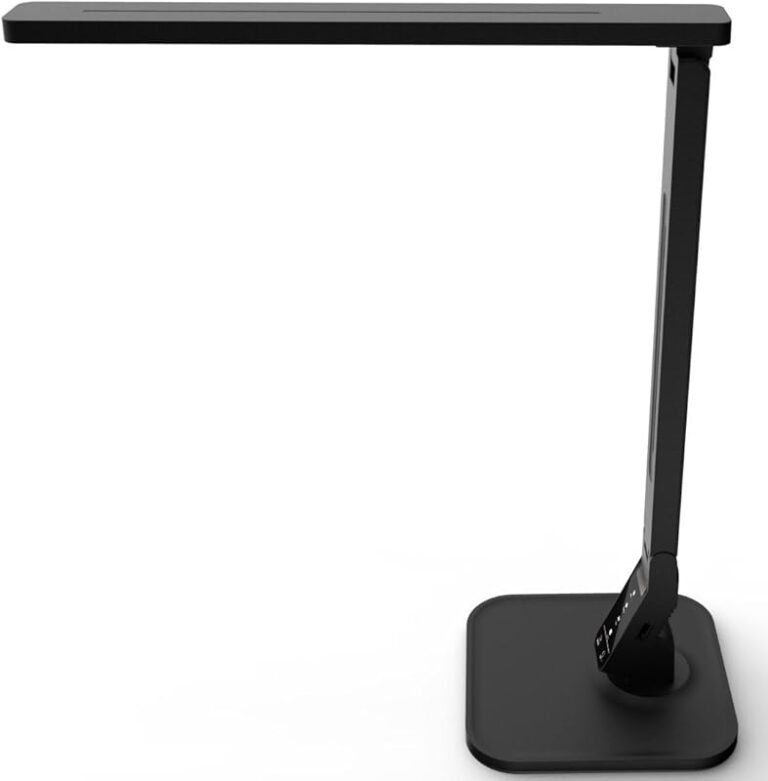
- Task Lighting: A dedicated desk lamp is non-negotiable. It provides focused light on your keyboard and papers without flooding the entire room. Choose one with an adjustable arm and a shade that directs light downward. LED lamps are best for energy efficiency and low heat.
- Ambient Lighting: This is the room’s overall light—ceiling fixtures, floor lamps. It should be soft and diffused to prevent harsh contrasts between your bright desk area and the darker room, which causes eye strain.
- Avoid Overhead Lights Directly Overhead: A bright, unshaded ceiling light directly over your head can cause glare on your screen and cast shadows. If this is your setup, use a desk lamp as your primary light source and keep the overhead light off or very dim.
Ergonomics and Furniture Layout: Setting Your Body Up for Success
Ergonomics isn’t just about your chair and desk height; it starts with placement. Can you even achieve a proper setup in the corner you’ve chosen?
Visual guide about Where to Place Desk in Home Office
Image source: plankandpillow.com
The “Power Triangle” and Clearance
Imagine a triangle formed by your eyes, the center of your monitor, and your hands on the keyboard/mouse. This is your primary work zone. Your desk placement must allow this triangle to exist without constraints.
- Monitor Distance: Your monitor should be about an arm’s length away (20-30 inches). If the wall behind your desk is too close, you might be forced to sit too near the screen.
- Knee and Leg Space: You need at least 24-27 inches of vertical clearance under your desk and enough depth to push your chair back fully. Placing a desk against a radiator, a deep windowsill, or a low wall will cripple this.
- Chair Mobility: Can you swivel and move your chair freely without hitting walls or furniture? A cramped space leads to static, painful postures.
Facing the Room vs. Facing the Wall
This is a classic debate with a psychological winner.
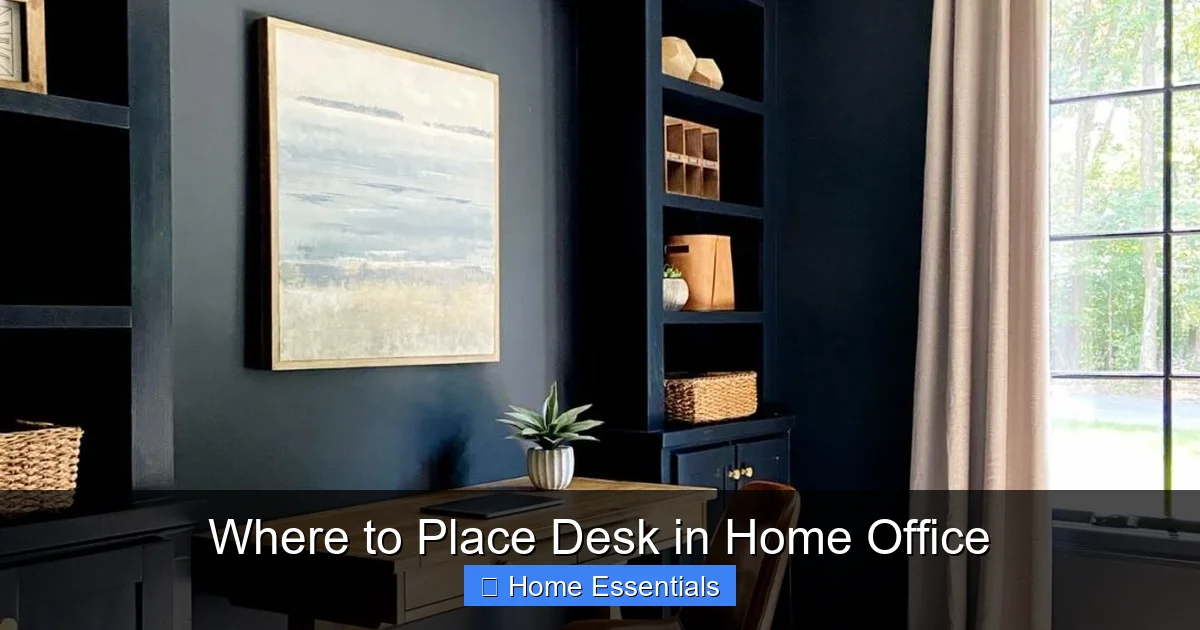
- Facing the Wall (The “Focus” Position): This minimizes visual distractions behind your monitor. It can feel immersive. However, it can also feel isolating and confining, like you’re in a cubicle. Ensure the wall in front is interesting—a tasteful painting, a whiteboard, a shelf with plants—not a blank, oppressive expanse.
- Facing the Room (The “Open” Position): This makes you feel part of the space and can be less claustrophobic. The major downside is movement in the room behind your screen can easily pull your attention. If you choose this, position your desk so the main activity of the household (like a living room) is to your side, not directly behind your monitor.
- The Compromise: Place your desk so you face a wall, but have the open part of the room to your left or right. This gives you a sense of space without constant distraction in your direct line of sight.
Minimizing Distractions: The Battle for Your Focus
Your home is full of life. Your desk placement is your first line of defense against its constant pull.
Visual guide about Where to Place Desk in Home Office
Image source: i.pinimg.com
Auditory Distractions: Sound Strategy
Identify the noise sources in your home: street traffic, a TV in the next room, kitchen appliances, family members moving about.
- Distance is Your Friend: Place your desk as far as possible from these sources. If the living room TV is a culprit, avoid placing your desk on the shared wall.
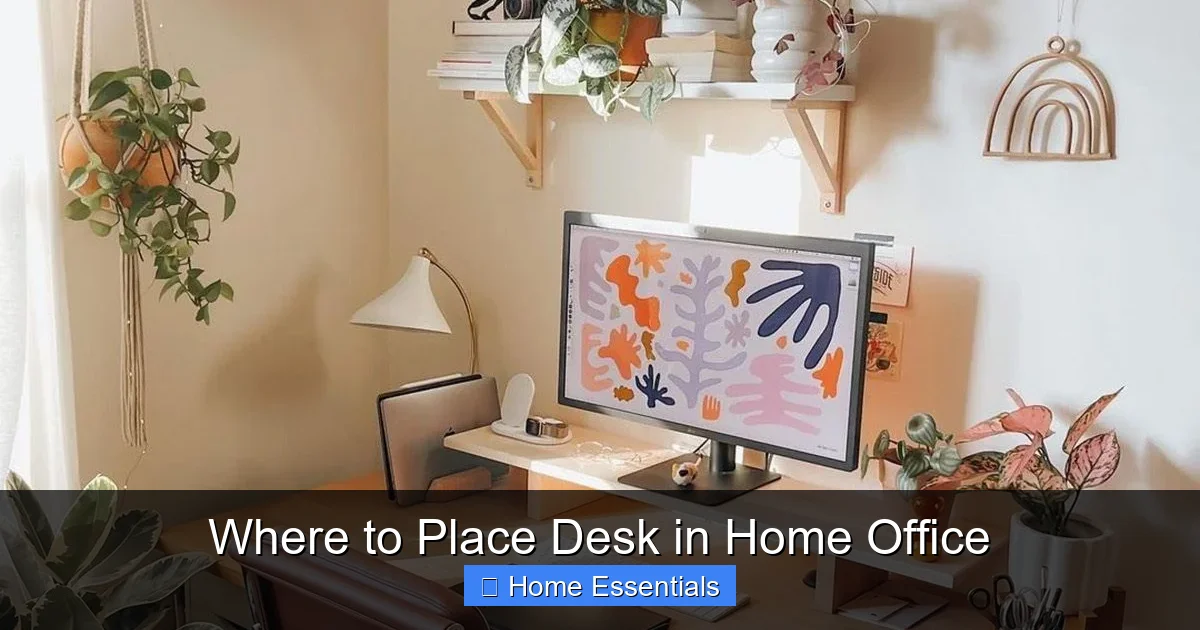
- Use Furniture as a Buffer: A tall bookshelf, a room divider, or even a large plant placed behind your desk (facing the noise source) can absorb and deflect sound waves.
- Doorway Proximity: Avoid placing your desk directly in the line of sight of a frequently used door. Every person walking past is a potential distraction. If your office is a shared space, position the desk so you’re not staring at the door every time someone enters.
Visual Distractions: Controlling the Field of View
Your peripheral vision picks up movement constantly.
- High-Traffic Zones: Hallways, staircases, and kitchen access points are movement hotspots. Your desk should not have a direct line of sight down these paths.
- The “Squirrel” Effect: A window with a beautiful view is a double-edged sword. It’s great for mental breaks, but terrible for focus during deep work. Position your desk so the window is to your side, not directly in front. Use blinds during focus periods.
- Clutter Management: A messy bookshelf or a pile of laundry in your line of sight will mentally nag at you. Your placement should allow you to face a tidy, intentional wall or corner.
Storage, Workflow, and Room Layout: Creating Efficient Zones
Your desk doesn’t exist in a vacuum. Its placement must integrate with your storage solutions and the overall room flow.
The Three-Zone Theory
Think of your reach in your chair as three concentric circles:
- Primary Zone (Easy Reach): Items you use constantly—keyboard, mouse, current notebook, pen cup, water bottle. These live on your desk surface.
- Secondary Zone (Stand Up/Lean): Items used frequently but not constantly—reference books, filing cabinet, printer, daily supplies. These should be in a drawer, on a shelf, or on a side table within one step of your chair.
- Tertiary Zone (Walk To): Archival files, rarely-used equipment, seasonal items. These belong on high shelves or in a closet across the room.
Placement Rule: Your desk location must allow the Secondary Zone items to be adjacent to you—on a wall next to your desk, on a wheeled cart beside you, or on a low shelf under your desk. If your desk is in the middle of the room, you’ll constantly be getting up, breaking your flow.
Considering the Room’s Traffic Flow
How do people move through the room? Is it a direct path to another room? Place your desk so it does not block a natural walkway. You should be able to walk around the room without having to squeeze behind your chair or step over cables. A good test: can someone open a door or closet on the opposite wall without you having to move your chair? If not, the desk is in the way.
Power, Connectivity, and the Modern Workspace
In 2024, a desk without power is a paperweight. Your placement must solve the electricity puzzle before you plug anything in.
The Outlet Hunt
Before you finalize a spot, do a literal “outlet audit.” Where are the nearest outlets? Is there one on the wall you’re planning to face? On the adjacent wall? Count how many devices you need: computer, monitor(s), lamp, phone charger, perhaps a printer or webcam. You’ll likely need a power strip. The outlet should be close enough for short, tidy cable runs. A desk placed in the middle of a room with no outlet on the nearby walls will lead to a dangerous, ugly spaghetti of extension cords.
Cable Management: The Invisible Necessity
Cables are the ugly truth of modern offices. Your placement should facilitate hiding them.
- Desk Grommets: Desks with built-in holes (grommets) allow you to drop cables straight down to a floor outlet or power strip underneath.
- Raceways and Conduit: If cables must run along the wall, use adhesive cable raceways to keep them flat and invisible.
- Furniture with Cable Pass-Through: Some desks and filing cabinets have holes at the back to channel cables.
Placement Link: If you’re running cables along baseboards or under carpets, keep the path clear. Don’t place a rug or a low storage unit in the exact spot where your cable needs to travel. For a truly clean look, consider integrating smart home devices like wireless chargers and Bluetooth peripherals to reduce cord count at the source.
Final Checklist and Action Plan: Finding Your Spot
Now, let’s put it all together with a practical, step-by-step approach.
Step 1: The “No-Furniture” Walkthrough
Go into your empty office. Stand in the center. Close your eyes. Open them and note:
- Where is the natural light strongest at 10 AM and 2 PM? (Your likely work hours).
- Where are the outlets?
- Where are the noise sources? (Hold your ear to the walls).
- Where does your eye get drawn? (A beautiful view? A messy closet?).
- Where is the main pathway through the room?
Mark these spots with a piece of painter’s tape on the floor.
Step 2: Test Three Locations
Based on your notes, pick three potential desk spots. For example:
- Spot A: Against the wall with the best side-light, near an outlet, facing a plain wall.
- Spot B: In the middle of the room, facing the door, with a window to your left.
- Spot C: In a corner, with light from behind, but with great storage on two walls.
Set up a minimal workstation (laptop, notebook) in each spot. Work there for at least 2-3 hours. Take notes on your physical comfort (neck, eyes, back) and mental focus (how often did you look away? get up?).
Step 3: Optimize Your Chosen Spot
Once you’ve chosen the best of the three, commit and optimize.
- Lighting: Add a task lamp. Get blinds. Consider smart bulbs you can dim or change color from your chair.
- Ergonomics: Adjust your chair height so your feet are flat. Use a monitor stand or books to get the screen at eye level. Your elbows should be at 90 degrees when typing.
- Distractions: Add a room divider if needed. Put your phone in a drawer during focus blocks. Use a “do not disturb” sign on the door during critical calls.
- Storage: Implement the three-zone system. Keep a microfiber cloth on your desk for quick dusting—learn how to use a microfiber cloth for dusting to keep your screen and surface clean without scratches.
- Power: Use cable sleeves or clips to bundle cords. Route them along the desk leg or wall corner.
Remember, the perfect desk placement is personal. It’s the intersection of your home’s physical constraints and your unique work style. The introvert may crave the cozy corner, while the creative may need the energizing view. The key is to move beyond guesswork. Observe your space, test deliberately, and build a setup that works *with* your home, not against it. Your back, eyes, and focus will thank you for it.
Frequently Asked Questions
Should I place my desk near a window?
Yes, but with a major caveat. Place it so the light comes from the side (left or right), not directly in front or behind you. Side lighting provides bright, even illumination without causing screen glare or shadows. Use blinds to control intensity on sunny days.
What if I have a small or awkwardly shaped home office?
Embrace the corner! A corner desk maximizes surface area in a small footprint. Ensure you have enough clearance to swivel your chair fully. Use wall-mounted shelves above the desk for storage to keep floor space clear. Prioritize having the window light hit the *side* of your desk, even if it’s in a corner.
My home office is a shared space (like a living room or bedroom). Any tips?
Absolutely. Use placement to create a visual boundary. Place your desk so your back is against a solid wall or a tall bookcase, not an open room. This creates a “back” to your office. Facing a wall or a consistent, non-distracting view is better than facing the room’s main activity area. Consider a room divider on casters for flexible privacy.
Is there a “best” direction to face in Feng Shui or for productivity?
While Feng Shui often recommends facing the door (the “command position”) for a sense of control, the ergonomic and lighting needs are more critical for health. The best compromise is to position your desk so you can see the entrance in your peripheral vision without turning your head fully, while also having your monitor lit by side natural light. Your comfort and focus should always trump strict directional rules.
Can I use a standing desk if my room layout is tight?
Yes, but you need more clearance, not less. A standing desk requires space to raise and lower without hitting anything. Ensure there is at least 2-3 feet of clear space in front of and behind the desk for movement. You also need ample leg space underneath. A tight corner might not work unless it’s a very large, deep corner.
What’s the worst possible spot for a desk in a home office?
The absolute worst spot is with your back to the room’s main door *and* a bright window directly behind you. This combines the psychological stress of not seeing who enters with the physical pain of screen glare and shadows. If forced into this spot, use a mirror to see the door behind you and invest heavily in high-quality blinds and an anti-glare screen.