What Is the Brightest Desk Lamp
The brightest desk lamp isn’t just about raw lumens; it’s about effective, adjustable, and eye-friendly illumination. Modern LED technology dominates, offering superior brightness with minimal heat and energy use. Key factors include lumens output, color temperature, color rendering index (CRI), and adjustability. Your ideal lamp balances maximum usable light with features that prevent eye strain, like flicker-free dimming and proper positioning. Ultimately, the “brightest” lamp is the one that best suits your specific tasks and workspace layout.
Key Takeaways
- Lumens, Not Watts, Measure Brightness: Focus on lumens (light output) instead of watts (energy use). A truly bright desk lamp for detailed tasks typically starts around 800-1000 lumens and can exceed 1500.
- LED is the Undisputed Champion: LED bulbs provide the highest lumen-per-watt efficiency, longest lifespan, and best adjustability (dimming, color temp) compared to halogen or fluorescent options.
- Adjustability is Non-Negotiable: The brightest lamp is useless if it blinds you or casts shadows. Look for multi-axis articulation (head, arm, base) to direct light exactly where needed.
- Prioritize Eye Comfort Features: Seek lamps with high CRI (90+ for accurate color), flicker-free technology, and adjustable color temperature (2700K-5000K) to reduce eye strain during long work sessions.
- Task Dictates Brightness Needs: An architect reviewing blueprints needs different brightness and CRI than a casual reader. Match the lamp’s specs to your primary activity.
- Smart Features Can Enhance Functionality: Some high-lumen lamps integrate with smart home systems for voice/app control, scheduling, and syncing with circadian rhythms, adding convenience beyond simple brightness.
- Form Factor & Stability Matter: A heavy, stable base is crucial for a high-lumen lamp to prevent tipping when adjusting. Consider the lamp’s footprint on your desk.
📑 Table of Contents
- Understanding Brightness: It’s All About the Lumens
- The Bulb Battle: Why LED Desk Lamps Win
- Critical Features Beyond Raw Lumens
- Top Contenders in the High-Lumen Arena
- How to Choose the Brightest Desk Lamp for YOUR Needs
- Installation, Care, and Maximizing Your Investment
- The Verdict: Defining the “Brightest” for You
Understanding Brightness: It’s All About the Lumens
When you’re hunting for the brightest desk lamp, your first instinct might be to look at the wattage. After all, a higher wattage *felt* brighter with old incandescent bulbs. But here’s the crucial update: we measure light output in lumens (lm), not watts (W). A watt is a unit of power consumption; a lumen is a unit of luminous flux—the actual amount of visible light emitted. This is the number you need to compare.
So, what lumen count qualifies as “bright”? For general desk work like writing or computer use, 500-800 lumens is often sufficient. For precision tasks—architectural drafting, intricate crafting, detailed artwork, or working with small components—you’ll want to look at lamps delivering 1000 lumens or more. Some professional task lamps can push 1500-2000 lumens. But remember, raw output is only half the story. A 1500-lumen bulb pointed directly into your eyes is painful and counterproductive. The true “brightest” lamp is one that delivers high, usable lumens where you need them, without causing glare or shadows.
Lumens vs. Watts: The Efficiency Revolution
The switch from incandescent to LED technology completely changed this equation. A old 60-watt incandescent bulb produced about 800 lumens. A modern LED bulb can produce the same 800 lumens while using only about 8-10 watts. This means you can get dramatically brighter light from a low-wattage LED without overheating your workspace or shocking your electric bill. When shopping, ignore the wattage equivalent (e.g., “60W equivalent”) and find the actual lumen rating on the package or spec sheet.
The Bulb Battle: Why LED Desk Lamps Win
You have three primary bulb technologies to consider for a high-brightness desk lamp: LED, halogen, and fluorescent. Let’s settle this quickly: LED is the superior and dominant choice for the brightest, most efficient, and most versatile desk lamp.
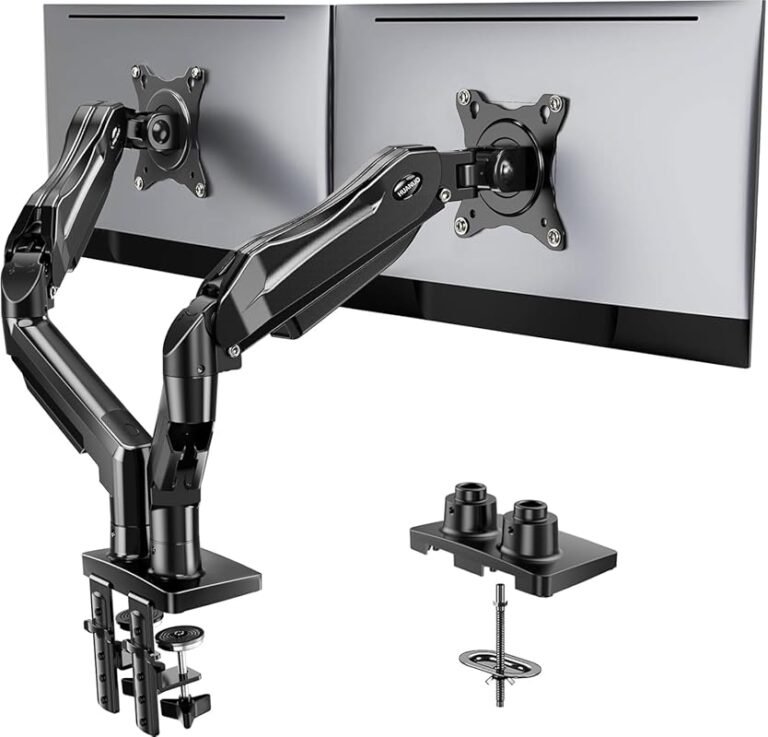
Visual guide about What Is the Brightest Desk Lamp
Image source: m.media-amazon.com
LED (Light Emitting Diode)
LEDs are the undisputed champion. They offer the highest lumens-per-watt efficiency, meaning they convert more electricity into light and less into waste heat. This allows for compact, high-output designs. They also have an extraordinarily long lifespan—often 25,000 to 50,000 hours—so you’ll likely never replace the bulb. Critically for brightness quality, high-end LEDs can be engineered for excellent color rendering (CRI) and are inherently dimmable without flicker when paired with the right driver. Many LED desk lamps are integrated, meaning the LED array is built-in and not user-replaceable, but their long life makes this a minor concern.
Halogen
Halogen is a refined incandescent. It’s brighter and more efficient than traditional incandescents, producing a crisp, white light with excellent color rendering (CRI near 100). However, it still runs very hot, consumes significantly more power than LED for the same lumens, and has a much shorter lifespan (1,000-2,000 hours). While you can find halogen task lamps, they are largely obsolete for a primary “brightest” desk lamp due to heat and energy drawbacks.
Fluorescent
Compact fluorescent lamps (CFLs) can be efficient and bright, but they have major downsides for task lighting. They contain mercury, requiring careful disposal. Their light quality can be poor (low CRI, greenish tint), and they are not fully dimmable in most standard fixtures. They also take time to reach full brightness. For a focused, high-quality task light, they are a poor choice compared to LED.
Practical Tip: If you are considering a lamp with a standard socket (E26/E27), you can buy your own high-lumen LED bulb. Look for bulbs rated at 1000+ lumens with a high CRI (90+) and a color temperature of 4000K-5000K for cool, alertness-boosting task light. Ensure the lamp’s fixture and shade can handle the bulb’s physical size and heat dissipation, though LED bulbs run cool.
Critical Features Beyond Raw Lumens
Two lamps with identical lumen ratings can perform wildly differently. The difference lies in optical design and features that control and direct that light. Here’s what separates a blinding headache from a perfect productivity tool.
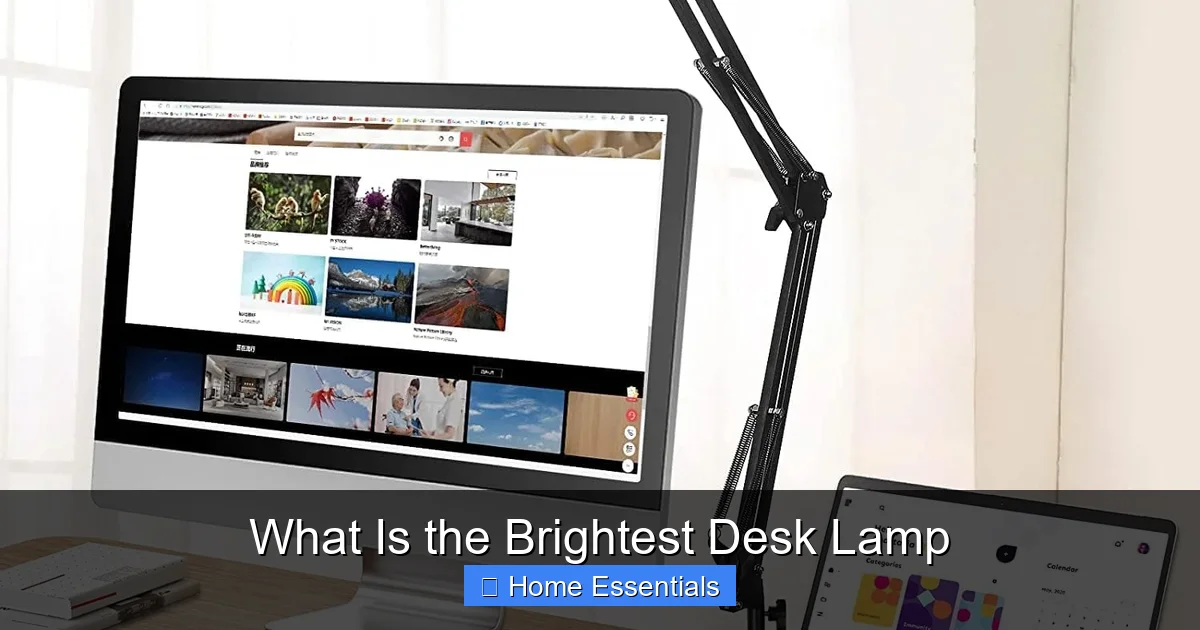
Visual guide about What Is the Brightest Desk Lamp
Image source: images-na.ssl-images-amazon.com
Adjustability & Articulation
This is the single most important feature after lumens. A lamp must be able to position its light source precisely. Look for multiple pivot points: a rotating head, an articulating arm with height adjustment, and a stable base that swivels. The best task lamps use springs or balanced arms for effortless positioning. This allows you to angle the light to avoid screen glare on your computer monitor while still fully illuminating your notebook or keyboard. Without this, even the brightest lamp will cast frustrating shadows.
Color Temperature (Measured in Kelvin)
Color temperature describes the “warmth” or “coolness” of white light. 2700K-3000K is warm white (cozy, relaxing). 3500K-4000K is neutral white (balanced, natural). 5000K-6500K is cool white (blueish, alert, clinical). For a brightest desk lamp used for concentrated work, a neutral to cool temperature (4000K-5000K) is generally best. It mimics daylight, promotes alertness, and provides excellent contrast for reading and detail work. The premium feature is tunable white, allowing you to adjust the color temperature throughout the day—warmer in the evening, cooler midday.
Color Rendering Index (CRI)
CRI is a score out of 100 that measures how accurately a light source reveals the true colors of objects compared to natural sunlight. For tasks where color accuracy is vital—painting, graphic design, fabric selection, food photography—you need a CRI of 90 or higher (often labeled “CRI90” or “Ra90”). A lamp with a low CRI (below 80) will make colors look dull, muted, or unnaturally shifted, even if it’s very bright. This is a make-or-break spec for professionals.
Flicker & Dimming
Low-quality LEDs can flicker at a high frequency invisible to the eye but detectable by your brain, leading to eye strain, headaches, and fatigue after prolonged use. Always look for claims of “flicker-free” or “stroboscopic effect free” (often verified by standards like IEEE 1789). Smooth, continuous dimming is also a key feature. It lets you lower the brightness for less intense tasks without the harsh on/off cycle of a switch. Dimmability is often controlled by a button, touch ring, or even a smart app.
Top Contenders in the High-Lumen Arena
While specific models change, the market leaders in bright, high-quality desk lamps share common traits. They are almost exclusively LED-based and focus on optical precision. Here are the categories and standout features to look for.
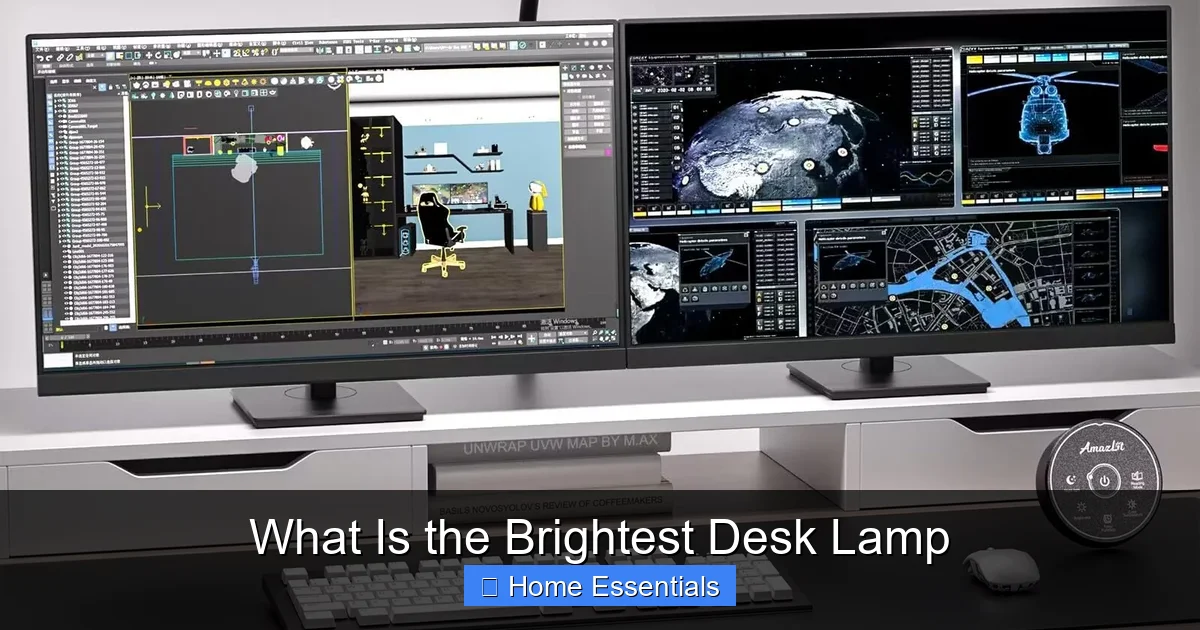
Visual guide about What Is the Brightest Desk Lamp
Image source: images-na.ssl-images-amazon.com
Professional Articulating Task Lamps
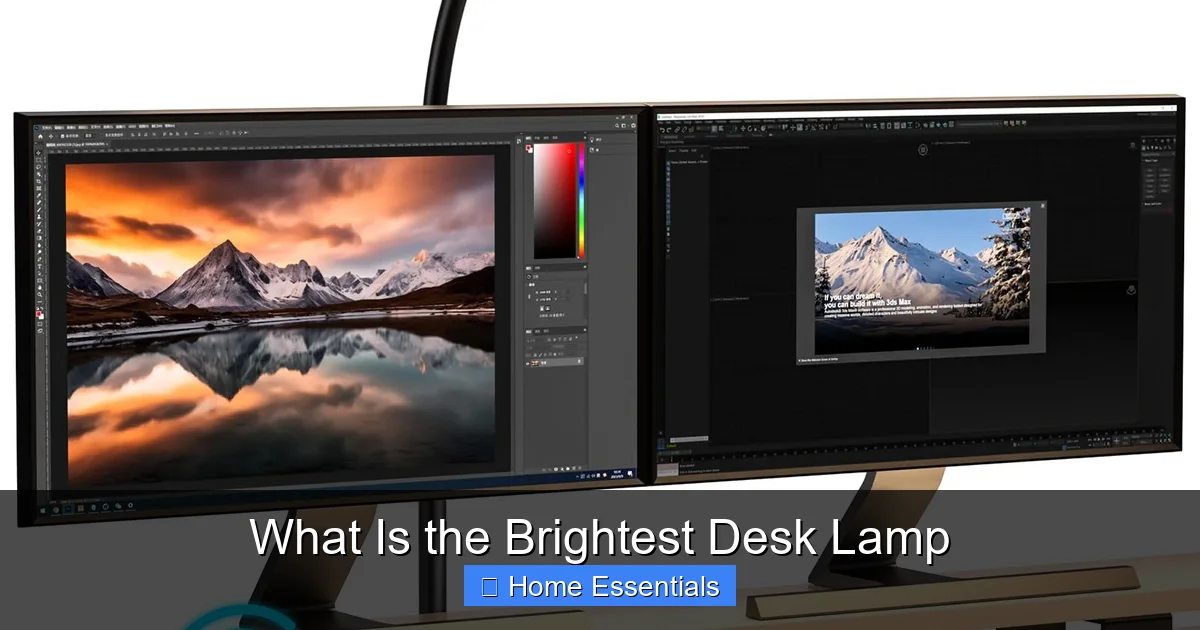
Brands like BenQ (e.g., BenQ ScreenBar series for monitors, but their desk lines too), TaoTronics, and Luxo offer lamps with extreme arm articulation, high CRI LEDs (often 95+), and focused optics. These are the go-to for architects, engineers, and artists. They often feature a large, heavy base for stability and spring-balanced arms that hold position perfectly. Brightness is typically in the 800-1200 lumen range, but it’s so well-directed it feels brighter and more effective than a higher-lumen, poorly designed lamp.
Modern Minimalist High-Output Lamps
Design-forward brands like Muut, Anglepoise, and some offerings from Philips Hue focus on sleek aesthetics without sacrificing performance. They may have fewer articulation points but use high-efficiency LED arrays and excellent diffusers to create a large, even pool of light. Their lumen output is competitive, and they often integrate smart features. These are perfect for a stylish home office where the lamp is part of the decor.
Smart & Adaptive Lamps
This is where your desk lamp meets your smart home. Lamps from Philips Hue, Nanoleaf, and others can produce high lumens (many over 1000) while offering app and voice control via Alexa, Google Home, or Apple HomeKit. You can not only dim and change color temperature but also set schedules that align with your circadian rhythm. For example, having bright, cool light in the morning to wake up and warm, dim light in the evening. If you’re building a connected workspace, this is a compelling option. When evaluating these, always check the maximum lumen output at its coolest/white setting, as RGB color modes are significantly less bright.
Practical Example: The Philips Hue Go is a portable, high-lumen (up to 1600 lumens on white) smart lamp. It’s not a traditional “desk” shape but can be placed anywhere and controlled to provide intense, focused white light for tasks, then switched to ambiance. It exemplifies how smart tech can serve both brightness and mood.
How to Choose the Brightest Desk Lamp for YOUR Needs
Now, let’s get personal. The “brightest” lamp for a surgeon is not the brightest lamp for a novelist. Match the tool to the task.
- For Detail-Oriented Work (Drafting, Electronics, Art): Prioritize maximum lumens (1000+), CRI 90+, and precise articulation. You need every detail to pop with true color. Look for professional task lamps with focused optics.
- For General Office Work & Computer Use: Focus on adjustability and glare reduction. 800-1000 lumens with a neutral color temp (4000K) and excellent arm movement is ideal. The lamp should illuminate your desk without reflecting off your screen. A larger shade or asymmetric design helps.
- For Reading & Comfort: Brightness needs are lower (500-800 lumens), but warmth and softness are key. A lamp with a fabric or diffusing shade that creates a pool of warm light (2700K-3000K) is perfect for long reading sessions without eye fatigue.
- For Multi-Purpose & Shared Spaces: Tunable white and smart features become valuable. You can set a bright, cool mode for work and a warm, dim mode for relaxing. A smart lamp can also be part of a broader “smart desk” setup, syncing with other devices.
Size, Stability, and Your Desk Layout
A powerful lamp needs a stable foundation. A heavy, wide base is essential, especially with long articulating arms. Consider your desk size. A large clamp-on lamp saves surface area but requires a thick, stable desk edge. A traditional base lamp needs a clear footprint. Also, think about where the light needs to come from. If you’re left-handed, a lamp that shades from the right is best to avoid hand shadows. Many premium lamps offer this “handedness” option.
Installation, Care, and Maximizing Your Investment
You’ve chosen the champion. Now, set it up for optimal performance.
Proper Positioning is Everything
The golden rule: the light source should be to the side of your dominant hand and slightly in front of you. For a right-hander, place the lamp on the left side of the desk, angled down and toward your work. This prevents your writing hand from casting a shadow. The light should fall on your work surface, not directly into your eyes or onto your computer screen. For screen work, the lamp should illuminate the desk, not the monitor. Many modern lamps have asymmetric heads designed specifically for this “screen-side” lighting.
Cleaning and Maintenance
Dust is the enemy of brightness. A dusty shade or lens scatters light and reduces effective output by up to 30%. Regularly dust your lamp with a soft, dry microfiber cloth. For grime, slightly dampen the cloth. Avoid harsh chemicals that can yellow plastic shades or damage finishes. For integrated LED lamps, there are no bulbs to replace, but you should check the manufacturer’s guidelines for any specific care. A clean lamp is a bright lamp.
When cleaning electronic components, it’s crucial to use the right tools. A microfiber cloth is ideal because it’s soft, non-abrasive, and traps dust effectively without scratching surfaces. You can learn more about proper microfiber care in our guide on what not to clean with microfiber to avoid damaging sensitive finishes.
Troubleshooting Common Issues
If your new high-lumen lamp seems dim, first check it’s on its highest setting. Ensure any diffuser or shade is clean and properly attached. If it’s a smart lamp and unresponsive, check your Wi-Fi connection and app. Persistent issues could be a faulty LED driver. For lamps with standard sockets, ensure you’ve installed a high-lumen bulb correctly. If the lamp flickers, it’s almost certainly an incompatible dimmer switch (for non-smart lamps) or a low-quality bulb. Use a compatible, high-quality LED bulb or a dedicated LED dimmer.
The Verdict: Defining the “Brightest” for You
So, what is the absolute brightest desk lamp? There is no single winner. The title belongs to a category of lamps that combine high, efficient lumen output (typically 1000+) with exceptional optical control, premium color quality (high CRI), and full adjustability. The brightest lamp is the one that delivers perfectly directed, eye-friendly light exactly where and when you need it.
For most users seeking a powerful, no-compromise task light, a professional-grade LED articulating lamp from a reputable brand is the safest and most effective bet. If you live in a smart home ecosystem, integrating a high-lumen smart lamp adds a layer of convenience and adaptability that traditional lamps can’t match. Always, always prioritize adjustability and light quality (CRI, flicker-free) over a single, higher lumen number on the box. Your eyes—and your productivity—will thank you for choosing a lamp that illuminates your work without creating new problems.
Frequently Asked Questions
Is a higher lumen count always better for a desk lamp?
Not necessarily. While high lumens are needed for detail work, improper direction or lack of adjustability can cause glare and shadows, making the light unpleasant and ineffective. A well-designed 800-lumen lamp can outperform a poorly designed 1500-lumen lamp for most tasks.
What color temperature is best for a bright desk lamp?
For focused task lighting, a neutral to cool white light between 4000K and 5000K is generally best. It promotes alertness and provides high contrast. For a more relaxed ambiance, you can lower the temperature to 2700K-3000K. Tunable white lamps give you the flexibility to choose.
Do I need a special bulb for maximum brightness?
If your lamp has a standard socket, you can buy a dedicated high-lumen LED bulb (1000+ lumens). Ensure it has a high CRI (90+) and is dimmable if your lamp supports it. For integrated LED lamps, the output is fixed by design, so check the spec sheet for maximum lumens.
Can a too-bright desk lamp cause eye strain?
Yes. Extremely bright, un-diffused light pointed directly at your eyes or reflecting off surfaces causes pupil constriction and muscle fatigue, leading to strain, headaches, and fatigue. This is why adjustability and proper positioning are as important as raw brightness.
Are smart desk lamps as bright as traditional high-lumen lamps?
Top-tier smart lamps can be just as bright, often reaching 1600+ lumens on their cool white settings. However, you must check the specifications, as some prioritize color-changing RGB modes over white light brightness. Always verify the maximum lumen output in “white” mode.
How do I prevent my bright desk lamp from causing screen glare?
Position the lamp to the side (not behind you) and angle it down onto your desk, not forward toward your face. Use a lamp with an asymmetric shade or a hood that blocks direct light from hitting the screen. A matte desk surface also helps reduce reflections.