Monitor Stand Riser for Desk
A monitor stand riser is a simple yet transformative desk accessory that lifts your screen to the perfect eye level, promoting better posture and reducing strain. It instantly adds valuable storage space underneath and comes in various materials and designs to match any aesthetic. By organizing your workspace and encouraging a healthier setup, this small investment can significantly boost your comfort and productivity during long work or gaming sessions.
Key Takeaways
- Ergonomic Health: A monitor stand riser positions your screen at eye level, preventing neck pain, eye strain, and promoting a naturally aligned posture.
- Space Creation: It frees up significant under-desk real estate, allowing for storage of keyboards, notebooks, and other essentials for a tidier workspace.
- Enhanced Organization: Many models include built-in drawers, shelves, or compartments, centralizing clutter and keeping frequently used items within easy reach.
- Cable Management: Integrated cable holes and trays help route messy wires neatly, contributing to a safer and more visually appealing desk surface.
- Aesthetic Upgrade: Available in wood, metal, and acrylic, a riser can complement your desk style, turning a functional tool into a design feature.
- Versatility: Suitable for monitors, laptops (when used with a separate keyboard), and even all-in-one computers, making it a universal solution for various setups.
- Productivity Boost: A comfortable, organized, and visually pleasing workspace directly contributes to improved focus, efficiency, and overall work satisfaction.
📑 Table of Contents
- What Exactly is a Monitor Stand Riser?
- The Ergonomic Edge: Why Your Body Will Thank You
- Beyond Elevation: Organization and Space Optimization
- Aesthetic Appeal: Turning Your Desk into a Design Statement
- Choosing the Perfect Monitor Stand Riser for Your Needs
- Setup, Maintenance, and Long-Term Care
- Conclusion: A Small Change, A Big Impact
What Exactly is a Monitor Stand Riser?
Let’s start with the basics. A monitor stand riser for desk is a sturdy platform, typically made of wood, metal, or durable plastic, designed to sit on your desk surface and elevate your computer monitor. Its primary job is simple: to lift your screen up. But the magic is in what that simple action unlocks. Think of it as a foundation for your entire workstation. The standard height of a desk is often too low for optimal viewing, forcing you to crane your neck downward. A riser bridges that gap, bringing your screen into your natural line of sight.
These risers come in a delightful array of forms. The most basic is a simple, solid block—often a sleek rectangle of bamboo or a sturdy piece of metal. Then you have the feature-packed models, which are essentially small pieces of furniture for your desk. These include one or more shelves, pull-out drawers, and dedicated cable management ports. Some even have built-in charging stations or USB hubs. The choice ultimately depends on your needs: are you looking for pure elevation, or do you need a storage solution too? Regardless of the style, the core principle remains the same: creating a healthier, more efficient eye level for your digital window to the world.
Understanding the Different Types
When shopping, you’ll primarily encounter two broad categories. The first is the fixed-height riser. This is your classic block. It has one set height, usually between 3 to 6 inches. It’s the most affordable, simplest, and often most stable option because there are no moving parts. It’s perfect if you know exactly what height you need and want a no-fuss solution.
The second category is the adjustable monitor stand. These have telescoping legs or a mechanism that allows you to fine-tune the height, sometimes even the tilt angle. This is ideal for shared workstations, users of varying heights, or anyone who wants to experiment to find their perfect setup. They offer more flexibility but can be slightly more expensive and may have a higher profile when collapsed. Some advanced models even offer gas spring adjustments for effortless height changes.
Then there are desk-mounted monitor arms, which are a different beast entirely. They clamp to the back of your desk and use an articulated arm to hold your monitor. While not a “riser” in the traditional sense, they achieve the same primary goal—optimal positioning—with even greater flexibility in terms of tilt, swivel, and depth. They are fantastic for saving desk surface area but require a compatible desk edge and are a more permanent installation.
The Ergonomic Edge: Why Your Body Will Thank You
This is the most critical reason to consider a monitor stand riser for desk. Ergonomics isn’t just a fancy office buzzword; it’s about designing your workspace to fit you, not the other way around. The human body is not meant to be hunched over a desk for eight hours. A poorly positioned monitor is a direct ticket to a world of discomfort, from a stiff neck to chronic headaches.
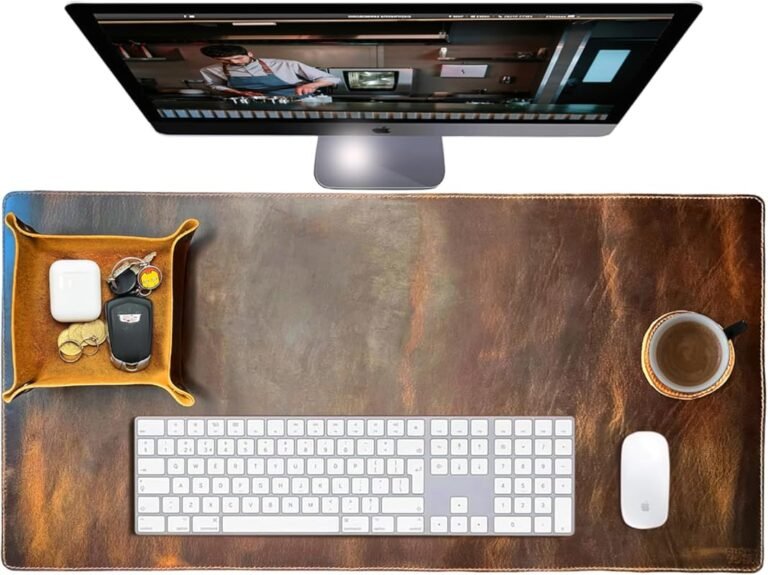
Visual guide about Monitor Stand Riser for Desk
Image source: m.media-amazon.com
The Ideal Viewing Angle
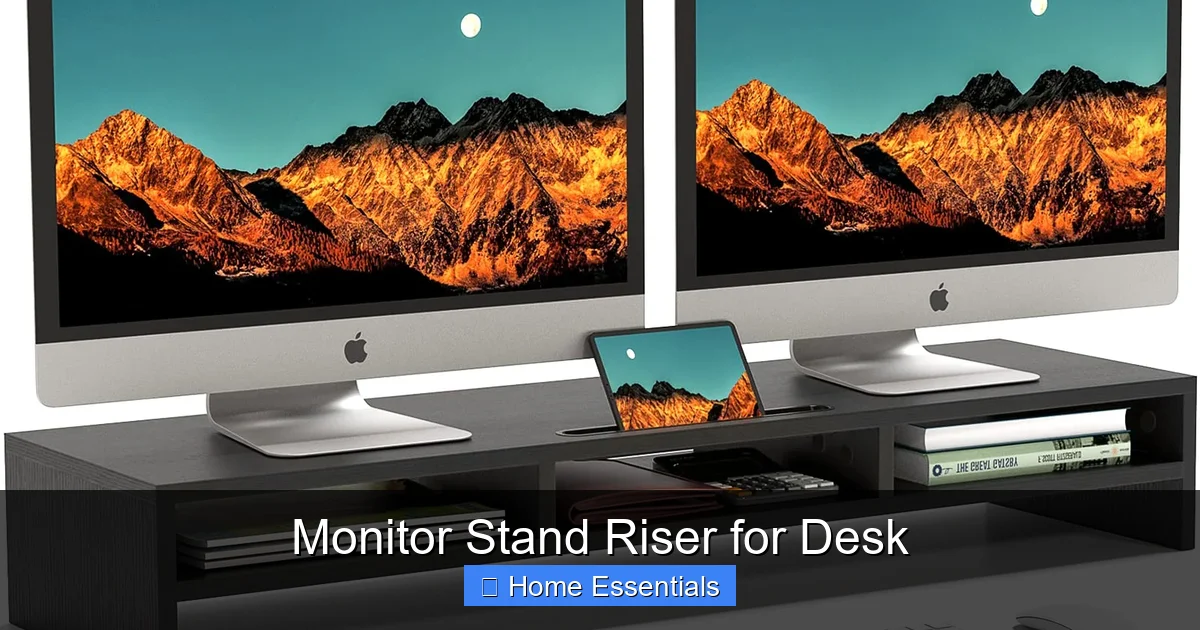
The golden rule for monitor placement is that the top third of your screen should be at or slightly below eye level. When you look straight ahead, your gaze should naturally fall on the center of your screen. This position allows your neck to remain in a neutral, balanced posture. You shouldn’t have to tilt your head up or down to see the content. A riser elevates your monitor to hit this sweet spot. For most people, this requires adding 4 to 6 inches of height, but your specific mileage may vary based on your desk height and your own stature.
Reducing Neck and Eye Strain
Looking down at a low monitor causes a condition often called “tech neck” or “text neck.” The weight of your head, which is surprisingly heavy (about 10-12 pounds), pulls on the muscles and ligaments in your neck and upper back when tilted forward. Over time, this leads to muscle fatigue, soreness, and even long-term spinal issues. By raising the screen, a riser encourages you to keep your head upright and aligned over your spine. Furthermore, having the screen at the correct distance (typically an arm’s length away) and angle reduces eye strain. You won’t be squinting or struggling with reflections from overhead lights as much, especially if your riser has a slight rearward tilt to optimize the viewing plane.
Wrist and Arm Alignment
An often-overlooked benefit of elevating your monitor is what it does for your arms and wrists. When your monitor is too low, you might unconsciously hunch your shoulders or raise your shoulders to see better. This tension travels down your arms. More importantly, a proper monitor height works in tandem with your keyboard and mouse placement. With your screen at eye level, you can keep your elbows bent at a comfortable 90-degree angle, with your forearms parallel to the floor and your wrists in a neutral position. This alignment is fundamental to preventing repetitive strain injuries like carpal tunnel syndrome. The space created underneath the riser is perfect for tucking your keyboard and mouse away when not in use, further encouraging a neutral wrist posture during breaks.
Beyond Elevation: Organization and Space Optimization
Let’s be honest: a cluttered desk is a stressed mind. One of the most immediate and satisfying benefits of a monitor stand riser is the instant organizational boost it provides. That empty space under your newly elevated monitor isn’t just air; it’s prime real estate.
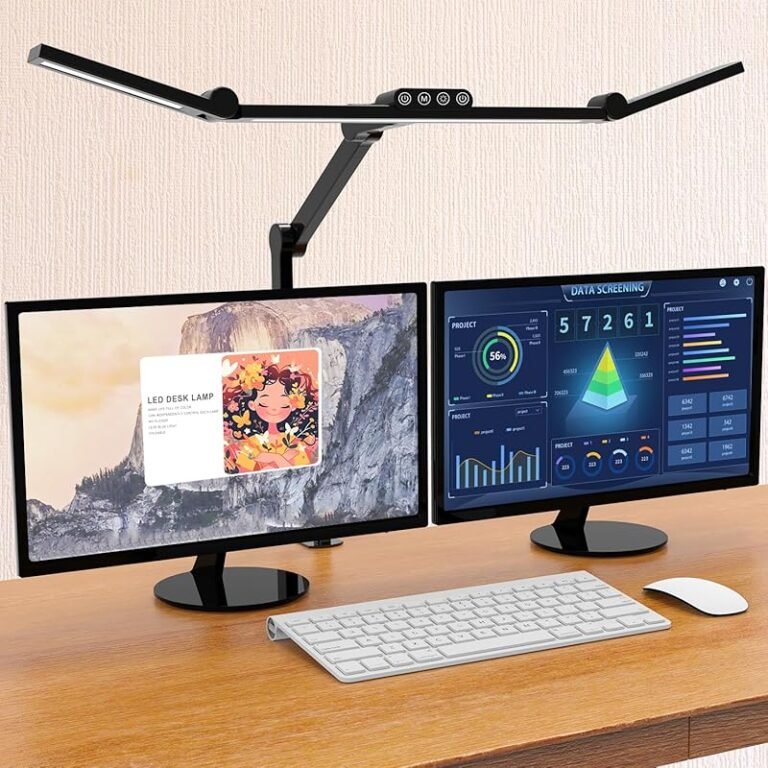
Visual guide about Monitor Stand Riser for Desk
Image source: m.media-amazon.com
Under-Desk Storage Solutions
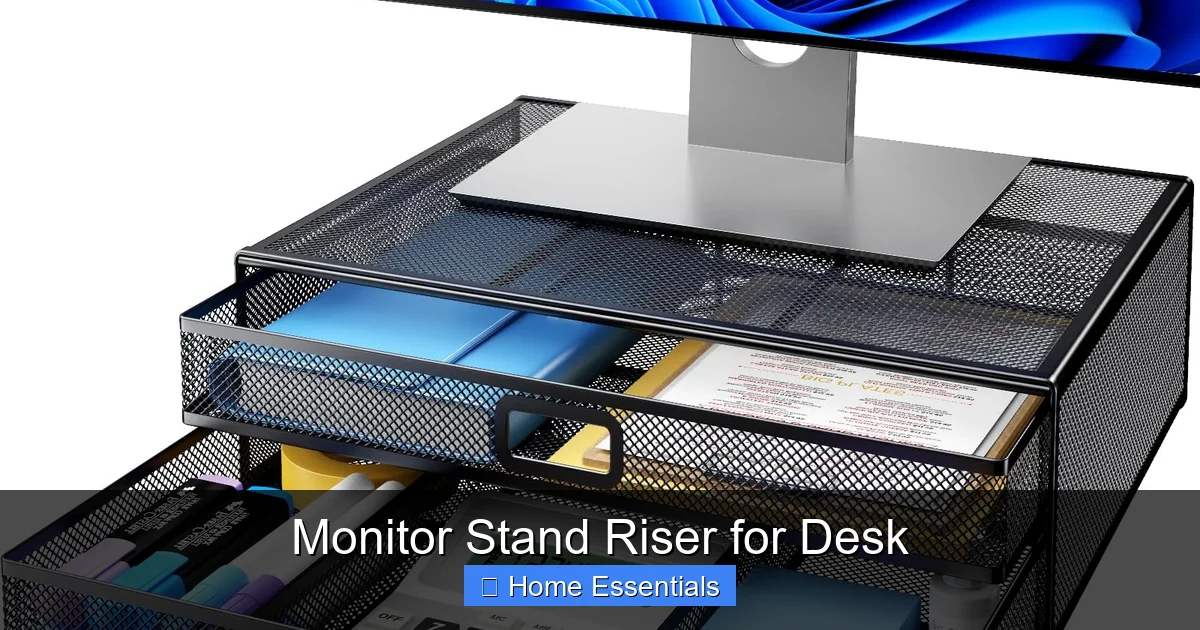
The most straightforward use for this space is to slide your keyboard and mouse underneath when you’re not using them. This single act does two things: it clears your entire desk surface for writing, reading, or other tasks, and it protects your input devices from dust and spills. But why stop there? This is where multi-tiered risers shine. Models with a second shelf below the main platform are game-changers. You can store:
- Notebooks and Planners: Keep your physical to-do list or journal within arm’s reach but out of the way.
- External Drives and Docks: Hide bulky hard drives, USB hubs, and docking stations neatly.
- Stationery: Pens, pencils, sticky notes, and rulers find a perfect home in a dedicated drawer or on a lower shelf.
- Headphones: A dedicated headphone stand can often be placed on the lower shelf, getting them off the desk but keeping them accessible.
- Personal Items: A small plant, a photo frame, or your favorite coffee mug can have a designated spot.
This vertical organization philosophy turns your riser into a mini-command center. Everything you need is stacked logically, reducing the time spent searching and the visual distraction of scattered items.
Cable Management Made Easy
The tangle of cables behind your monitor is the unsightly secret of every desk. A good monitor stand riser often includes thoughtful cable management features. Look for models with:
- Grommet Holes: These are pre-drilled holes in the platform that allow you to thread power cables, video cables, and USB cables through, hiding them from view.
- Integrated Cable Trays or Channels: Some risers have a recessed channel along the back or underside specifically designed to route and conceal a bundle of wires.
- Clips or Ties: Included accessories to bundle cords together neatly before feeding them through the holes.
By corralling your cables at the source (the monitor), you create a much cleaner look from the front and side of your desk. It also makes dusting and cleaning around your setup significantly easier. A clean cable run isn’t just aesthetics; it’s also a minor safety improvement, reducing tripping hazards and the chance of accidentally yanking a cable.
Multi-Monitor Setups
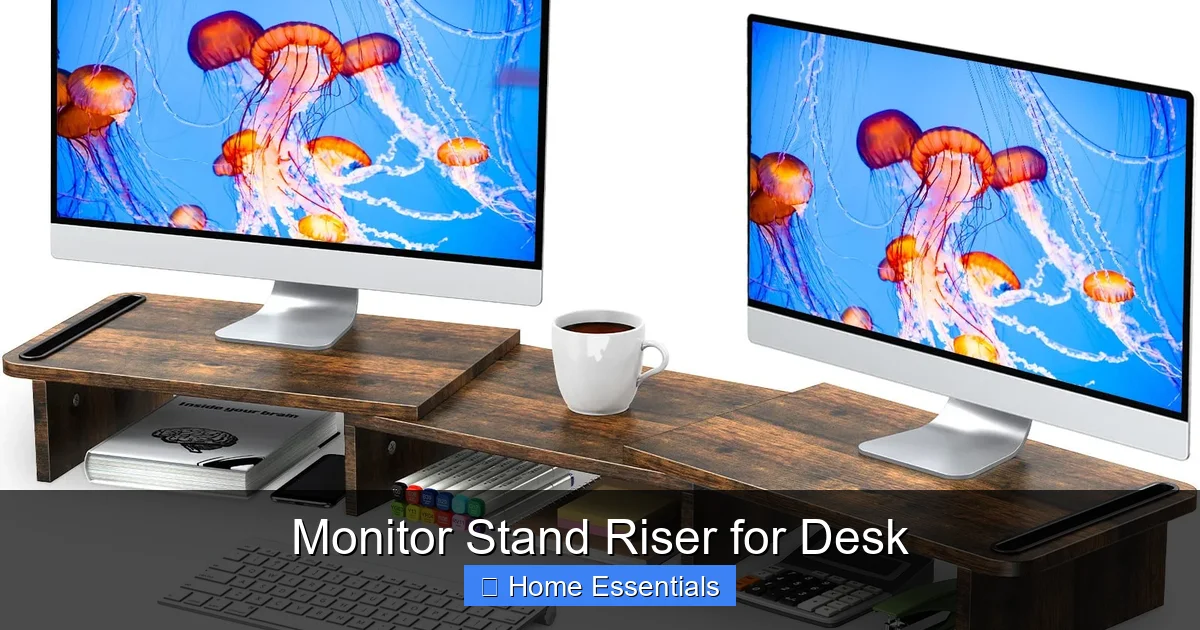
For power users, gamers, and financial traders, a single monitor is often not enough. A wide, sturdy monitor stand riser for desk can accommodate two or even three monitors side-by-side. This creates a seamless, immersive panorama that eliminates the bezel gap you’d get with separate stands. It also centralizes the entire visual field, making window management easier. When using multiple monitors, ensuring the riser’s weight capacity is sufficient for the combined weight of all your displays is absolutely crucial for stability and safety.
Aesthetic Appeal: Turning Your Desk into a Design Statement
Your workspace should be a place you enjoy being. In an era of remote work and home offices, the desk is a central piece of furniture in your living space. A monitor stand riser is a low-commitment, high-impact way to upgrade the look and feel of your entire desk area.
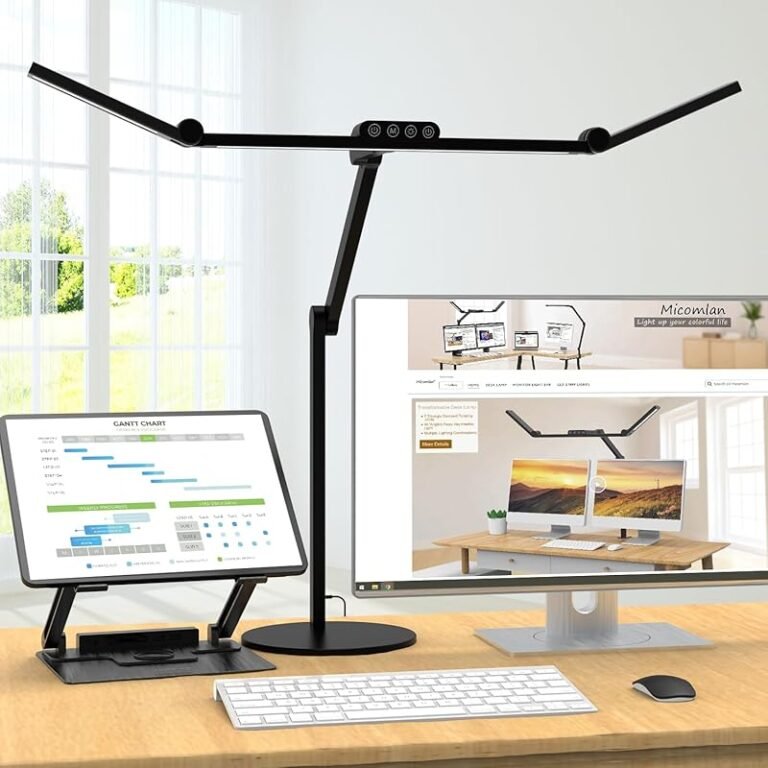
Visual guide about Monitor Stand Riser for Desk
Image source: images-na.ssl-images-amazon.com
Material Matters
The material defines the riser’s character and durability.
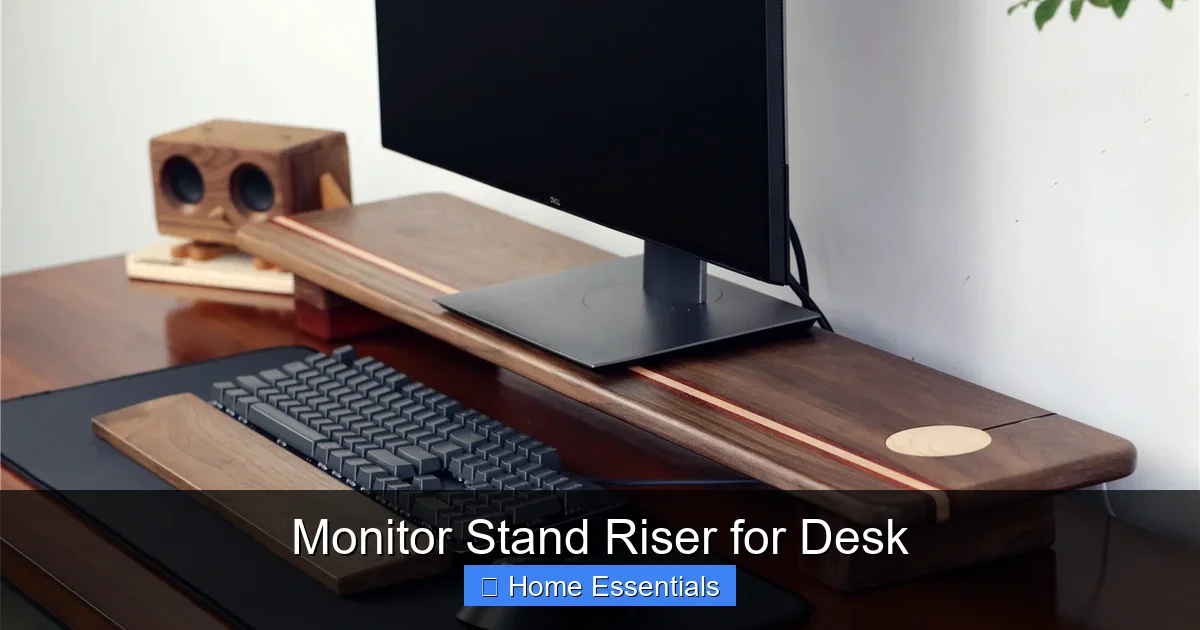
- Natural Wood (Bamboo, Oak, Walnut): These offer warmth, texture, and a timeless, organic feel. Bamboo is particularly popular—it’s fast-growing, sustainable, hard-wearing, and has a beautiful grain. A wood riser feels substantial and high-quality.
- Metal (Steel, Aluminum): Metal risers scream modern, industrial, and minimalist. They are often powder-coated in black, white, or grey, offering a sleek, no-nonsense look. They are incredibly sturdy and typically have a lower profile.
- Acrylic/Lucite: For a truly modern, almost futuristic look, clear or frosted acrylic risers are stunning. They create an illusion of more space because you can see through them, making them perfect for smaller desks. They pair beautifully with modern or Scandinavian decor.
- Composite/Plastic: Often used in more affordable or highly feature-rich models (with many drawers), these can mimic wood or metal finishes. Quality varies widely, so check reviews for sturdiness.
Color and Finish Options
Beyond material, color plays a huge role. You can find risers in classic black and white, warm wood tones, bold colors like navy or forest green, and even patterns. The goal is to complement your existing desk and room decor. A dark riser on a light wood desk creates striking contrast. A natural bamboo riser on a walnut desk creates a harmonious, tonal look. Consider the finish—matte, satin, or glossy—as it affects both the look and how easily it shows fingerprints and dust.
Minimalist vs. Feature-Rich Designs
This is a key stylistic choice. A minimalist riser is a single, clean block. It’s about pure function and uncluttered lines. It suits those who value simplicity and have other storage solutions. A feature-rich riser with multiple shelves, drawers, and ports is more of a statement piece. It’s ideal for those who need maximum organization in a compact footprint and don’t mind a slightly more complex visual profile. Your choice here says a lot about your personal style and your approach to workspace organization.
Choosing the Perfect Monitor Stand Riser for Your Needs
With the “why” clear, let’s drill down into the “how” of selecting the right one. Not all risers are created equal, and a few key specifications will determine whether a model is a perfect fit or a frustrating mismatch.
Size and Dimensions
This is your first checkpoint. You need to measure three things:
- Your Monitor’s Base Dimensions: Measure the width and depth of your monitor’s stand or base. The riser’s platform must be at least as wide and deep as this base, with a little extra room (at least 0.5-1 inch on all sides) for stability and to prevent the monitor from overhanging dangerously.
- Your Desk’s Available Space: Measure the length and width of the open area on your desk where the riser will sit. Ensure it doesn’t interfere with other items like a lamp, desk pad, or side monitor.
- Desired Height: Measure from your desk surface to your ideal eye-level point (usually 4-6 inches is a great starting point). Check the riser’s stated height. If it’s adjustable, note its range.
A common mistake is buying a riser that’s too small for the monitor base, creating a top-heavy, wobbly situation. Stability is non-negotiable.
Weight Capacity and Stability
This is a safety-critical spec. Every riser will list a maximum weight capacity. You must calculate the total weight of your monitor plus its stand. A typical 27-inch monitor with its stand can weigh anywhere from 8 to 15 pounds. Add a laptop, a small lamp, or other items you might place on the riser, and you need a buffer. Choose a riser with a capacity at least 25-50% higher than your estimated total load. A wobbly riser is distracting and risks damaging your equipment. Look for models with a low center of gravity, wide feet, and non-slip padding on the bottom (rubber feet are excellent).
Additional Features to Consider
Now for the nice-to-haves. What solves your specific pain points?
- Storage: How many drawers/shelves do you need? Are they deep enough for your items? Do they have smooth glides?
- Cable Management: Are there enough grommet holes? Is there a tray? Is it accessible?
- Build Quality: Is it made of solid wood, particleboard with a veneer, or stamped metal? Check reviews for mentions of wobble, flex, or durability over time.
- Assembly: Does it require tools? Are instructions clear? Most risers are flat-pack and require some assembly.
- Portability: If you move desks often, a lighter weight or a design that’s easy to disassemble is a plus.
Prioritize these features based on your workflow. If cable chaos is your biggest issue, make that a top filter. If you need every inch of storage, seek out models with maximum drawer count.
Setup, Maintenance, and Long-Term Care
You’ve chosen your perfect monitor stand riser. Now, let’s get it working for you and keep it that way for years to come.
Assembly Tips
Most risers come with instructions and necessary hardware. Always assemble on a soft surface like a carpet or towel to avoid scratching the finish. Tighten all screws and bolts firmly, but don’t overtighten and strip the threads, especially in wood or composite materials. If it has adjustable feet, install them last and use them to level the riser on an uneven desk surface. A level riser is a stable riser. Once assembled, place it on your desk, center it, and then carefully lift your monitor (always lift from the base, not the screen) and place it on the platform. Ensure it’s centered and secure before connecting cables.
Daily and Weekly Maintenance
Keeping your riser clean is simple but important. Dust is the primary enemy, as it can accumulate and look unsightly, and in the case of wood, potentially degrade the finish over time.
- Daily: A quick once-over with a dry, soft microfiber cloth to remove surface dust and fingerprints is all it takes.
- Weekly: For a deeper clean, dampen (don’t soak) your microfiber cloth with a mild cleaner suitable for the riser’s material (wood polish for wood, glass cleaner for acrylic, a damp cloth for metal). Wipe down all surfaces. For the nooks and crannies of drawers and shelves, use a cotton swab or a soft brush.
- Cable Management: Periodically check that cables are still neatly threaded and not pinched or strained.
For electronics dusting around your monitor, using a dedicated microfiber duster for electronics is a pro move. It’s designed to be gentle on screens and sensitive components while effectively lifting dust away without scratching.
When to Replace Your Riser
A well-made riser can last for many years. However, you should consider a replacement if you notice:
- Persistent, significant wobble that tightening screws doesn’t fix.
- Cracks, splits, or major warping in the material.
- Broken or missing parts (like drawer glides or cable grommets) that impair function.
- A change in your needs that the current riser can’t accommodate (e.g., upgrading to a much larger monitor).
Investing in a quality riser initially is the best way to avoid premature replacement. It’s a tool you’ll use daily, so it’s worth the upfront cost for something that provides lasting stability and function.
Conclusion: A Small Change, A Big Impact
The humble monitor stand riser for desk is a masterclass in functional design. It’s a testament to the fact that the most effective solutions are often the simplest. By making one deliberate change—lifting your screen to the correct height—you initiate a cascade of benefits. Your body moves into a healthier alignment, your mind is freed from the distraction of physical discomfort, and your desk transforms from a cluttered surface into an organized, purposeful command center.
It bridges the gap between the static, often poorly designed furniture we inherit and the dynamic, personalized workspace we need to thrive. Whether you’re a remote employee battling Zoom fatigue, a student burning the midnight oil, or a gamer seeking the perfect immersive view, the right riser is a foundational piece of that puzzle. It’s not just about seeing your screen better; it’s about feeling better, working smarter, and creating a space that genuinely supports your daily life. Take the time to assess your needs, choose a style that resonates with you, and experience the profound difference that a few inches of elevation can make.
Frequently Asked Questions
What is the ideal height for a monitor stand riser?
The ideal height positions the top third of your monitor screen at or slightly below your natural eye level when sitting upright. For most people using a standard 28-30 inch desk, a riser that adds 4 to 6 inches is a great starting point. Adjustability is key for finding your perfect fit.
Can I use a monitor stand riser with a laptop?
Yes, absolutely! Using a riser with a laptop is highly recommended. It elevates the laptop screen to a proper ergonomic height. However, you will need to use a separate external keyboard and mouse to maintain healthy wrist posture, as the built-in laptop keyboard would then be too high to use comfortably.
Do monitor stand risers really improve posture?
Yes, they are a crucial tool for improving posture. By raising the screen to eye level, they prevent you from slouching forward or tilting your head down for extended periods. This encourages a neutral spine position, reducing strain on the neck, shoulders, and upper back, which are common issues from poor monitor placement.
How much weight can a typical monitor stand riser hold?
Weight capacities vary widely by design and material. Simple wooden risers often hold 30-50 lbs, while heavy-duty metal models can support 80 lbs or more. Always check the manufacturer’s specifications and calculate the combined weight of your monitor (with its stand), plus any other items you’ll place on top.
Are there monitor stand risers with built-in charging ports?
Yes, many modern risers, especially those with a feature-rich design, include built-in USB charging hubs or power strips. These often have multiple USB-A and USB-C ports, allowing you to charge your phone, tablet, or other devices directly from the riser, further reducing desk clutter.
How do I clean and maintain my monitor stand riser?
For routine cleaning, use a soft, dry microfiber cloth to dust weekly. For deeper cleaning, slightly dampen the cloth with a cleaner appropriate for the material (e.g., wood polish for wood, a mild all-purpose cleaner for metal/plastic). Avoid harsh chemicals or soaking the surface. Periodically check and tighten any screws to maintain stability. Keeping the area dust-free with a proper microfiber cloth for dusting helps preserve the finish.