What to Put on a Study Desk
Creating an effective study desk is about intentionality, not just filling space. The right items boost focus, while the wrong ones create distraction. This guide covers the essential tools, smart organization systems, and personalized touches that transform any surface into a productivity powerhouse. Learn to curate a workspace that genuinely supports your learning and work goals.
Ever sat down at your study desk and felt overwhelmed before you even opened a book? You’re not alone. That stack of old notebooks, the tangled charger nest, the half-empty water bottle from three days ago—it all whispers (or shouts) for your attention. The truth is, what you put on your study desk isn’t just about decoration; it’s about designing an environment that makes your brain want to focus. It’s the physical manifestation of your intent to learn, create, or work. This isn’t about achieving a sterile, showroom-perfect look. It’s about curating a toolkit for your mind. Let’s build your perfect setup, piece by piece.
Key Takeaways
- Prioritize Function Over Form: Every item on your desk should serve a clear purpose related to your work or well-being. If it doesn’t actively help, it likely hinders.
- Embrace Strategic Minimalism: A clutter-free desk reduces cognitive load. Keep only daily-use items within arm’s reach, storing everything else out of sight.
- Invest in Ergonomic Foundations: Your chair, monitor height, and lighting are non-negotiable for long-term health and sustained concentration. Don’t skimp here.
- Master Cable Management: Tangled cords are visual noise. Use clips, sleeves, or a desk grommet to create a clean, safe, and professional-looking setup.
- Optimize Lighting for the Task: Combine ample ambient light with a focused task light. Consider smart bulbs for adjustable color temperature to match your energy levels throughout the day.
- Integrate Nature & Personalization: A small plant or a single meaningful item can reduce stress and increase ownership. But keep decor minimal and purposeful.
- Establish a Daily Reset Ritual: A 5-minute end-of-day routine to clear trash, return items to their homes, and wipe the surface prevents chaos from accumulating.
📑 Table of Contents
- The Non-Negotiable Foundation: Ergonomics & Core Tools
- Taming the Tangle: The Art of Cable Management
- Essential Desk Tools: Beyond the Laptop and Books
- Lighting, Air, and Ambiance: The Mood Makers
- Personalization & Distraction Control: Making It Yours (Without the Chaos)
- Maintenance & The Daily Reset Ritual
- Conclusion: Your Desk, Your Command Center
The Non-Negotiable Foundation: Ergonomics & Core Tools
Before we talk about the fun stuff like organizers and plants, we must lay the groundwork. A beautiful desk with poor ergonomics will hurt your body and sabotage your focus. Think of this as building a house—you need a solid foundation and walls before decorating the rooms.
The Holy Trinity: Chair, Monitor, and Lighting
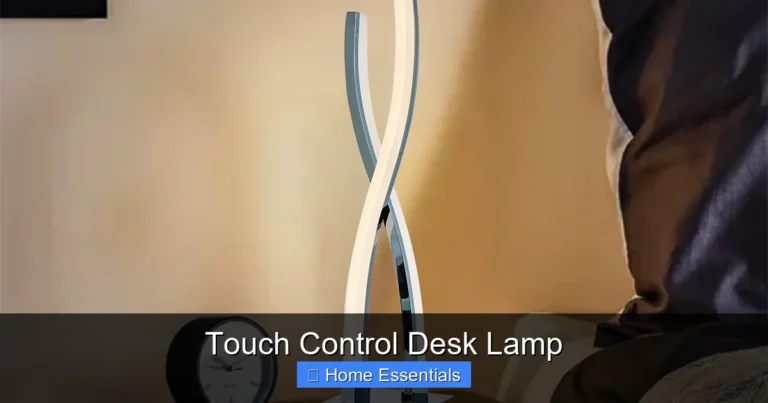
Your chair is your throne for hours. It must support your lower back, allow your feet to rest flat on the floor, and keep your knees at a 90-degree angle. If your current chair is a dining room chair, it’s time for an upgrade. Your monitor’s top should be at or slightly below eye level, and about an arm’s length away. This prevents neck strain and eye fatigue. Finally, lighting is everything. Harsh overhead lights cause glare, while dim lighting strains your eyes. Aim for a combination of soft, overall room light (ambient) and a dedicated task lamp positioned to the side of your dominant hand to avoid shadows on your work.
For your task lamp, consider a smart bulb. The ability to adjust brightness and, more importantly, color temperature is a game-changer. Cool, blue-toned light (5000K-6500K) mimics daylight and can boost alertness for deep work sessions. Warm, yellow-toned light (2700K-3000K) is calming and perfect for evening review or creative thinking. You can easily connect a smart bulb to your phone or voice assistant to shift the mood with a simple command, helping your body’s natural circadian rhythm stay in sync with your study schedule.
The Absolute Essentials: Pen, Paper, Power
No matter how digital we become, a reliable pen and a small notepad or sticky notes are irreplaceable for quick jot-downs, mind maps, or underlining key points in a physical book. Keep one pen (maybe a nice one you enjoy using) and a dedicated small notebook on your desk. Second, power is life. You need accessible outlets. A simple, short cable for your laptop is fine, but for multiple devices, a compact, multi-port USB charger or a small power strip kept on the desk edge is essential. This leads us to the crucial next step: managing the inevitable cord chaos.
Taming the Tangle: The Art of Cable Management
Cables are the silent desk killers. They create visual clutter, collect dust, and are just plain ugly. The goal is to make them disappear or at least look intentional. Start with the basics: use adhesive cable clips on the underside of your desk or along the back edge to route wires down in a single, neat line. A simple fabric cable sleeve can bundle multiple cords together. If your desk has a grommet hole (a pre-cut hole for cables), use it! Feed all your cables through it to the floor or a power strip hidden underneath. For frequently unplugged items like a tablet or headphone charger, consider a small weighted cable organizer box that sits on the desk to hold the plugs neatly.
Visual guide about What to Put on a Study Desk
Image source: i.pinimg.com
This is also where smart bulbs shine (pun intended). If you use a smart bulb in your task lamp, you eliminate one physical switch or dimmer knob on your desk, reducing one more small point of visual noise. The control is in your phone or on a voice command, keeping your desk surface cleaner.
Essential Desk Tools: Beyond the Laptop and Books
Now for the active work zone. This is what you interact with daily.

Visual guide about What to Put on a Study Desk
Image source: thumbs.dreamstime.com
Writing & Note-Taking Arsenal
As mentioned, a good pen and a dedicated notebook are key. Also, consider a vertical pen holder or a small cup to keep them upright and contained. A pack of sticky notes (in one size and color to avoid decision fatigue) is perfect for temporary page markers or quick reminders. A small ruler or a microfiber cloth (for wiping your screen or glasses) can also live in this cup. Speaking of cleaning, a dedicated microfiber cloth is a must-have desk tool. It’s perfect for quickly wiping down your keyboard, screen, and desk surface without sprays or scratches. You can learn how to properly use and care for a microfiber cloth to make it last for years, which is both economical and eco-friendly.
Organization Systems: Trays, Stands, and Drawers
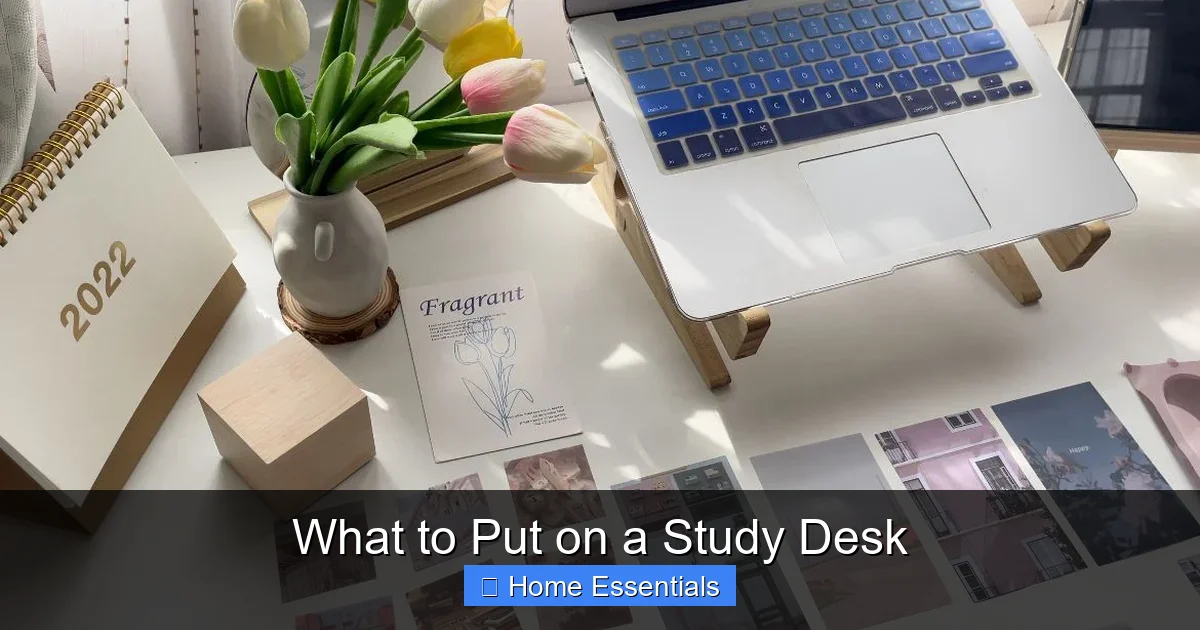
You need a “home” for everything. A simple desk tray or a set of small, nested trays is perfect for active projects: “To Do,” “In Progress,” “Done.” A monitor stand or laptop riser is a dual-purpose hero. It elevates your screen to the correct ergonomic height and creates valuable hidden storage space underneath for a keyboard, notebook, or external drive. If your desk has drawers, use drawer dividers—even simple cardboard cut to size—to separate pens, USB drives, paperclips, and chargers. The rule is: everything has a place, and everything is in its place when not in use.
Lighting, Air, and Ambiance: The Mood Makers
Your sensory environment deeply impacts your ability to concentrate. This is about more than just seeing your work; it’s about feeling right for the task.
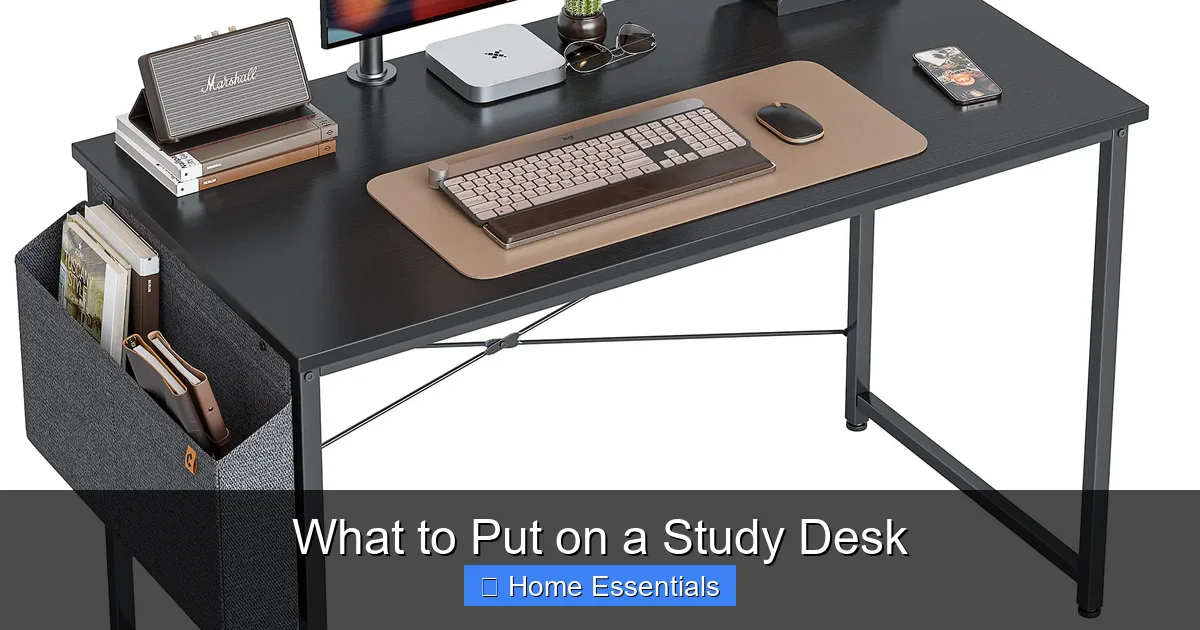
Visual guide about What to Put on a Study Desk
Image source: m.media-amazon.com
Smart Lighting for Smart Studying
We touched on this, but it bears repeating. Poor lighting causes eye strain and headaches. A good task lamp with an adjustable arm is step one. Step two is the bulb. A smart bulb allows you to program your lighting. Set a bright, cool “Focus Mode” for morning study sessions and a warm, dim “Wind-Down Mode” for evening review. Some smart bulbs even work with routines, gradually shifting color temperature to support your natural sleep-wake cycle. When choosing one, ensure it’s compatible with your existing smart home system, whether that’s Alexa, Google Home, or Apple HomeKit. You can find guides on how to connect a smart bulb to WiFi or your preferred assistant in just a few minutes.
The Breath of Life: Air Quality & Greenery
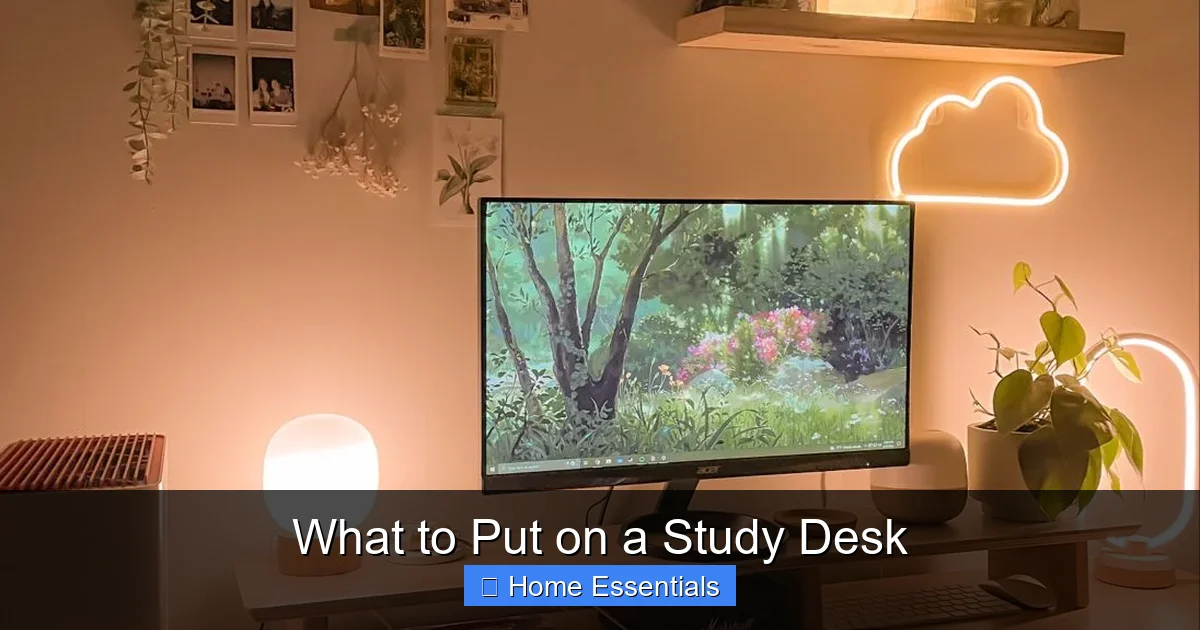
Stale air makes you sluggish. If possible, position your desk near a window for fresh air, even if just cracked. A small, low-maintenance desk plant is a powerful psychological tool. It adds a touch of nature, improves air quality slightly, and gives your eyes a soft, distant focal point during breaks. A succulent, a small snake plant, or a pothos cutting in a tiny vase are perfect. Just don’t turn your desk into a jungle—one or two small plants max.
Personalization & Distraction Control: Making It Yours (Without the Chaos)
This is where your personality comes in, but with guardrails. The goal is inspiration, not interruption.
Meaningful Decor, Not Mere Clutter
Choose one or two items that truly motivate you. This could be a framed photo of a loved one, a small inspirational quote in a stand, a souvenir from a place you love, or a small piece of art. The key is it must be static—it doesn’t demand interaction. A fidget toy or a complex puzzle on your desk is an invitation to distraction. Keep personal items minimal and meaningful. They should be a quiet source of joy, not a siren call for your attention.
The Digital Declutter: Your Computer Desktop
Your physical desk mirrors your mental state. So does your computer desktop. A screen covered in random files and shortcuts is digital clutter. Create a simple folder structure. Have a “Current Projects” folder, an “Archive” folder, and maybe a “References” folder. Keep only the essential apps you use daily on your taskbar or dock. Close all browser tabs and programs you aren’t actively using. A clean digital workspace is just as important as a clean physical one for reducing cognitive load.
Maintenance & The Daily Reset Ritual
A great setup will degrade into chaos without a system. The secret isn’t a perfect, never-touched desk; it’s a quick, consistent reset.
The 5-Minute End-of-Day Blitz
Before you shut down your computer, commit five minutes to your desk. Clear all trash: coffee cups, used tissues, snack wrappers. File or put away any papers that aren’t part of tomorrow’s first task. Wipe down the surface with a damp cloth or your trusty microfiber cloth. This simple habit means you always start the next day with a clean, inviting slate. It’s a psychological signal that work is over and rest can begin.
Weekly Deep Clean & Reorganization
Once a week, do a slightly deeper clean. Dust your monitor, keyboard (use a microfiber cloth and maybe a can of compressed air), and shelves. Take everything off your desk and wipe the entire surface. This is also a good time to assess: Are there items that have migrated here that don’t belong? Is a system breaking down? Adjust your organizers or storage solutions as your needs change. Your desk should evolve with you.
Conclusion: Your Desk, Your Command Center
What to put on a study desk is a deeply personal question, but the principles are universal: prioritize ergonomics, ruthlessly eliminate clutter, optimize for your senses, and establish systems for maintenance. Your desk is more than furniture; it’s the command center for your mind. By intentionally curating this space, you are not just organizing objects—you are designing a environment that reduces friction, protects your health, and makes focus feel effortless. Start small. Pick one section from this guide—maybe just the cable management or the daily reset—and implement it this week. Notice the difference it makes in your ability to sit down and get into the flow. That, ultimately, is the entire point. Now, go build your perfect productive space.
Frequently Asked Questions
What is the absolute minimum I need on my study desk?
At a bare minimum, you need your primary work tool (laptop/tablet/books), a comfortable chair, a reliable light source, a pen, a notepad, and a water container. Everything else should be justified by daily use.
How can I make my small desk feel less cluttered?
Focus on vertical space with wall-mounted shelves or a monitor stand with storage underneath. Use wall pockets for documents. Adhere to a strict “one in, one out” rule for items. Keep the desk surface exclusively for the task at hand, storing all other tools in drawers or on shelves.
Are plants really necessary on a study desk?
They aren’t necessary, but they are highly beneficial. A single small plant can reduce stress, improve air quality, and provide a soft visual break. The key is choosing a low-light, low-maintenance variety that won’t die and become a guilt-inducing distraction.
What’s the best way to manage multiple device chargers?
Use a compact multi-port USB charger (a “charging station”) placed on the desk edge or hidden underneath. Bundle the cables with a sleeve or clip them together. Label each cable with a small tag if you frequently unplug them to avoid confusion.
How often should I clean my study desk surface?
You should do a quick wipe-down with a damp or microfiber cloth daily as part of your reset ritual. A deeper clean with appropriate desk cleaner should happen weekly to disinfect and remove dust and grime buildup.
Should I keep snacks and drinks on my desk?
It’s best to avoid it. Food and drinks invite crumbs, spills, and stains, creating a hygiene issue and a major distraction. Keep a water bottle with a secure lid on the desk, but take snack breaks away from your workspace to maintain a clear mental boundary between work and休息.