Does Smart Bulb Work Without Wifi
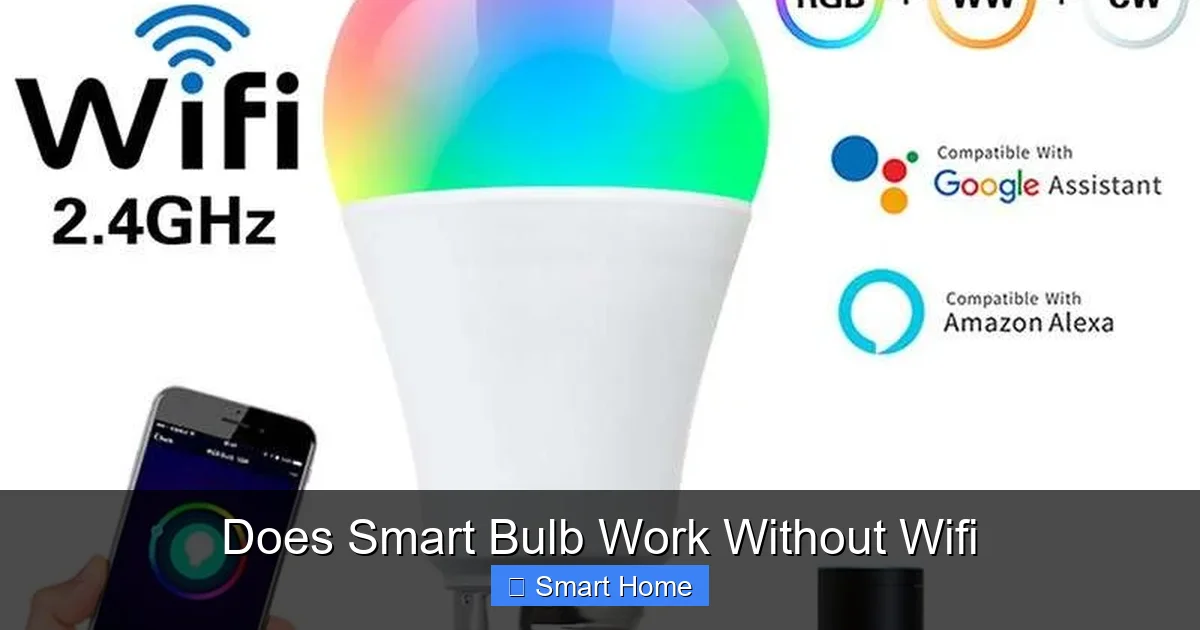
Smart bulbs can absolutely work without WiFi—but with important limitations. Many models support local control via Bluetooth, Zigbee, or built-in timers, allowing you to turn lights on and off without an internet connection. However, advanced features like voice control or app-based scheduling may require a stable WiFi connection to function properly.
Key Takeaways
- Understanding Does Smart Bulb Work Without Wifi: Provides essential knowledge
📑 Table of Contents
- Does Smart Bulb Work Without Wifi? The Complete Guide to Offline Smart Lighting
- Understanding How Smart Bulbs Work
- Can Smart Bulbs Work Without WiFi? Yes—But With Caveats
- How to Keep Your Smart Bulbs Working Without WiFi
- Real-World Scenarios: When WiFi Goes Down
- Pros and Cons of WiFi-Free Smart Bulbs
- How to Choose the Right Smart Bulb for Offline Use
- Conclusion: Smart Bulbs Can Work Without WiFi—If You Choose the Right One
Does Smart Bulb Work Without Wifi? The Complete Guide to Offline Smart Lighting
You just bought a smart bulb—a sleek, modern LED that promises to change color, dim with a tap, and respond to your voice commands. But now you’re facing a dilemma: what happens when your WiFi goes down? Do your smart lights become glorified regular bulbs, or can they still do their thing? This is one of the most common questions smart home enthusiasts ask, and the answer isn’t as simple as “yes” or “no.”
Let’s be honest: WiFi is the backbone of most smart home ecosystems. It connects your devices to the internet, enables remote control, and allows integration with voice assistants like Alexa or Google Assistant. But what if your internet provider has a hiccup, your router crashes, or you’re in a remote cabin with spotty coverage? That’s when you start wondering—can smart bulbs still work without WiFi?
In this guide, we’ll break down exactly how smart bulbs function, what happens when WiFi drops, and which bulbs are truly designed to work offline. Whether you’re a tech newbie or a smart home veteran, you’ll walk away with a clear understanding of your lighting options—and how to keep your home illuminated, even when the internet isn’t.
Understanding How Smart Bulbs Work
What Makes a Light “Smart”?
Before we dive into WiFi-free operation, let’s clarify what makes a light bulb “smart” in the first place. A smart bulb isn’t just a bulb with a remote control. It’s a mini-computer embedded in a light fixture, capable of receiving signals, processing commands, and interacting with other devices. These bulbs typically include:
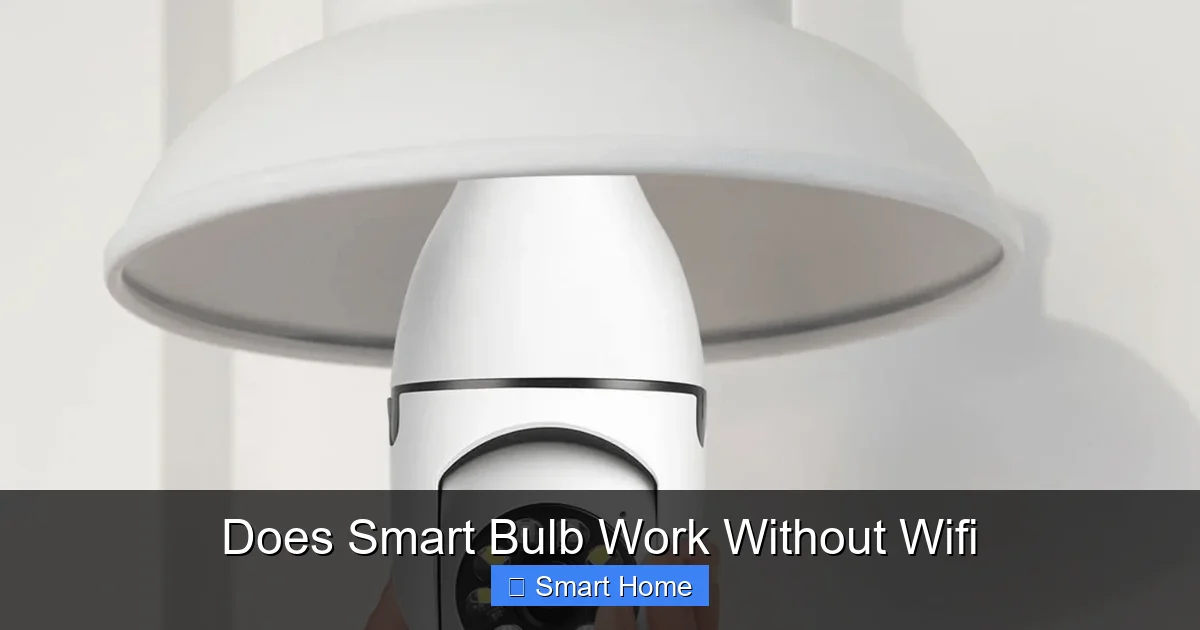
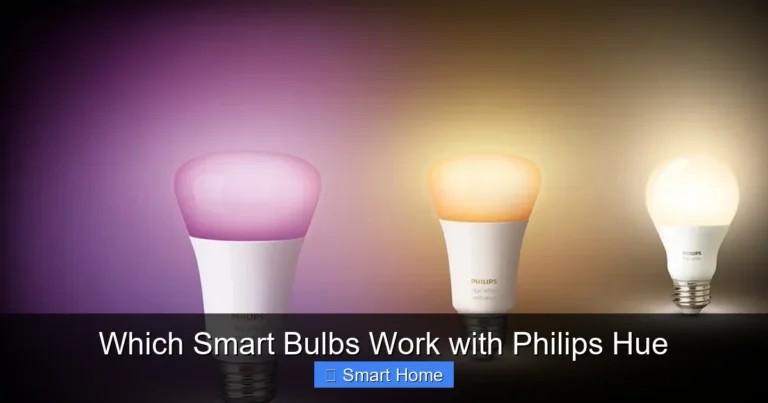
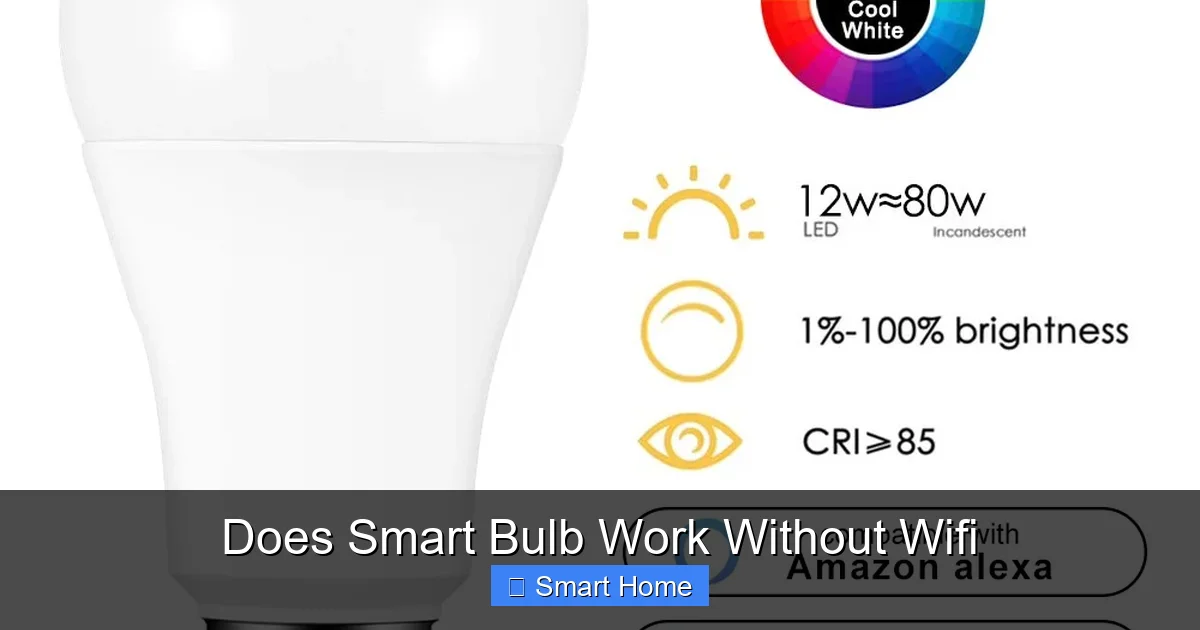
Visual guide about Does Smart Bulb Work Without Wifi
Image source: chyhua.com
- Microprocessors to control brightness and color
- Wireless communication chips (like Bluetooth, Zigbee, or Wi-Fi)
- Memory to store settings and schedules
- Sensors (in some models) for motion or ambient light detection
Most smart bulbs rely on a central hub or your home’s WiFi network to send and receive commands. But not all smart bulbs depend on the internet. Some are designed to operate locally, communicating directly with a controller or hub without needing a cloud connection.
The Role of WiFi in Smart Lighting
WiFi is the most common way smart bulbs connect to your home network. When you install a Wi-Fi-enabled smart bulb, it connects directly to your router, allowing you to control it from your smartphone, tablet, or voice assistant—anywhere you have an internet connection.
But here’s the catch: WiFi is an internet-dependent protocol. That means if your router goes down, your smart bulb loses its connection to the control app or voice assistant. You might still be able to turn it on or off manually, but features like scheduling, geofencing, or voice commands tied to the internet won’t work.
For example, imagine you set up a “Good Morning” scene that gradually brightens your bedroom lights at 7 AM. If your WiFi is down at 7 AM, that scene won’t trigger—even if the bulb is physically installed and powered on.
Can Smart Bulbs Work Without WiFi? Yes—But With Caveats
The Short Answer
Yes, many smart bulbs can work without WiFi. But the extent of that functionality depends on the type of smart bulb and how it’s connected.
Visual guide about Does Smart Bulb Work Without Wifi
Image source: i.ytimg.com
Some smart bulbs are designed to operate independently of the internet. They use alternative communication methods like Bluetooth, Zigbee, or Z-Wave, which create a local network within your home. Others have built-in timers or motion sensors that allow them to function on their own.
However, the more advanced the features, the more likely they are to require internet access. For instance, a bulb that responds to voice commands via Alexa needs to connect to the Alexa cloud service—which requires WiFi. But a bulb controlled via a Bluetooth remote doesn’t need the internet at all.
Types of Smart Bulbs and Their Offline Capabilities
Let’s look at the most common types of smart bulbs and how they behave when WiFi is down:
1. Wi-Fi Smart Bulbs (e.g., Philips Hue, LIFX, TP-Link Kasa)
- Offline Functionality: Very limited. You can manually turn them on/off if they’re connected to a switch, but remote control, scheduling, and voice commands won’t work.
- Best For: Users who want full app control and don’t mind losing functionality during outages.
- Tip: Some models (like LIFX) support local control via the app even without internet, but this requires a local hub or bridge.
2. Bluetooth Smart Bulbs (e.g., Wyze Bulb, Govee)
- Offline Functionality: Excellent. These bulbs connect directly to your phone via Bluetooth and don’t need WiFi. You can control them as long as your phone is nearby.
- Best For: Small setups or users who don’t want to rely on WiFi.
- Limitation: Range is short—usually within 30 feet. You can’t control them from another room or while away from home.
3. Zigbee Smart Bulbs (e.g., Philips Hue, IKEA TRÅDFRI)
- Offline Functionality: Good, if you have a Zigbee hub. The hub acts as a local controller, so your bulbs can operate even without internet.
- Best For: Users building a full smart home ecosystem with a hub (like Philips Hue Bridge or Samsung SmartThings).
- Note: Without a hub, Zigbee bulbs may not work at all.
4. Standalone Smart Bulbs with Built-in Sensors
- Examples: Philips Hue Go, Nanoleaf Aurora (with hub), or bulbs with motion detection.
- Offline Functionality: High. These bulbs can respond to motion, timers, or preset scenes without WiFi.
- Best For: Automated lighting in closets, garages, or bathrooms.
How to Keep Your Smart Bulbs Working Without WiFi
Use a Local Control Hub
One of the best ways to ensure your smart bulbs work without WiFi is to use a local hub. A hub acts as a central controller for your smart devices, communicating directly with your bulbs using protocols like Zigbee or Z-Wave. Since the hub is local to your home, it doesn’t need internet access.
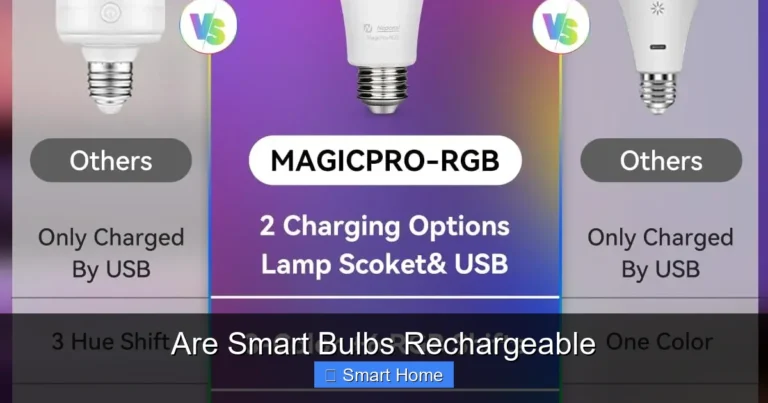
Visual guide about Does Smart Bulb Work Without Wifi
Image source: images.nexusapp.co
Popular hubs include:
- Philips Hue Bridge: Works with Zigbee Hue bulbs and supports local control.
- Samsung SmartThings Hub: Supports Zigbee, Z-Wave, and Wi-Fi devices.
- Hubitat Elevation: A powerful local hub that runs entirely offline.
With a hub, you can set up scenes, schedules, and automations that work even when the internet is down. The hub stores your settings locally, so your lights behave exactly as programmed.
Switch to Bluetooth-Only Bulbs
If you don’t want to invest in a hub, consider Bluetooth-only smart bulbs. These bulbs pair directly with your smartphone and don’t require WiFi. You’ll need to keep your phone nearby to control them, but you’ll have full functionality—no internet needed.
Popular Bluetooth bulbs include:
- Wyze Bulb: Affordable, easy to set up, and works with the Wyze app.
- Govee LED Strip Lights: Great for ambient lighting and color changes.
- Mi LED Smart Bulb (Mi Home App): Works with Xiaomi’s ecosystem.
Install a Local Smart Home App
Some smart home platforms allow local control without internet. For example:
- Home Assistant: An open-source platform that runs locally on a Raspberry Pi or server. It supports hundreds of devices and works offline.
- Hubitat Elevation: A hub that runs its own local app and doesn’t rely on the cloud.
These systems let you control your smart bulbs through a local network, giving you full functionality without WiFi.
Use a Smart Switch Instead of Smart Bulbs
If you’re concerned about WiFi dependency, consider replacing your smart bulbs with smart switches. A smart switch replaces your wall switch and controls the light directly. Many smart switches work with hubs like SmartThings or Hubitat and support local control.
Advantages:
- No need to replace existing bulbs.
- Works with standard bulbs (no need for smart-compatible bulbs).
- Often more reliable during power outages (if the switch has a battery backup).
Real-World Scenarios: When WiFi Goes Down
Power Outage
During a blackout, most WiFi-dependent smart bulbs will turn off along with your lights. But bulbs with built-in batteries or motion sensors may stay on. For example, a smart bulb in a closet that detects motion might turn on when you open the door—even without WiFi.
Internet Outage
If your internet is down but the power is on, Wi-Fi smart bulbs lose remote control. But if you have a hub (like Philips Hue), your lights will still work. Bluetooth bulbs will work as long as your phone is nearby.
Remote Control While Traveling
If you’re away from home and your WiFi is down, you can’t control Wi-Fi smart bulbs. But if you have a hub or Bluetooth bulbs, you might still be able to control them if you’re connected to your home network via a mobile hotspot.
Pros and Cons of WiFi-Free Smart Bulbs
Advantages
- Reliability: Works during internet outages.
- Lower Latency: Local control is faster than cloud-based commands.
- Enhanced Privacy: No data sent to the cloud.
- Energy Efficiency: Some local hubs use less power than cloud-dependent systems.
Disadvantages
- Limited Range: Bluetooth has short range; Zigbee/Z-Wave needs a hub.
- Setup Complexity: Hubs and local networks require more initial setup.
- Less Convenience: Can’t control from outside your home without internet.
- Cost: Hubs and compatible bulbs can be more expensive.
How to Choose the Right Smart Bulb for Offline Use
Assess Your Needs
Before buying, ask yourself:
- Do I need remote control from anywhere?
- How important is reliability during outages?
- Do I want voice control?
- How many lights am I controlling?
Look for These Features
- Local Control: Supports Bluetooth, Zigbee, or Z-Wave.
- Built-in Sensors: Motion, light, or timer functions.
- Compatibility: Works with a hub or app you already use.
- Offline Scheduling: Can run timers or scenes without internet.
Recommended Brands
- Philips Hue: Best for full smart home integration with local hub support.
- IKEA TRÅDFRI: Affordable Zigbee bulbs with local control.
- Wyze: Budget-friendly Bluetooth bulbs with offline use.
- Nanoleaf: Great for color-changing scenes with local control.
Conclusion: Smart Bulbs Can Work Without WiFi—If You Choose the Right One
So, do smart bulbs work without WiFi? The answer is a resounding yes—but with important caveats. While many smart bulbs rely on the internet for full functionality, there are plenty of options that operate locally using Bluetooth, Zigbee, or built-in sensors. Whether you’re looking for reliability during outages, privacy, or just want to keep things simple, there’s a smart bulb setup that fits your needs.
The key is to understand how your bulbs communicate and plan accordingly. If you want full control and convenience, Wi-Fi bulbs are great—but be aware they may not work during internet outages. If you prioritize reliability and local control, consider Bluetooth bulbs or a hub-based system like Philips Hue.
Remember: not all smart bulbs are created equal. Do your research, read reviews, and choose bulbs that support the features you need—even when the internet isn’t available. With the right setup, your smart lights can shine bright, no matter what.
Frequently Asked Questions
Can smart bulbs work without WiFi?
Yes, many smart bulbs can work without WiFi. Bluetooth bulbs, Zigbee bulbs with a hub, and standalone bulbs with built-in timers or sensors can function offline. However, advanced features like remote control or voice commands may require internet access.
Do all smart bulbs need WiFi?
No, not all smart bulbs need WiFi. Some use Bluetooth, Zigbee, or Z-Wave to communicate locally. Bulbs with built-in motion sensors or timers can operate independently of the internet.
What happens to smart bulbs during a power outage?
Most smart bulbs will turn off during a power outage. However, bulbs with battery backups or motion sensors may remain functional. WiFi-dependent bulbs lose remote control but can still be manually operated if connected to a switch.
Can I control smart bulbs without WiFi using a hub?
Yes, if you have a smart home hub like Philips Hue Bridge, Samsung SmartThings, or Hubitat, you can control Zigbee or Z-Wave bulbs locally. The hub stores your settings and operates independently of the internet.
Are Bluetooth smart bulbs a good option without WiFi?
Yes, Bluetooth smart bulbs are a great option for offline use. They connect directly to your smartphone and don’t require WiFi. The downside is limited range—usually within 30 feet of your phone.
Do smart bulbs work with voice assistants without WiFi?
No, most voice assistants like Alexa or Google Assistant require internet to process commands. However, if you have a local hub, some bulbs can respond to voice commands through the hub without internet.