How Do Smart Light Bulbs Work
Smart light bulbs are more than just bulbs—they’re the foundation of a connected home. Using Wi-Fi, Bluetooth, or Zigbee technology, they let you control lighting from anywhere, set schedules, and sync with other smart devices. With features like dimming, color changing, and voice control, smart bulbs make your home smarter, more efficient, and infinitely customizable.
Key Takeaways
- Smart light bulbs connect to your home network via Wi-Fi, Zigbee, or Bluetooth, enabling remote control through apps or voice assistants.
- They integrate with smart ecosystems like Amazon Alexa, Google Assistant, and Apple HomeKit for seamless voice and automation control.
- Energy efficiency is a key benefit—most smart bulbs use up to 80% less energy than traditional incandescent bulbs.
- Scheduling and automation features allow you to simulate occupancy, wake up gradually, or adjust lighting based on time of day.
- Color and brightness control lets you create the perfect mood—from warm ambient light to cool task lighting.
- No hub required for Wi-Fi bulbs, but Zigbee or Z-Wave bulbs need a compatible hub for full functionality.
- Smart bulbs can reduce electricity bills and extend bulb life by avoiding constant on/off cycling.
📑 Table of Contents
How Do Smart Light Bulbs Work?
Imagine turning on your bedroom lights just by saying “Alexa, good morning,” or dimming the living room lights from your phone while you’re on vacation. Sounds like magic, right? But it’s not. It’s technology—specifically, smart light bulbs. These aren’t your grandma’s old-fashioned bulbs. They’re intelligent, connected, and packed with features that go far beyond turning light on and off.
Smart light bulbs are essentially LED bulbs with built-in electronics that allow them to connect to your home network. They respond to commands from your smartphone, voice assistant, or smart home hub, and many can even change color, dim, or set schedules automatically. Whether you’re looking to save energy, improve security, or just make your home feel more modern, smart bulbs are a simple yet powerful upgrade.
In this article, we’ll break down exactly how smart light bulbs work, from their internal components to the networks that connect them. We’ll explore the different types of smart bulbs, how they integrate with your home, and why they’re becoming a must-have for modern households.
The Technology Behind Smart Light Bulbs
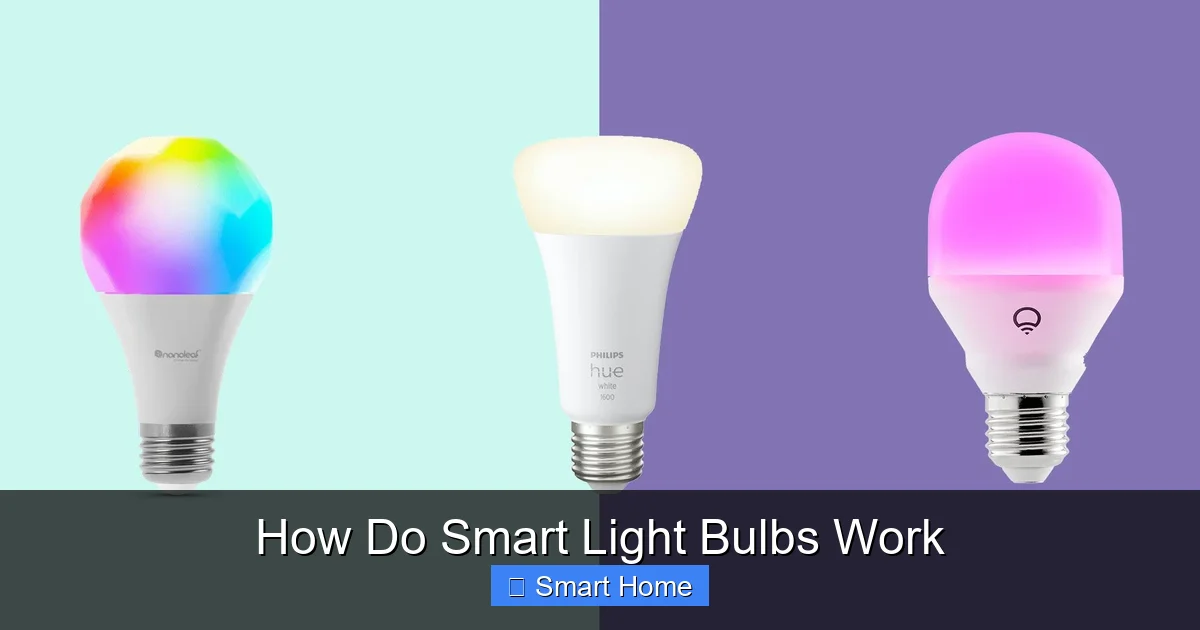
Visual guide about How Do Smart Light Bulbs Work
Image source: robots.net
Built-in Microprocessors and Connectivity Modules
At the heart of every smart light bulb is a tiny microprocessor—essentially a computer on a chip. This tiny processor manages the bulb’s functions, including brightness, color temperature, and communication with your home network. Unlike traditional bulbs, which simply convert electricity into light, smart bulbs use this processor to interpret commands and adjust their output accordingly.
Connected to the processor is a connectivity module. This is what allows the bulb to “talk” to your devices. The most common types of connections include:
– Wi-Fi: Directly connects to your home router. No extra hub needed, but it uses more power.
– Zigbee: A low-power wireless protocol that works with smart hubs (like Samsung SmartThings or Hubitat).
– Z-Wave: Similar to Zigbee, but uses a different frequency band and protocol.
– Bluetooth: Short-range connection, often used for setup or local control.
Each type has its pros and cons. Wi-Fi bulbs are easy to set up, but they can slow down your network if you have many devices. Zigbee and Z-Wave bulbs use less power and create a mesh network, meaning signals can hop from one bulb to another, improving coverage.
LED Technology and Color Control
Smart light bulbs are almost always LED-based. LEDs (light-emitting diodes) are semiconductor devices that convert electricity into light. But smart bulbs take this a step further by using multiple LEDs of different colors—typically red, green, and blue (RGB)—to create millions of color combinations.
By adjusting the intensity of each color, the bulb’s processor can produce any hue on the visible spectrum. Some bulbs also include a white LED for bright, daylight-like lighting. This allows users to switch from a warm, relaxing yellow to a cool, energizing blue with just a tap on an app.
Advanced models even include tunable white lighting, which lets you adjust the color temperature from 2700K (warm white, like a candle) to 6500K (cool daylight). This is great for matching lighting to the time of day—warmer light in the evening to promote relaxation, cooler light in the morning to help you wake up.
Energy Efficiency and Longevity
One of the biggest advantages of smart bulbs is their energy efficiency. Most smart bulbs use only 8–12 watts to produce the same light output as a 60-watt incandescent bulb. That means you can save up to 80% on your lighting bill.
Additionally, LEDs last much longer than traditional bulbs. A typical smart bulb can last 25,000 to 50,000 hours—that’s over 22 years if used 3 hours a day. And because they don’t rely on filaments or gas, they’re less prone to failure from frequent switching.
Smart bulbs also benefit from intelligent power management. Many models include features like soft-start, which gradually increases brightness when turned on, reducing wear and tear. Some even have motion sensors or ambient light detection to adjust brightness automatically.
Connecting Your Smart Bulbs
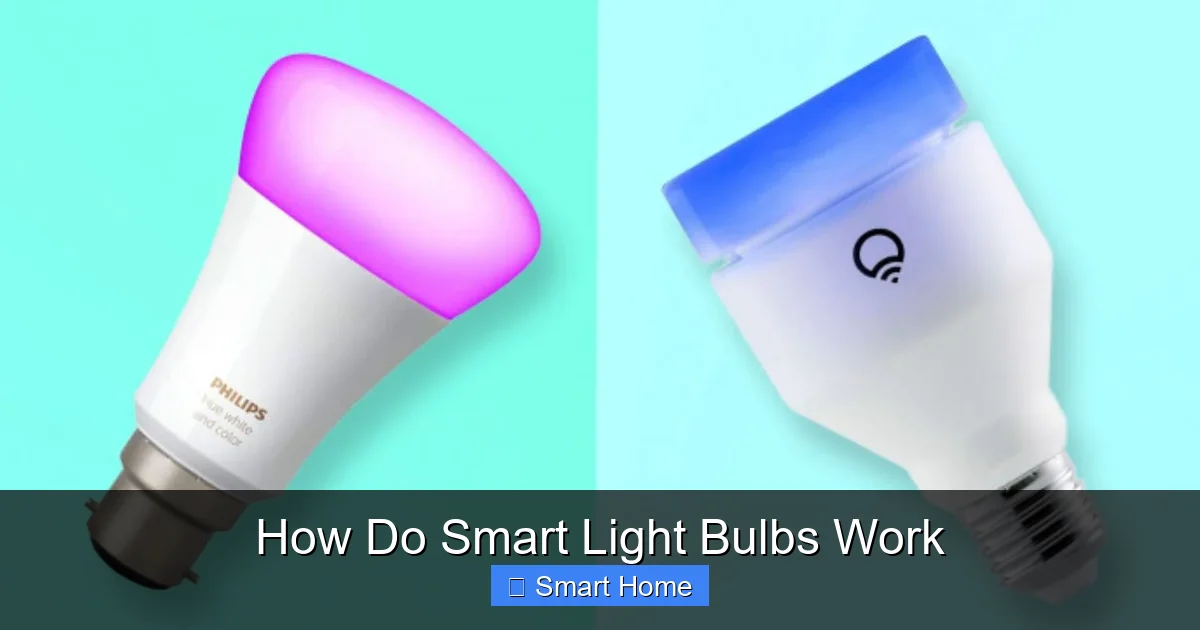
Visual guide about How Do Smart Light Bulbs Work
Image source: robots.net
Wi-Fi-Enabled Smart Bulbs
Wi-Fi smart bulbs are the most straightforward to set up. You simply screw the bulb into a standard socket, download the manufacturer’s app (like Philips Hue or LIFX), and connect the bulb to your Wi-Fi network. Once connected, you can control the bulb from anywhere in the world using your smartphone.
The advantage? No extra hardware. The downside? Wi-Fi bulbs consume more power and can add strain to your router, especially if you have many devices connected.
Popular Wi-Fi bulbs include:
– LIFX Mini Color: Compact, bright, and works with Alexa, Google, and Apple HomeKit.
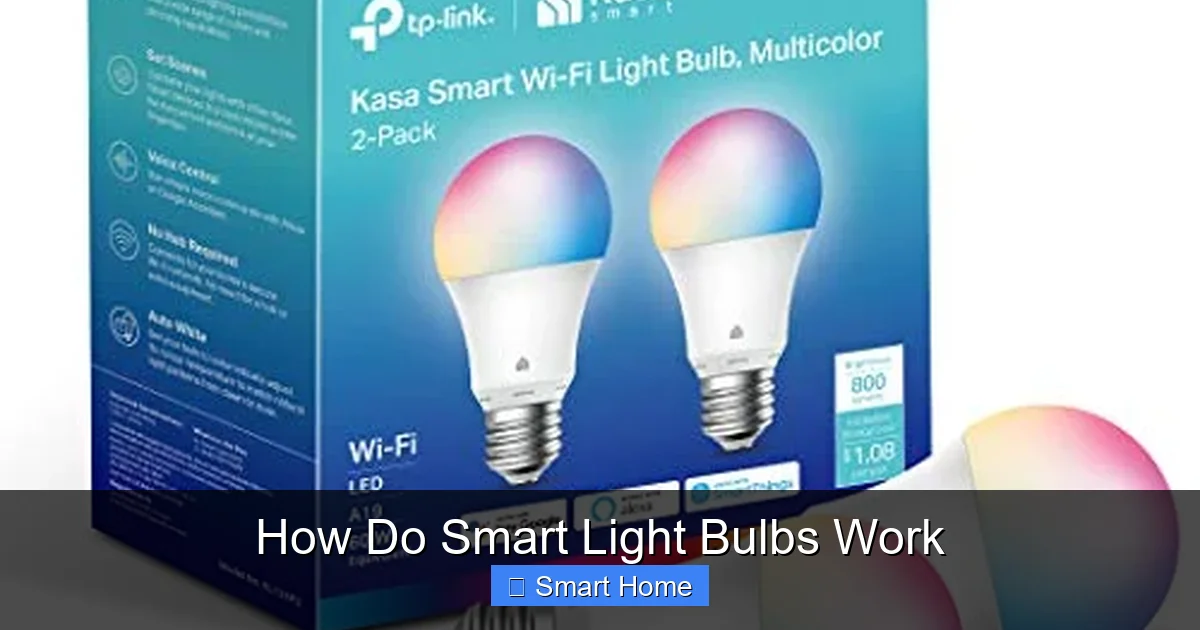
– TP-Link Kasa Smart Wi-Fi LED Bulb: Affordable, reliable, and great for beginners.
Zigbee and Z-Wave Bulbs
Zigbee and Z-Wave bulbs require a smart hub to function. The hub acts as a central controller, connecting all the bulbs in your home and relaying commands from your phone or voice assistant.
These protocols are ideal for larger smart homes because they use low power and create a mesh network. For example, if one bulb is out of range of the hub, it can still communicate with another bulb that’s closer, passing the signal along.
Zigbee is more common in North America, while Z-Wave is popular in Europe. Hubs like the Samsung SmartThings Hub or Hubitat Elevation support both, giving you flexibility.
Bluetooth Smart Bulbs
Bluetooth bulbs are limited to short-range control—usually within 30 feet. This makes them less ideal for whole-home automation but perfect for personal use, like controlling a bedside lamp from your nightstand.
They’re easy to set up and don’t require a hub, but you’ll need to stay close to the bulb to use the app. Some Bluetooth bulbs also work with Bluetooth-enabled hubs for broader control.
Integration with Smart Home Ecosystems
Visual guide about How Do Smart Light Bulbs Work
Image source: cdn.shopify.com
Voice Control with Alexa, Google Assistant, and Siri
One of the most popular features of smart bulbs is voice control. Whether you’re using Amazon Alexa, Google Assistant, or Apple Siri, you can control your lights with simple voice commands.
For example:
– “Alexa, turn on the living room lights.”
– “Hey Google, dim the bedroom lights to 50%.”
– “Siri, set the kitchen lights to blue.”
To use voice control, you’ll need to link your smart bulb to the voice assistant through the manufacturer’s app. Most major brands support all three platforms, so you can choose your favorite.
Automation and Scheduling
Smart bulbs shine when it comes to automation. You can set schedules, create routines, and trigger lights based on other events—like motion detection or time of day.
For instance, you can program your lights to:
– Turn on at sunset and dim gradually over the evening.
– Brighten slowly at 7 a.m. to simulate a sunrise.
– Turn red when your smoke alarm detects carbon monoxide.
– Flash blue when a doorbell is pressed.
These automations can be set up through your phone app or voice assistant. Many apps also include “scenes,” which let you group multiple actions—like “Movie Night” that dims the lights, turns on the TV, and plays background music.
Geofencing and Remote Access
Geofencing uses your phone’s location to control your lights. When you leave home, the lights turn off automatically. When you arrive, they turn on. This is great for energy savings and convenience.
Remote access means you can control your lights from anywhere with an internet connection. Whether you’re at work, on vacation, or just forgot to turn off the porch light, you can manage your home lighting in real time.
Popular Smart Light Bulb Brands and Models
Philips Hue
Philips Hue is one of the most popular smart lighting systems. Their bulbs use Zigbee and work with a dedicated hub. Hue offers a wide range of bulbs, including color-changing and tunable white models.
The Hue ecosystem includes thousands of integrations with smart home platforms, making it highly versatile. Hue also offers advanced features like “Hue Labs” for custom routines and “Hue Sync” to match lighting with music and video.
LIFX
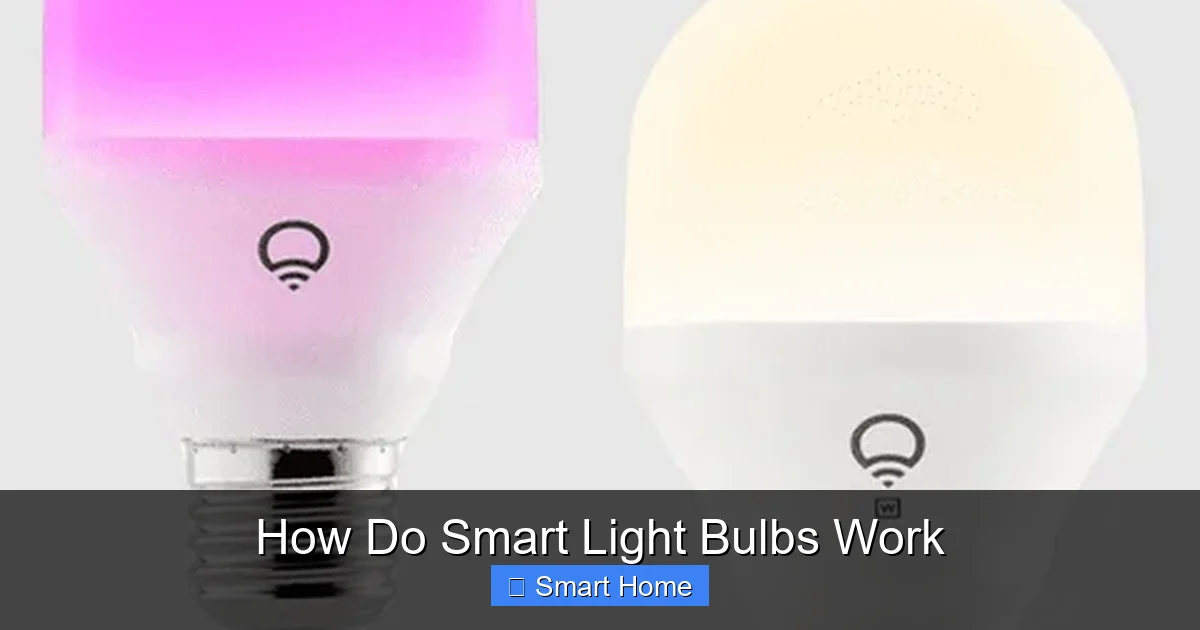
LIFX bulbs are Wi-Fi-enabled and don’t require a hub. They’re known for their bright, vibrant colors and high color accuracy. LIFX also supports voice control and works with Alexa, Google, and Apple HomeKit.
Their bulbs are easy to set up and offer features like “Day & Dusk” for automatic color temperature adjustment.
TP-Link Kasa
TP-Link Kasa offers affordable, reliable smart bulbs with Wi-Fi connectivity. Their app is user-friendly and includes scheduling, remote access, and energy monitoring.
Kasa bulbs are great for beginners and integrate well with Alexa and Google Assistant.
Nanoleaf
Nanoleaf is known for its modular lighting panels and strips, but they also offer smart bulbs. Their bulbs use Zigbee and work with a hub, offering rich colors and smooth transitions.
Nanoleaf is ideal for users who want creative lighting setups and strong integration with smart home ecosystems.
Benefits of Using Smart Light Bulbs
Energy Savings
Smart bulbs use significantly less energy than incandescent or halogen bulbs. For example, a 9-watt smart bulb can replace a 60-watt incandescent while producing the same amount of light. Over time, this can save you hundreds of dollars on your electricity bill.
Many smart bulbs also include power monitoring features, so you can track how much energy each bulb uses.
Convenience and Control
With smart bulbs, you’re never stuck with a burnt-out bulb. If one fails, you can easily replace it with a new smart bulb and keep your automation intact. You can also control multiple bulbs at once—perfect for setting the mood in an entire room.
Enhanced Security
Smart lighting is a powerful tool for home security. You can program lights to turn on and off at random intervals when you’re away, making it look like someone’s home. Motion-sensing bulbs can also deter intruders by lighting up dark areas.
Accessibility
For people with disabilities or mobility issues, smart bulbs offer greater independence. Voice control, remote access, and automation make it easier to manage lighting without physical switches.
Environmental Impact
By using less energy and lasting longer, smart bulbs reduce your carbon footprint. Plus, many are made with recyclable materials and designed for easy replacement—reducing electronic waste.
Tips for Choosing and Using Smart Light Bulbs
Check Compatibility Before Buying
Before purchasing, make sure the bulb works with your existing smart home system. If you use Alexa, for example, choose a bulb that’s Alexa-compatible. If you have a Zigbee hub, consider Zigbee bulbs for better performance.
Start Small
You don’t need to replace every bulb in your home at once. Start with one or two in high-use areas like the living room or bedroom. Once you’re comfortable with the setup, expand gradually.
Use Routines and Scenes
Take advantage of automation. Create routines like “Good Morning” that turn on lights, adjust brightness, and even start your coffee maker. Scenes like “Movie Night” or “Dinner Party” can transform your space with the touch of a button.
Monitor Energy Usage
Many smart bulb apps include energy tracking. Use this feature to see how much you’re saving and identify bulbs that might be left on accidentally.
Keep Your App Updated
Firmware updates often improve performance, add new features, and fix bugs. Make sure your app and bulb firmware are always up to date.
Consider a Hub for Zigbee Bulbs
If you’re buying multiple Zigbee bulbs, investing in a hub will give you better range, faster response times, and more reliable connections.
Future of Smart Lighting
The future of smart lighting is bright—literally. As technology advances, we can expect even more features, including:
– AI-powered lighting that learns your habits and adjusts automatically.
– Integration with health tech, like circadian rhythm lighting that supports sleep and alertness.
– Improved energy grids that allow smart bulbs to respond to local power demand.
– Voice-free control through gesture or facial recognition.
Smart bulbs are no longer just a novelty—they’re a key part of the smart home ecosystem. As more devices become connected, lighting will play a central role in creating comfortable, efficient, and secure living spaces.
Conclusion
Smart light bulbs are more than just a trend—they’re a practical, energy-efficient, and convenient upgrade for any home. By connecting to your Wi-Fi, Zigbee, or Bluetooth network, these intelligent bulbs give you control, automation, and customization like never before.
Whether you want to save energy, enhance security, or just make your home feel more modern, smart bulbs deliver on all fronts. With brands like Philips Hue, LIFX, and TP-Link offering reliable options, there’s never been a better time to go smart.
So the next time you reach for a light switch, pause and consider: why not let your lights do the thinking for you?
Frequently Asked Questions
Do smart light bulbs work without Wi-Fi?
Yes, some smart bulbs use Zigbee or Z-Wave protocols and require a hub to function. Others, like Bluetooth bulbs, work within short range without internet. However, full features like remote access and automation usually require a network connection.
Can I use smart bulbs with regular light fixtures?
Absolutely. Smart bulbs are designed to fit standard E26 or E27 sockets, so they work in most table lamps, ceiling fixtures, and floor lamps. Just make sure the fixture is not enclosed, as heat can affect performance.
Are smart bulbs more expensive than regular bulbs?
Initially, yes—smart bulbs cost more upfront. But their energy efficiency and long lifespan (up to 25,000–50,000 hours) often make them cheaper in the long run. Over time, you’ll save on electricity and replacement costs.
Can smart bulbs be dimmed?
Yes, most smart bulbs support dimming. You can adjust brightness levels through an app, voice command, or schedule. Look for bulbs labeled “dimmable” to ensure compatibility with your dimmer switch.
Do smart bulbs work during a power outage?
It depends. Wi-Fi bulbs won’t work if the internet goes down. Zigbee or Z-Wave bulbs may still function if your hub has a battery backup. However, most smart bulbs require power to operate, so they’ll go out during a blackout.
Can I control smart bulbs with multiple devices?
Yes. Smart bulbs can be controlled by smartphones, tablets, voice assistants, and smart home hubs. You can set up different user profiles and permissions so family members each have their own access.