Do Smart Bulbs Have Cameras
Do smart bulbs have cameras? The short answer is no—most smart bulbs do not come with built-in cameras. These energy-efficient, app-controlled lights are designed to change colors, set moods, and save energy, not to spy on your home. While some smart devices like security cameras or smart speakers may include cameras, standard smart bulbs focus on lighting control and connectivity—not surveillance. Understanding what your smart bulb can and cannot do helps you make informed decisions and keeps your privacy protected.
Key Takeaways
- Most smart bulbs don’t have cameras: Standard smart bulbs like Philips Hue, LIFX, and Wyze Bulb focus on lighting features, not video surveillance.
- Smart bulbs use sensors, not cameras: They rely on Wi-Fi, Bluetooth, or Zigbee for control and may include motion or light sensors—but no visual recording capabilities.
- Risks come from connected ecosystems: If your smart bulb connects to a hub or app that includes a camera, your privacy could be at risk—but the bulb itself isn’t the threat.
- Always check product specs: Before buying, review the manufacturer’s documentation to confirm whether any camera functionality is included.
- Privacy settings matter: Use strong passwords, enable two-factor authentication, and disable unused features to protect your smart home.
- Fake or misleading claims exist: Be cautious of third-party sellers or knockoff brands that may falsely advertise camera features on otherwise standard bulbs.
- Upgrade to trusted brands: Stick with reputable manufacturers known for transparency and strong privacy policies to avoid unexpected surveillance.
📑 Table of Contents
- Introduction: Smart Bulbs – Bright Ideas or Privacy Concerns?
- What Are Smart Bulbs and How Do They Work?
- Do Smart Bulbs Actually Have Cameras?
- Privacy Risks in Smart Lighting: What to Watch For
- How to Protect Your Privacy with Smart Bulbs
- Can You Add a Camera to a Smart Bulb?
- Smart Bulbs vs. Smart Cameras: What’s the Difference?
- Future of Smart Bulbs: Will They Ever Have Cameras?
- Conclusion: Smart Bulbs Are Safe—If You Choose Wisely
Introduction: Smart Bulbs – Bright Ideas or Privacy Concerns?
Have you ever walked into a room and felt like the lighting just wasn’t quite right? Maybe it was too harsh, too dim, or just didn’t match your mood. Enter smart bulbs—the little lights that promise to transform your home with just a tap on your phone. From changing colors at sunset to syncing with your music, these bulbs are revolutionizing how we light our spaces. But lately, a question has been buzzing in tech circles: Do smart bulbs have cameras?
It’s a fair concern. With so much talk about smart homes, voice assistants, and AI-powered devices, it’s easy to wonder: Could these friendly little bulbs be watching me? Are they recording my conversations, capturing my movements, or worse—selling my data without my knowledge?
Let’s clear things up. In this deep dive, we’ll explore what smart bulbs actually are, how they work, and most importantly—whether they come with hidden cameras. We’ll also look at real-world examples, privacy best practices, and how to choose smart lighting that enhances your life—without compromising your peace of mind. By the end, you’ll know exactly what to expect from your next smart bulb purchase.
What Are Smart Bulbs and How Do They Work?
Visual guide about Do Smart Bulbs Have Cameras
Image source: pointerclicker.com
Smart bulbs are more than just regular light bulbs with Wi-Fi stickers. They’re advanced lighting devices that let you control brightness, color, scheduling, and even energy usage from your smartphone, voice assistant, or smart home hub. Whether you’re using Google Assistant, Amazon Alexa, Apple HomeKit, or a standalone app, these bulbs respond to your commands—no switches required.
Core Features of Smart Bulbs
Most smart bulbs include several key features:
- Remote Control: Turn lights on/off, dim, or change colors from anywhere in the world using your phone.
- Scheduling: Set lights to turn on at sunrise or off when you leave home—great for security and convenience.
- Color and Brightness Adjustment: From warm white to vibrant RGB colors, customize your lighting for any occasion.
- Voice Control: Works seamlessly with Alexa, Google, and Siri for hands-free operation.
- Energy Monitoring (in some models): Track how much power your bulb uses to save on electricity bills.
Connectivity Options
Smart bulbs connect to your home network in different ways. The most common methods include:
- Wi-Fi: Directly connects to your router. No hub needed, but can slow down your network if too many devices are online.
- Zigbee/Z-Wave: Uses a hub for communication. More reliable and less bandwidth-heavy, but requires a separate device.
- Bluetooth: Limited range and control, often used for setup only.
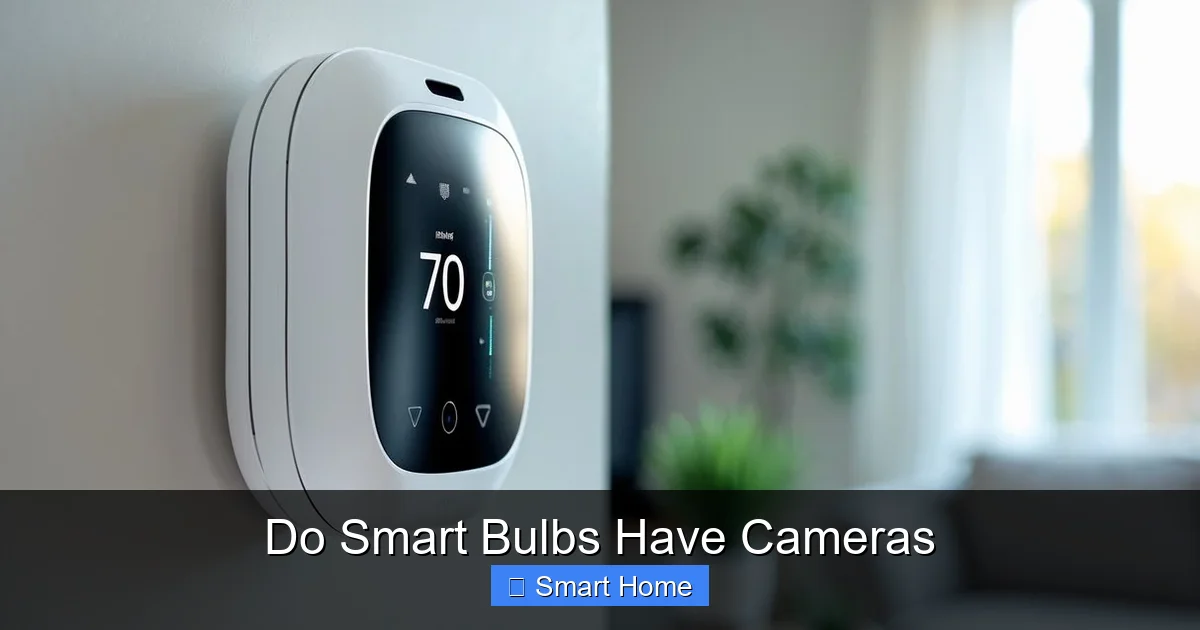
Despite their tech-savvy nature, smart bulbs are primarily designed for lighting—not surveillance. Unlike smart doorbells or security cameras, they don’t come equipped with lenses, microphones, or video recording capabilities.
Do Smart Bulbs Actually Have Cameras?
Visual guide about Do Smart Bulbs Have Cameras
Image source: thehomewiser.com
Here’s the bottom line: No, standard smart bulbs do not have cameras.
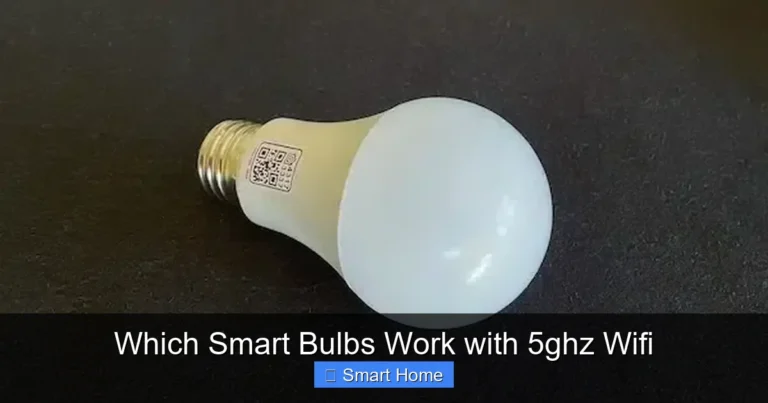
You won’t find a hidden lens or a tiny camera module inside a Philips Hue, LIFX, or Wyze Bulb. These devices are engineered to deliver lighting solutions—not to spy on your home. Their internal components focus on LEDs, drivers, wireless chips, and sometimes ambient light sensors—but never cameras.
Why People Think Smart Bulbs Have Cameras
So why does the idea of camera-equipped smart bulbs even exist? A few reasons:
- Misinformation: Viral posts or memes online sometimes claim that smart devices secretly record users, leading to exaggerated fears.
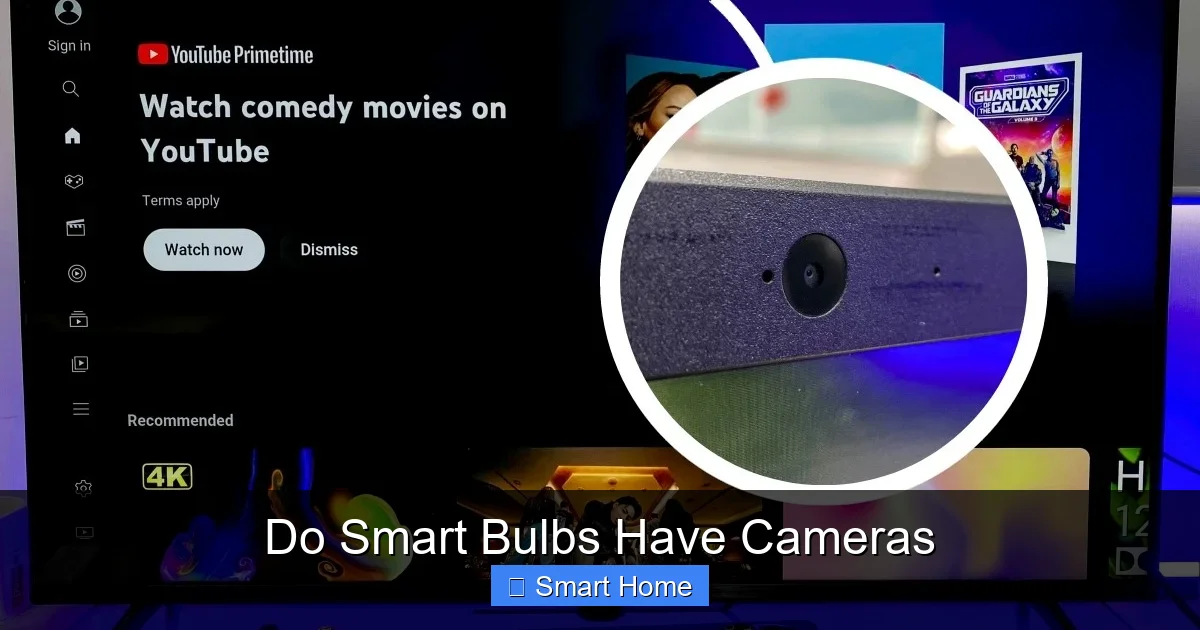
- Confusion with Other Devices: Some smart speakers (like Amazon Echo Show) or security cameras (like Ring Floodlight Cam) do have cameras. People assume all smart devices work the same way.
- Third-Party Accessories: There are DIY projects and third-party add-ons (like Raspberry Pi cameras) that people install on smart bulbs—but these are not factory features.
Real-World Examples
Let’s look at popular smart bulbs and what they actually contain:
- Philips Hue: No camera. Only LED lighting, Zigbee chip, and app connectivity.
- LIFX Mini: No camera. Wi-Fi enabled, color-changing LED bulb.
- Wyze Bulb (Color): No camera. Uses Wi-Fi and includes a motion sensor—but no visual recording.
- TP-Link Kasa Smart Bulb: No camera. Remote control via app and Alexa/Google integration.
None of these manufacturers list a camera as a feature. In fact, their privacy policies and product specs explicitly state that no audio or video recording occurs.
Privacy Risks in Smart Lighting: What to Watch For
Even though smart bulbs don’t have cameras, they can still pose privacy risks—but usually through their connections, not their hardware.
Data Collection and Third-Party Sharing
When you connect a smart bulb to an app or voice assistant, data about your usage patterns may be collected. For example:
- When you turn the light on at 7 p.m. every night.
- Which color you use most often.
- Whether you’re home or away based on lighting schedules.
Some companies may use this data to improve services or sell anonymized insights. While this isn’t inherently dangerous, it’s important to know what you’re agreeing to.
Weak Security = Vulnerability
If your smart bulb’s app or hub has weak security, hackers could potentially gain access. In rare cases, this could lead to:
- Unauthorized control of your lights (e.g., turning them on/off remotely).
- Exploiting the device as a gateway into your home network.
This doesn’t mean the bulb is recording you—but it does mean your smart home could be compromised if not properly secured.
Fake or Counterfeit Bulbs
Here’s a growing concern: cheap, knockoff smart bulbs sold online may include hidden cameras or microphones.
These counterfeit products often:
- Look identical to brand-name bulbs.
- Claim to have “advanced features” like motion detection or recording.
- Are sold on platforms like eBay, Amazon Marketplace, or social media ads.
A quick search of “smart bulb with camera” may lead you to suspicious listings. While most are scams, some may actually contain unauthorized surveillance tech. Always buy from official retailers or trusted brands.
How to Protect Your Privacy with Smart Bulbs
Even though your smart bulb isn’t watching you, you can take steps to protect your privacy and security.
1. Buy from Reputable Brands
Stick with well-known companies like:
- Philips Hue
- LIFX
- Philips (via Hue)
- Nanoleaf
- TP-Link Kasa
- Wyze
These brands have clear privacy policies, regular security updates, and no history of hiding cameras in their products.
2. Review App Permissions
When setting up your smart bulb app:
- Disable unnecessary permissions (e.g., microphone access if you’re not using voice control).
- Turn off location tracking unless needed.
- Revoke access for apps you no longer use.
3. Use Strong Passwords and 2FA
Protect your smart home accounts with:
- Unique, complex passwords.
- Two-factor authentication (2FA) whenever available.
- Regular password changes.
4. Disable Unused Features
If your bulb has motion sensors or voice control, turn them off if you don’t use them. Fewer active features mean fewer attack surfaces.
5. Regularly Update Firmware
Manufacturers release updates to fix bugs and improve security. Enable automatic updates in your app to stay protected.
6. Monitor Connected Devices
Check your router’s device list regularly. If you see an unknown smart bulb or camera, investigate immediately.
Can You Add a Camera to a Smart Bulb?
Technically, yes—but it’s not recommended.
DIY Camera Mods
Some tech enthusiasts have modified smart bulbs by:
- Removing the LED assembly.
- Installing a tiny camera module (like a Raspberry Pi Camera).
- Routing power and data through the bulb’s circuit.
These DIY projects are rare, expensive, and often unstable. They also void warranties and may violate local privacy laws.
Why It’s a Bad Idea
- Legal Risks: Recording audio or video in private spaces without consent is illegal in many places.
- Security Risks: A hacked camera bulb could expose your home to voyeurs or hackers.
- Warranty Void: Any modification breaks manufacturer support.
If you want a camera, buy a dedicated smart camera—not a modified bulb.
Smart Bulbs vs. Smart Cameras: What’s the Difference?
It’s easy to confuse smart bulbs with smart cameras, but they serve very different purposes.
Smart Bulbs
- Primary function: Lighting.
- No camera or microphone.
- Control via app, voice, or automation.
- Examples: Philips Hue, LIFX, Wyze Bulb.
Smart Cameras
- Primary function: Surveillance.
- Include HD cameras, motion detection, night vision.
- Often record video and audio.
- Examples: Ring Floodlight Cam, Arlo Pro, Blink Outdoor.
While both are part of a smart home ecosystem, only cameras are designed for monitoring.
Future of Smart Bulbs: Will They Ever Have Cameras?
Could smart bulbs evolve to include cameras in the future?
Possibly—but not anytime soon.
Technological Challenges
Adding a camera to a bulb would require:
- A small, low-power lens and sensor.
- Heat management (cameras generate heat).
- Bandwidth for video streaming.
- Battery or power routing.
These challenges make it impractical for standard smart bulbs.
Market Demand
There’s little consumer demand for camera bulbs. Most people want lighting, not surveillance. Plus, privacy concerns would likely deter adoption.
Alternative Solutions
If you want smart lighting and security, consider:
- Smart bulbs + smart cameras (separate devices).
- Smart light strips with integrated motion sensors (no camera).
- Hubs like Samsung SmartThings that unify lighting and security.
Combining trusted devices is safer and more effective than integrating cameras into bulbs.
Conclusion: Smart Bulbs Are Safe—If You Choose Wisely
So, do smart bulbs have cameras? For now, the answer is a clear no. These innovative lights are designed to brighten your life—not your privacy concerns. They’re perfect for setting the mood, saving energy, and automating your home. But like any connected device, they come with responsibilities.
To enjoy smart lighting safely:
- Buy from trusted brands.
- Keep your apps and firmware updated.
- Disable unnecessary features.
- Be cautious of knockoff products.
Your smart bulb won’t watch you—but your choices can protect your home and data. With the right approach, smart bulbs can be both brilliant and private.
Frequently Asked Questions
Do all smart bulbs have cameras?
No, most smart bulbs do not have cameras. Devices like Philips Hue, LIFX, and Wyze Bulb are designed for lighting control and do not include video recording capabilities. Cameras are found only in dedicated security devices, not standard smart bulbs.
Can smart bulbs record audio or video?
Standard smart bulbs cannot record audio or video. They lack microphones and cameras. Any claims about recording features usually refer to third-party modifications or counterfeit products, not factory-installed technology.
Are fake smart bulbs with cameras dangerous?
Yes, counterfeit smart bulbs sold online may include hidden cameras or microphones. These devices can compromise your privacy and security. Always purchase from official retailers or trusted brands to avoid such risks.
Can I trust smart bulb apps with my data?
It depends on the brand and your settings. Reputable companies like Philips and LIFX have strong privacy policies. To protect your data, use strong passwords, enable two-factor authentication, and review app permissions regularly.
Do smart bulbs need a hub?
Some smart bulbs work directly over Wi-Fi (like LIFX), while others (like Philips Hue) require a hub for full functionality. Check the product specs before buying to understand connectivity needs.
Should I replace my smart bulb if it doesn’t have a camera?
Absolutely—there’s no reason to replace a smart bulb because it lacks a camera. Cameras are not part of their design. Focus on features like color control, scheduling, and energy efficiency instead.