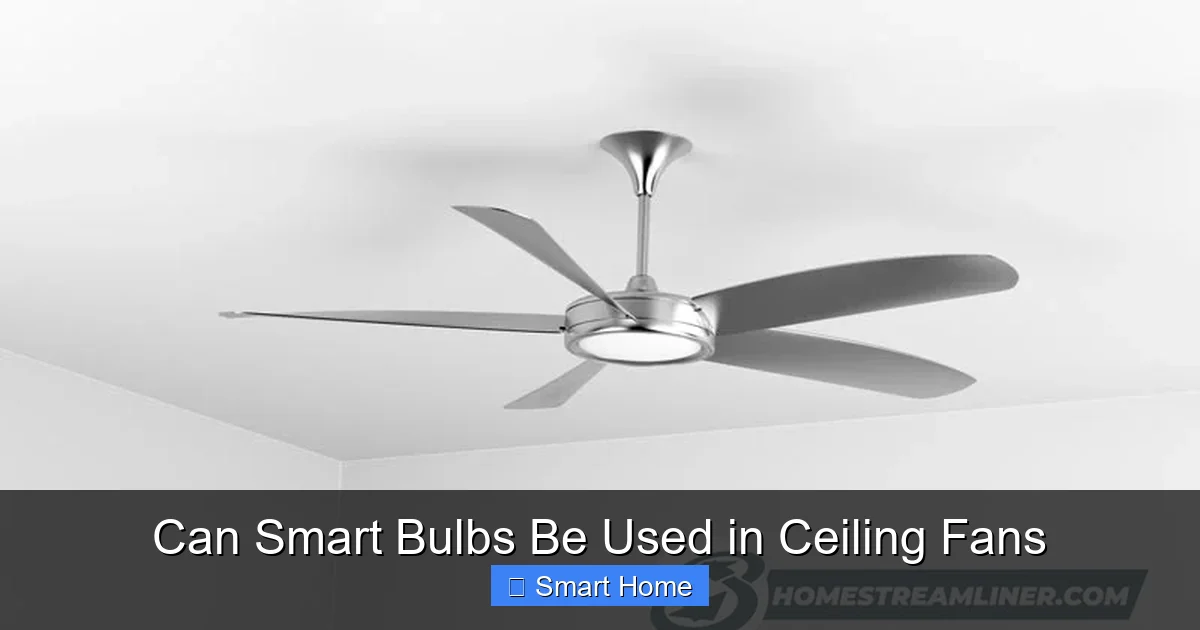
Can Smart Bulbs Be Used in Ceiling Fans
Yes, smart bulbs can be used in ceiling fans, but compatibility depends on the bulb type, fan design, and control method. While many smart bulbs work well in ceiling fans, not all are suitable due to heat, vibration, or dimmer issues. With the right bulb and setup, you can enjoy voice control, scheduling, and energy savings.
Key Takeaways
- Compatibility is key: Not all smart bulbs work in ceiling fans. Check wattage, base type, and fan specifications before buying.
- Heat and vibration matter: Ceiling fans generate heat and movement, which can shorten smart bulb lifespan if the bulb isn’t designed for it.
- Dimming and control: Some smart bulbs don’t dim smoothly or may flicker when used with ceiling fan dimmers.
- Voice control integration: Smart bulbs in fans work with Alexa, Google Assistant, and Apple HomeKit for hands-free lighting control.
- Energy efficiency: LED smart bulbs use less power and last longer, making them ideal for ceiling fan use.
- Safety first: Always turn off power at the breaker before installing, and avoid bulbs labeled “for enclosed fixtures” if your fan has a glass shade.
- Smart fan kits: Consider smart ceiling fans with built-in Wi-Fi and app control as an alternative to retrofitting bulbs.
📑 Table of Contents
- Can Smart Bulbs Be Used in Ceiling Fans? A Complete Guide
- Understanding Smart Bulbs and Ceiling Fans
- Can Smart Bulbs Actually Work in Ceiling Fans?
- Popular Smart Bulbs for Ceiling Fans
- Installation Tips and Safety Precautions
- Common Issues and How to Fix Them
- Smart Fan Kits vs. Retrofitting Smart Bulbs
- Energy Efficiency and Cost Savings
- Future of Smart Lighting in Ceiling Fans
- Conclusion
Can Smart Bulbs Be Used in Ceiling Fans? A Complete Guide
Imagine this: You’re relaxing on the couch, the ceiling fan gently circulating the cool evening air, and you want to dim the lights without getting up. With a smart bulb installed in your ceiling fan, you can say, “Alexa, dim the fan light to 30%”—and instantly, the mood shifts. That’s the power of smart lighting in everyday spaces like your living room, bedroom, or kitchen.
But here’s the question many smart home beginners ask: Can smart bulbs be used in ceiling fans? The short answer is yes—but with important caveats. Not all smart bulbs are created equal, and ceiling fans come in all shapes and sizes. Before you run to the store or click “add to cart,” it’s important to understand what works, what doesn’t, and how to do it safely and effectively.
In this guide, we’ll walk you through everything you need to know about using smart bulbs in ceiling fans. From compatibility and safety to setup tips and alternatives, we’ve got you covered. Whether you’re upgrading an old fan or building a fully automated smart home, this article will help you make smart choices.
Understanding Smart Bulbs and Ceiling Fans
Before we dive into whether smart bulbs can be used in ceiling fans, let’s break down what each component is and how they work together.
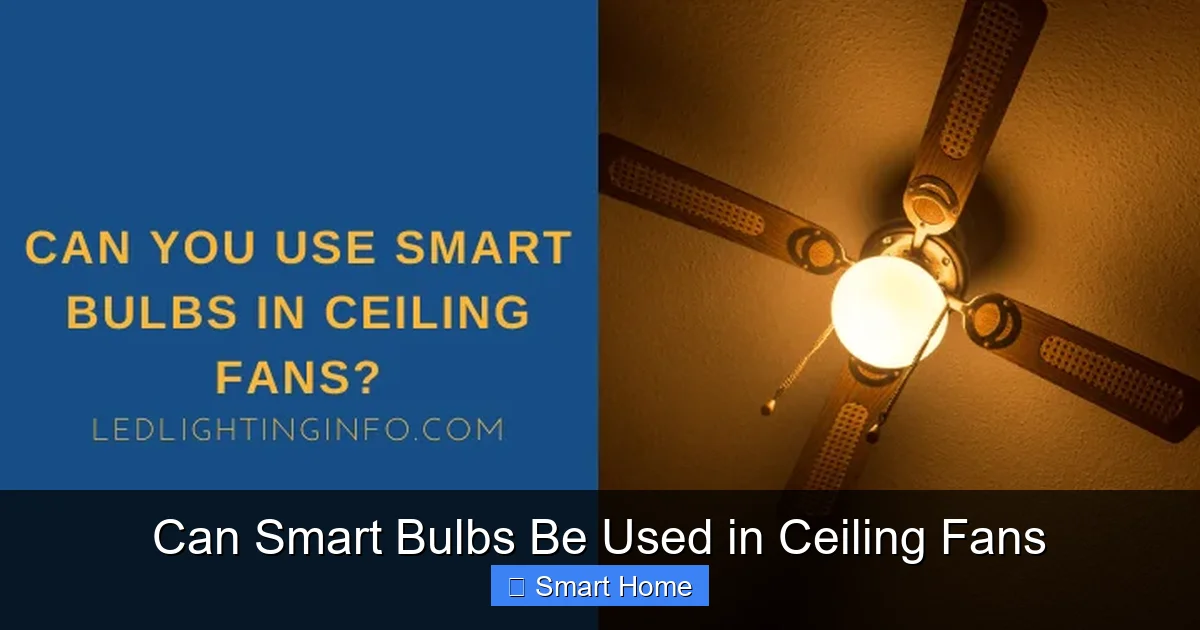
Visual guide about Can Smart Bulbs Be Used in Ceiling Fans
Image source: ledlightinginfo.com
What Are Smart Bulbs?
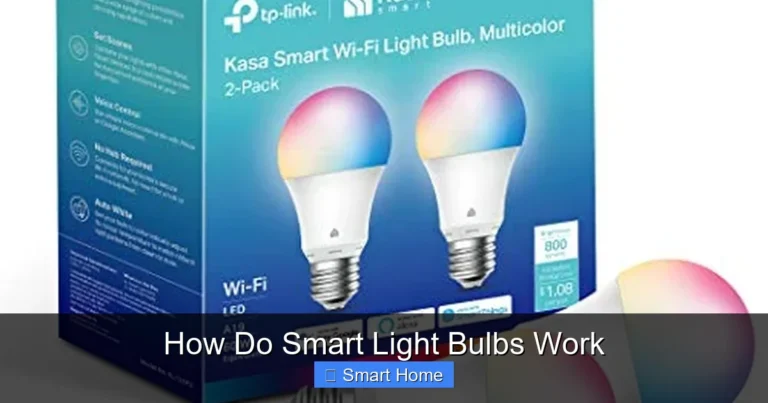
Smart bulbs are LED bulbs that connect to your home Wi-Fi or a hub (like a Zigbee or Z-Wave bridge) so you can control them remotely using a smartphone app, voice assistant, or automation rules. Popular brands include Philips Hue, LIFX, TP-Link Kasa, and Govee. These bulbs often support features like:
- Voice control (via Alexa, Google Assistant, or Siri)
- Scheduling and timers
- Color changing (for RGB models)
- Dimming and brightness adjustment
- Geofencing (lights turn on when you arrive home)
Most smart bulbs are designed to replace standard A19 or PAR bulbs, making them easy to install in existing fixtures—including ceiling fans.
How Ceiling Fans Work
A ceiling fan typically has a light kit attached to the bottom of the fan housing. This light kit contains one or more bulbs, usually screwed into standard E26 or E12 bases. Some fans have integrated LED strips, while others use traditional incandescent or halogen bulbs.
Ceiling fans are different from regular ceiling fixtures in a few key ways:
- They generate heat due to motor operation
- They vibrate slightly during use
- Many have enclosed or glass-shaded light fixtures
- They often include dimmer switches (though not all)
These factors affect how long smart bulbs last and how well they perform.
Can Smart Bulbs Actually Work in Ceiling Fans?
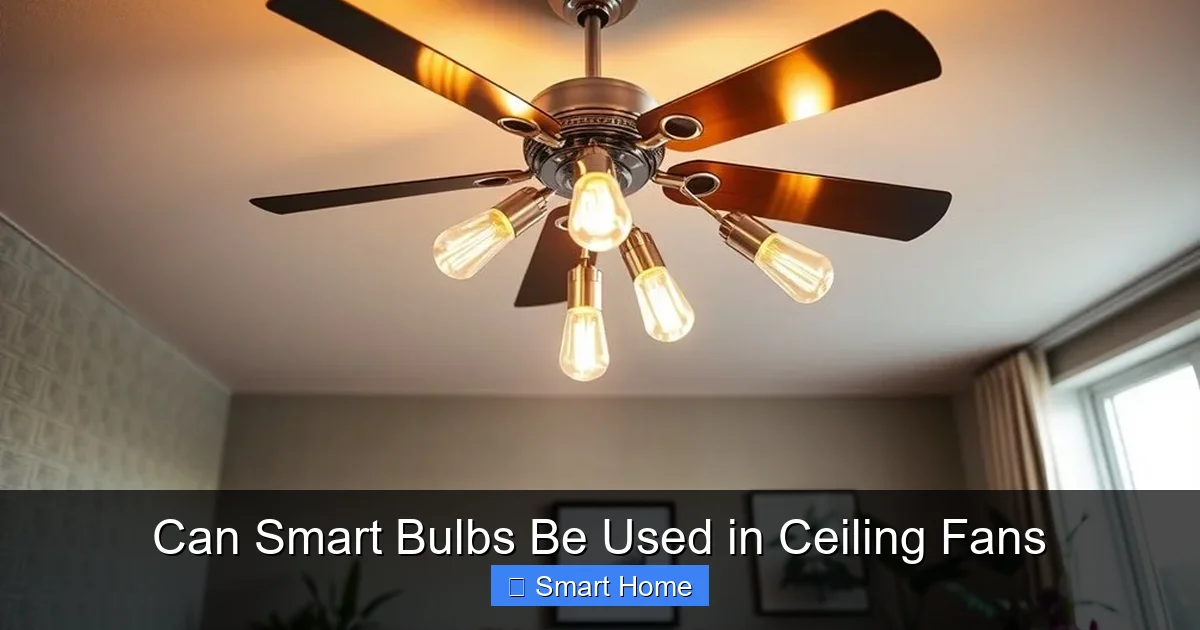
Yes, smart bulbs can work in ceiling fans—but only if they’re compatible with the fan’s design and electrical setup. Here’s what to consider.
Visual guide about Can Smart Bulbs Be Used in Ceiling Fans
Image source: topceilingfans.net
Base Type Compatibility
The most important factor is the bulb’s base type. Most ceiling fans use standard E26 (medium) or E12 (candelabra) bases. Make sure the smart bulb you choose matches your fan’s base. For example:
- E26 bulbs fit most standard ceiling fans
- E12 bulbs are common in smaller or decorative fans
- Always check your fan’s manual or label on the light kit
Some smart bulbs come in multiple base types, so you can find one that fits your fan without adapters.
Wattage and Brightness
Ceiling fans usually recommend bulbs with lower wattage to avoid overheating. A typical ceiling fan light kit might use 40W–60W equivalent. Smart LED bulbs use far less power—often 9W to 12W for the same brightness. This makes them ideal for fans, as they’re energy-efficient and produce less heat.
Look for bulbs labeled “for ceiling fans” or “for enclosed fixtures” if your fan has a glass or enclosed shade. These are tested for higher temperatures and vibration.
Dimming and Control
Not all smart bulbs play nice with ceiling fan dimmers. Some may flicker, buzz, or fail to dim smoothly. This is especially true with older mechanical dimmers or low-quality smart bulbs.
To avoid issues:
- Choose smart bulbs that are compatible with your dimmer switch (check the manufacturer’s website)
- Use bulbs with built-in dimming or those that work with smart switches
- Avoid bulbs that require a hub if your fan doesn’t support one
For best results, use smart bulbs that support dimming via your home assistant (e.g., “Alexa, dim the fan light”) rather than relying on the physical dimmer switch.
Popular Smart Bulbs for Ceiling Fans
Not all smart bulbs are created equal. Here are some of the best options for ceiling fans, based on performance, reliability, and compatibility.
Visual guide about Can Smart Bulbs Be Used in Ceiling Fans
Image source: topceilingfans.net
Philips Hue White and Color Ambiance
Philips Hue is the gold standard for smart lighting. Their bulbs offer vibrant colors, smooth dimming, and deep integration with Alexa, Google Assistant, and Apple HomeKit.
Pros:
- Excellent color accuracy and brightness
- Works with most ceiling fans
- Long lifespan (up to 25,000 hours)
- Compatible with Hue Bridge for advanced automations
Cons:
- More expensive than other brands
- Requires a Hue Bridge for full features (not included with bulb)
Best for: Users who want top-tier performance and color options, and don’t mind the investment.
LIFX Mini White to Warm
LIFX bulbs are known for their bright light and easy setup. The Mini White to Warm version is compact and perfect for ceiling fans.
Pros:
- No hub required
- Bright 800 lumens output
- Works directly with Wi-Fi
- Long lifespan (25,000 hours)
Cons:
- Limited to warm white (no color changing)
- Can be pricey for a single bulb
Best for: Simple, bright, and reliable smart lighting without complexity.
TP-Link Kasa Smart LED Bulb (KL110)
TP-Link’s Kasa bulbs are affordable, reliable, and easy to set up. They work with Alexa and Google Assistant and support dimming and scheduling.
Pros:
- Very affordable
- No hub required
- Works with dimmers (with some models)
- Easy-to-use app
Cons:
- Dimming may not be as smooth as premium brands
- Limited advanced features
Best for: Budget-conscious users who want basic smart lighting in their fan.
Govee Smart LED Light Bulbs
Govee offers colorful, affordable smart bulbs with music sync and scene modes. Great for ambiance.
Pros:
- RGB color options
- Music sync feature
- Works with Alexa and Google Assistant
- Low price
Cons:
- May not be as reliable long-term
- Less consistent dimming
Best for: Adding mood lighting and fun effects to your fan.
Installation Tips and Safety Precautions
Installing a smart bulb in a ceiling fan is simple, but safety should always come first. Follow these steps to avoid accidents.
Turn Off the Power
Before touching any bulb or wiring, turn off the power at the circuit breaker. This is non-negotiable. Even if the fan is off, the circuit may still carry current.
Let the Fan Cool
If the fan has been running, give it 15–20 minutes to cool down. Smart bulbs can get warm, and a hot fan increases risk.
Check the Light Kit
Remove the light kit carefully. Inspect the bulb socket for damage or looseness. If the socket is cracked or loose, consider replacing the entire light kit.
Install the Smart Bulb
Screw the smart bulb into the socket by hand—do not force it. Over-tightening can damage the base.
Reassemble and Test
Put the light kit back on the fan. Turn the power back on at the breaker. Test the bulb using your app or voice assistant.
Use a Ladder Safely
If your ceiling is high, use a sturdy, non-conductive ladder. Have someone spot you if possible.
Common Issues and How to Fix Them
Even with compatible bulbs, you might run into problems. Here’s how to troubleshoot common issues.
Bulb Doesn’t Connect to Wi-Fi
If the bulb won’t connect:
- Make sure your Wi-Fi is working
- Reset the bulb (usually by turning it on/off 5 times)
- Check for interference from other devices
- Move the bulb closer to your router during setup
Bulb Flickers or Buzzes
This usually means incompatibility with your dimmer switch. Try:
- Replacing the dimmer with a smart-compatible one
- Using a smart switch instead of a dimmer
- Switching to bulbs designed for dimmers
Dimming Doesn’t Work
If the bulb won’t dim:
- Check if your bulb supports dimming
- Ensure your dimmer switch is compatible
- Use voice control instead of the physical dimmer
Bulb Burns Out Quickly
Heat and vibration can shorten bulb life. Solutions:
- Use bulbs labeled “for ceiling fans”
- Avoid bulbs in enclosed fixtures if your fan has a glass shade
- Ensure proper airflow around the bulb
Smart Fan Kits vs. Retrofitting Smart Bulbs
While retrofitting smart bulbs into existing fans is popular, it’s worth considering a smart ceiling fan kit as an alternative.
Smart Ceiling Fan Kits
These are fans with built-in Wi-Fi, app control, and sometimes integrated LED lighting. Brands like Lutron, Bond, and Bond Bridge allow you to add smart control to existing fans.
Pros:
- No need to replace bulbs
- Control fan speed and light from one app
- Often include remote controls
- No wiring changes needed
Cons:
- More expensive than smart bulbs
- Requires compatible fan (usually 3- or 4-wire)
- May not work with all fan models
When to Choose a Smart Fan Kit
Consider a smart fan kit if:
- You want full control over fan speed and light
- Your fan is older and hardwired
- You don’t want to deal with bulb compatibility
- You prefer a cleaner, integrated look
When to Stick with Smart Bulbs
Smart bulbs are better if:
- You already have a fan you like
- You want color-changing or mood lighting
- You’re on a budget
- You want to test smart lighting before upgrading the whole fan
Energy Efficiency and Cost Savings
Smart bulbs are not just convenient—they’re also energy-efficient. LED smart bulbs use up to 85% less energy than incandescent bulbs and last 25 times longer.
For example, a 9W smart bulb can replace a 60W incandescent while using less power. Over a year, that’s hundreds of dollars in savings, depending on usage.
Plus, smart features like scheduling and geofencing mean lights are only on when needed, reducing wasted energy.
Future of Smart Lighting in Ceiling Fans
The smart home industry is evolving fast. In the near future, we can expect:
- More ceiling fans with built-in smart lighting
- Improved dimmer compatibility
- AI-powered lighting that adjusts based on time of day or mood
- Integration with smart thermostats and security systems
As technology advances, smart bulbs in ceiling fans will become more reliable, affordable, and powerful.
Conclusion
So, can smart bulbs be used in ceiling fans? Absolutely—but with the right bulb and proper installation. Whether you choose Philips Hue, LIFX, TP-Link, or another brand, make sure the bulb is compatible with your fan’s base, wattage, and dimmer switch. Prioritize safety, avoid overheating, and enjoy the convenience of voice-controlled lighting.
If you’re unsure, start with a single smart bulb and test it. You might be surprised at how much your daily routine improves with a simple upgrade. And who knows? You might just become a smart home enthusiast overnight.
Frequently Asked Questions
Can I use any smart bulb in a ceiling fan?
No, not all smart bulbs are suitable for ceiling fans. You need bulbs designed for higher temperatures and vibration. Check the packaging for “for ceiling fans” or “for enclosed fixtures” labels. Always match the base type (E26 or E12) to your fan.
Will smart bulbs work with my existing ceiling fan dimmer?
It depends. Some smart bulbs work well with dimmers, while others may flicker or buzz. Look for bulbs that are explicitly labeled as dimmer-compatible. If unsure, test one bulb first or replace the dimmer with a smart-compatible model.
How hot do smart bulbs get in ceiling fans?
Smart bulbs in ceiling fans can reach temperatures of 100–120°F (38–49°C) during operation. This is higher than in standard fixtures, so only use bulbs rated for enclosed or high-heat environments. Overheating can shorten bulb life.
Do smart bulbs last longer in ceiling fans?
Not necessarily. While smart bulbs are generally more durable than incandescents, the heat and vibration in ceiling fans can reduce their lifespan. Use bulbs specifically designed for ceiling fans to maximize longevity.
Can I control smart bulbs in ceiling fans with voice assistants?
Yes, most smart bulbs work with Alexa, Google Assistant, and Apple HomeKit. You can say commands like “Turn on the fan light” or “Dim the fan light to 50%.” Make sure the bulb is set up in the correct app and linked to your assistant.
Are smart ceiling fans better than retrofitting smart bulbs?
It depends on your needs. Smart fans offer integrated control of fan speed and light but are more expensive and may require professional installation. Retrofitting smart bulbs is cheaper and easier but offers less fan control. Choose based on your budget and goals.