Can Smart Bulbs Be Used with a Dimmer Switch
Can smart bulbs work with dimmer switches? Yes, but it depends on the type of bulb and switch. Not all smart bulbs are dimmable, and using the wrong combo can cause flickering or damage. With the right setup, you can enjoy smooth dimming, voice control, and energy efficiency. Whether you’re upgrading your lighting or building a smarter home, understanding compatibility is key to avoiding common pitfalls.
Key Takeaways
- Not all smart bulbs are dimmable: Only smart bulbs labeled “dimmable” can work with dimmer switches. Check the packaging or product specs before buying.
- Compatibility matters: Match your dimmer switch type (leading-edge, trailing-edge, or rotary) with the smart bulb’s requirements to avoid flickering or buzzing.
- Use a smart dimmer switch: For best results, replace old dimmer switches with smart-compatible ones that support your bulb type and app control.
- Dimmer range is important: Some smart bulbs can’t dim below 10–20%, so choose bulbs with wider dimming ranges for full control.
- Energy savings are possible: Dimmable smart bulbs reduce energy use and extend bulb life when paired with compatible dimmers.
- App control adds flexibility: Even with a physical dimmer, you can use apps or voice assistants like Alexa or Google Assistant for remote dimming.
- Watch for compatibility updates: Firmware updates from manufacturers can improve dimming performance and fix issues over time.
📑 Table of Contents
- Can Smart Bulbs Be Used with a Dimmer Switch?
- Understanding Smart Bulbs and Dimmer Compatibility
- Choosing the Right Smart Bulbs for Dimmer Switches
- How to Set Up Smart Bulbs with a Dimmer Switch
- Benefits of Using Smart Bulbs with Dimmer Switches
- Troubleshooting Common Issues
- Future Trends in Smart Dimming Technology
- Conclusion
Can Smart Bulbs Be Used with a Dimmer Switch?
Imagine walking into your living room and dimming the lights with a flick of your wrist—or a simple voice command. That’s the promise of smart lighting. But here’s the catch: not all smart bulbs play nice with traditional dimmer switches. If you’ve ever tried to use a dimmer with a smart bulb and ended up with flickering, buzzing, or lights that won’t turn off, you’re not alone.
So, can smart bulbs be used with a dimmer switch? The short answer is yes—but only if you choose the right combination. In this guide, we’ll walk you through everything you need to know about pairing smart bulbs with dimmer switches. From compatibility checks to troubleshooting tips, we’ll help you create a lighting system that’s both smart and smooth. Whether you’re upgrading your home or building a new smart setup, understanding this compatibility is essential for a hassle-free experience.
Understanding Smart Bulbs and Dimmer Compatibility
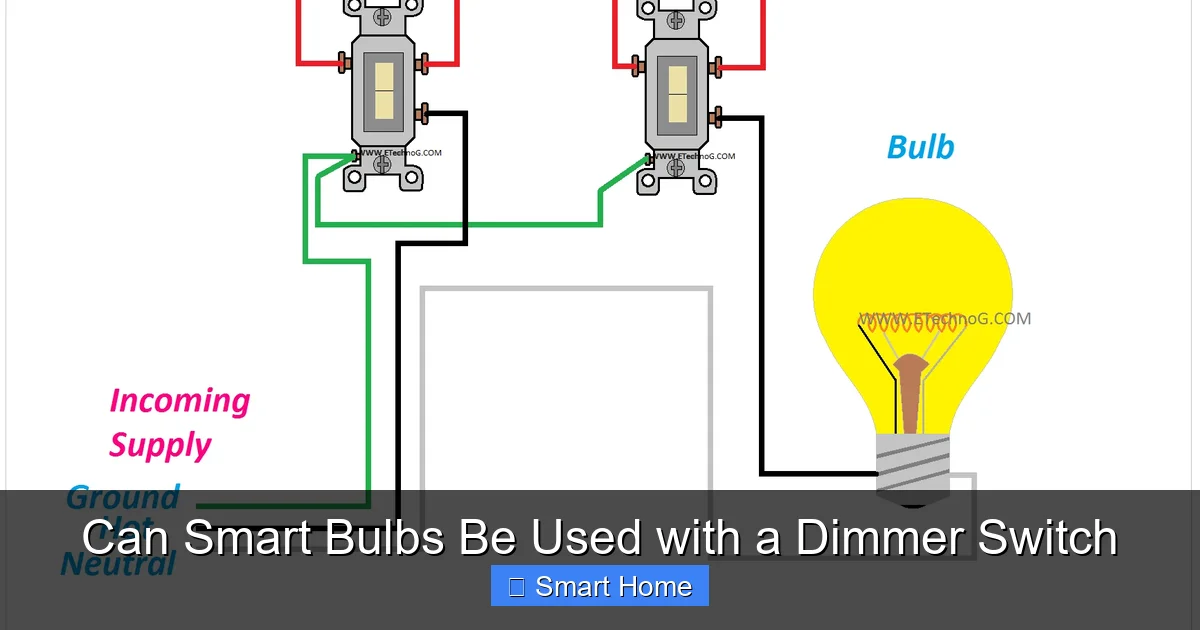
Before we dive into setup tips, let’s clarify what makes a smart bulb “smart” and how dimmer switches work. Smart bulbs are LED bulbs embedded with electronics that allow them to connect to Wi-Fi, Bluetooth, or Zigbee networks. They can be controlled via apps, voice assistants, or smart home hubs. But not all smart bulbs support dimming—especially when paired with a traditional dimmer switch.
Visual guide about Can Smart Bulbs Be Used with a Dimmer Switch
Image source: i1.wp.com
What Makes a Smart Bulb Dimmable?
A dimmable smart bulb has internal circuitry that allows it to adjust brightness levels. However, unlike incandescent bulbs, which respond well to most dimmers, LED-based smart bulbs require specific types of dimmer switches. The key issue lies in the dimmer’s design and the bulb’s power requirements. If the two don’t match, you’ll likely encounter problems like:
- Flickering lights
- Bulbs not responding to dimmer adjustments
- Random on/off behavior
- Buzzing or humming from the switch or bulb
These issues happen because traditional dimmer switches were designed for incandescent bulbs, which use more power and have different electrical characteristics. Smart bulbs, especially low-power LEDs, need dimmers that can handle their precise voltage and current demands.
Types of Dimmer Switches
There are several types of dimmer switches, each suited for different lighting technologies:
- Leading-edge (also called TRIAC) dimmers: These are the most common dimmers found in homes. They work well with incandescent and halogen bulbs but often cause issues with LED smart bulbs due to low power draw.
- Trailing-edge dimmers: Designed for LED and CFL bulbs, these provide smoother dimming and better compatibility. They’re more expensive but worth it for smart lighting setups.
- Rotary dimmers: A newer type that offers precise control and is ideal for dimmable smart bulbs. They’re becoming more popular in modern homes.
When choosing a dimmer switch for your smart bulbs, look for labels like “LED-compatible” or “dimmable LED.” This ensures the switch can handle the bulb’s power requirements without causing glitches.
Choosing the Right Smart Bulbs for Dimmer Switches
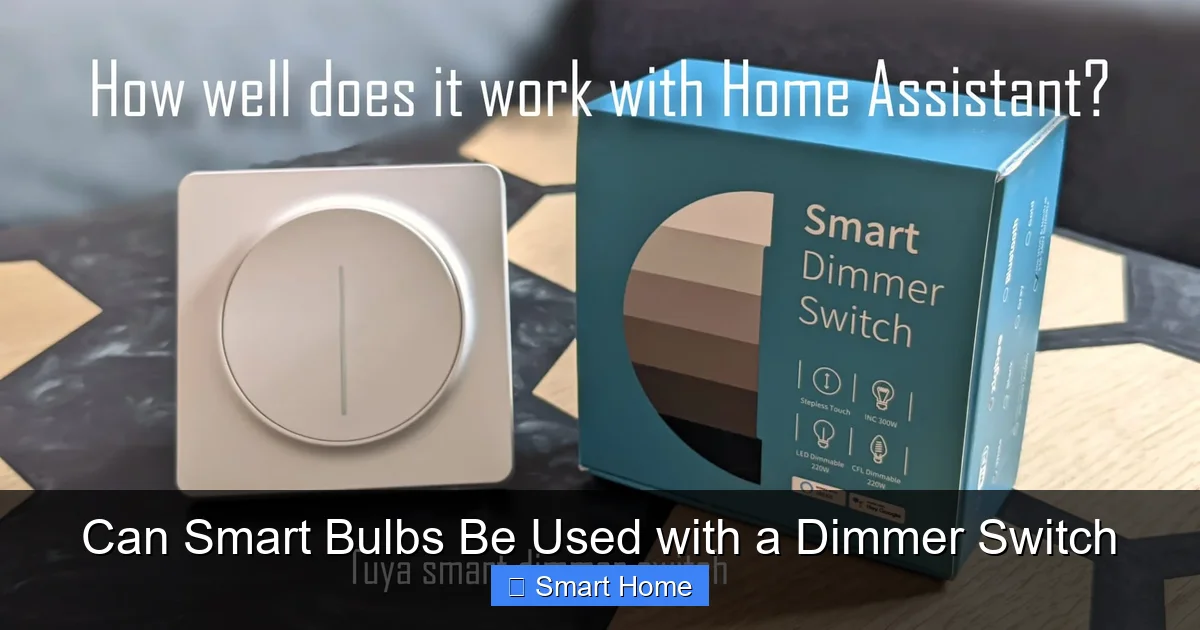
Not every smart bulb is created equal when it comes to dimming. Before you buy, check the product specifications for the word “dimmable.” This is your green light. If it’s not listed, don’t assume it’s dimmable—many budget smart bulbs are not.
Visual guide about Can Smart Bulbs Be Used with a Dimmer Switch
Image source: thesmarthomejourney.com
Top Dimmable Smart Bulbs
Here are some popular dimmable smart bulbs that work well with compatible dimmer switches:
- Philips Hue White and Color Ambiance: Fully dimmable, works with smart dimmers and apps. Hue bulbs are among the most reliable for dimming.
- LIFX Mini Color: Supports smooth dimming and is compatible with many smart dimmer switches. No hub required for basic use.
- TP-Link Kasa Smart LED Bulb (Dimmable): Affordable option with app control and dimming. Works with Alexa, Google Assistant, and smart dimmers.
- Sengled Smart Bulbs: Budget-friendly and dimmable. Make sure to pair with a compatible dimmer switch.
When shopping, also check for certifications like ENERGY STAR or compatibility lists from brands like Lutron or Leviton. These indicate the bulb has been tested for safe and effective dimming.
What to Avoid
Avoid these common pitfalls:
- Buying smart bulbs without checking for “dimmable” status
- Using old dimmer switches without verifying compatibility
- Mixing brands that aren’t known to work together
- Ignoring firmware updates from the bulb manufacturer
Remember: even if a bulb is dimmable, it might not work with every dimmer. Always double-check compatibility before installation.
How to Set Up Smart Bulbs with a Dimmer Switch
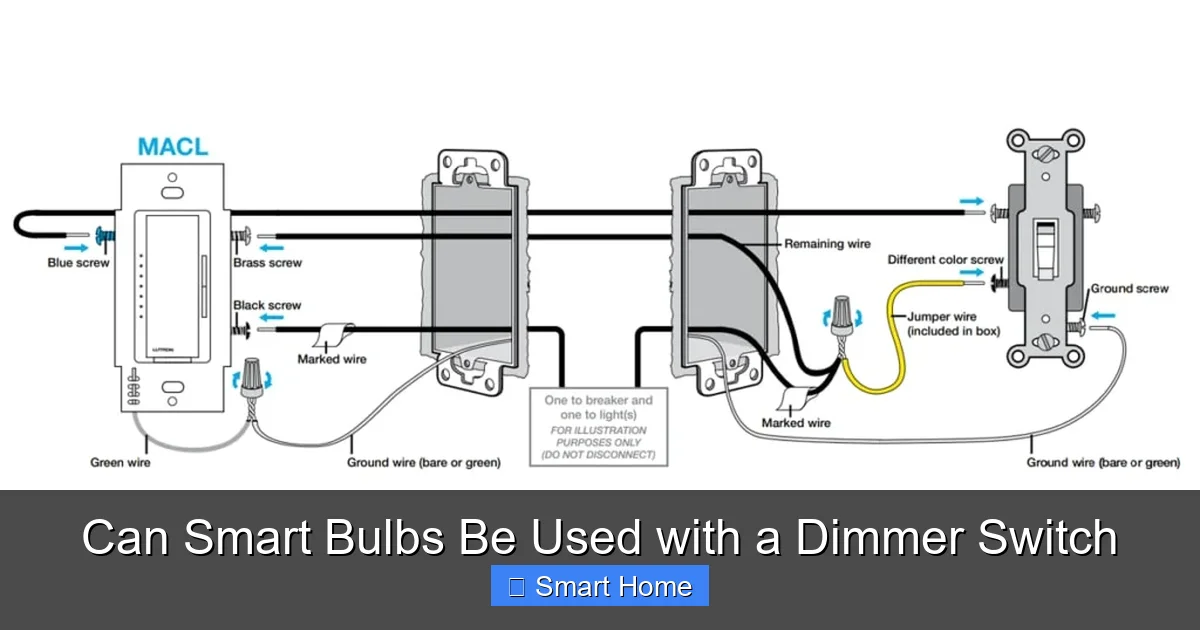
Setting up smart bulbs with a dimmer switch is simpler than it sounds—if you follow the right steps. Here’s a step-by-step guide to get you started.
Visual guide about Can Smart Bulbs Be Used with a Dimmer Switch
Image source: setick.com
Step 1: Verify Compatibility
Before turning off the power, check your current dimmer switch. Is it labeled as LED-compatible? If not, you may need to replace it. Look for switches from brands like Lutron, Leviton, or GE that support LED loads. Also, confirm your smart bulb is dimmable. The packaging or product page should clearly state this.
Step 2: Turn Off the Power
For safety, turn off the circuit breaker that controls the light fixture. This prevents electrical shocks or short circuits during installation.
Step 3: Install the Smart Bulb
Remove the old bulb and screw in the smart bulb. Make sure it’s fully seated and secure. Avoid overtightening, which can damage the bulb’s internal components.
Step 4: Replace the Dimmer Switch (If Needed)
If your current dimmer isn’t compatible, replace it with a smart dimmer switch. Look for models that support your bulb type. For example, Lutron Maestro Smart Dimmer works with most LED bulbs and offers smooth dimming.
Step 5: Test the Setup
Turn the power back on and test the dimmer. Move the slider slowly from off to full brightness. The light should respond smoothly without flickering. If it doesn’t, double-check compatibility or try a different dimmer.
Step 6: Connect to Your Smart Home System
Download the bulb’s app (e.g., Philips Hue, LIFX, Kasa) and follow the setup instructions. Connect the bulb to your Wi-Fi network and link it to your voice assistant if desired. Now you can control the light from your phone, voice, or the dimmer switch.
Practical Example
Let’s say you have a LIFX Mini Color bulb and a GE dimmer switch. The LIFX bulb is dimmable, but the GE switch isn’t labeled LED-compatible. You’ll likely experience flickering. In this case, replace the GE switch with a Lutron Diva LED+ Dimmer, which is designed for LED bulbs. After installation, the dimming will be smooth and reliable.
Benefits of Using Smart Bulbs with Dimmer Switches
Pairing smart bulbs with dimmer switches isn’t just about convenience—it offers real advantages for your home and energy use.
Energy Efficiency
Dimming reduces power consumption. A 50% dimmed LED bulb uses about 50% less energy than full brightness. Over time, this adds up to significant savings on your electricity bill. Smart bulbs with dimmers let you adjust brightness based on activity—brighter for reading, dimmer for relaxing.
Extended Bulb Life
Running bulbs at lower brightness levels reduces wear and tear. Since smart bulbs are already long-lasting, dimming them further can extend their lifespan. Some studies suggest dimming by 20% can double the life of an LED bulb.
Enhanced Ambiance
Dimmer switches allow you to create the perfect mood. Whether it’s a romantic dinner or a movie night, smooth dimming adds comfort and style. Smart bulbs take this further by letting you save lighting scenes—like “Good Morning” or “Movie Time”—that adjust brightness and color automatically.
Voice and App Control
With a smart bulb and dimmer combo, you’re not limited to physical switches. Use voice commands like “Alexa, dim the living room lights to 30%” or adjust brightness from your phone while on vacation. This adds convenience and security.
Customizable Lighting
Many smart bulbs offer color-changing options. Pair them with a dimmer to adjust both color and brightness. Imagine dimming your bedroom lights to a soft blue for better sleep, or brightening them to a warm white for a cozy evening.
Troubleshooting Common Issues
Even with compatible bulbs and switches, you might run into problems. Here’s how to fix them.
Flickering Lights
This is the most common issue. Causes include:
- Incompatible dimmer switch
- Low bulb wattage (some dimmers need at least 25W)
- Old wiring or faulty switch
Solution: Replace the dimmer with an LED-compatible model. If the bulb is too low-wattage, try a higher-wattage dimmable smart bulb.
Buzzing or Humming
This noise usually comes from the dimmer switch. It’s caused by electrical interference with the bulb’s driver. Try a different dimmer or check for loose connections.
Bulb Not Responding to Dimmer
If the bulb doesn’t respond when you adjust the dimmer, it may not be compatible. Test with a non-dimmable bulb to confirm the switch works. Then, replace the smart bulb with a dimmable one.
Random On/Off Behavior
This can happen if the bulb is receiving conflicting signals from the dimmer and app. Try resetting the bulb or disconnecting it from the app temporarily to test the dimmer alone.
Dimming Range Too Limited
Some smart bulbs can’t dim below 10–20%. This limits control. Look for bulbs that advertise a wide dimming range, like 1% to 100%, for full flexibility.
App Control Not Working
Ensure the bulb is connected to Wi-Fi and the app is up to date. Restart your router and phone if needed. Some bulbs require a hub for full functionality.
Future Trends in Smart Dimming Technology
The smart lighting industry is evolving fast. Here’s what to expect:
- Improved Compatibility: More brands are designing dimmers and bulbs to work seamlessly together.
- Wireless Dimming: New systems allow dimming without physical switches—using motion sensors or apps alone.
- AI-Powered Lighting: Future smart bulbs may automatically adjust brightness based on time of day, weather, or your habits.
- Energy Monitoring: Some smart dimmers will track energy usage in real time, helping you save even more.
As technology advances, pairing smart bulbs with dimmer switches will become simpler and more reliable. The key is staying informed and choosing quality products.
Conclusion
Can smart bulbs be used with a dimmer switch? Absolutely—but only with the right setup. By selecting dimmable smart bulbs and compatible dimmer switches, you can enjoy smooth, energy-efficient lighting that responds to your every need. Whether you’re dimming for relaxation, saving energy, or creating the perfect ambiance, the combination of smart bulbs and dimmers delivers both style and function.
Remember to check compatibility, replace outdated switches, and choose bulbs with wide dimming ranges. With a little planning, you’ll have a lighting system that’s not only smart but also reliable and enjoyable to use. The future of home lighting is here—and it’s dimmable.
Frequently Asked Questions
Can all smart bulbs work with dimmer switches?
No, only smart bulbs labeled “dimmable” can work with dimmer switches. Always check the product specifications before purchasing.
What happens if I use a non-dimmable smart bulb with a dimmer switch?
It may cause flickering, buzzing, or the bulb may not respond to dimming controls. Always use dimmable smart bulbs with dimmer switches.
Do I need a special dimmer switch for smart bulbs?
Yes, you need a dimmer switch that’s compatible with LED bulbs. Look for switches labeled “LED-compatible” or “dimmable LED.”
Can I use voice control if I have a smart bulb and dimmer switch?
Yes, as long as the smart bulb is connected to a voice assistant like Alexa or Google Assistant, you can control it with voice commands even with a physical dimmer.
How do I know if my smart bulb is dimmable?
Check the product packaging or online description for the word “dimmable.” You can also look for certifications like ENERGY STAR.
Are dimmable smart bulbs more expensive?
Not always. Some budget smart bulbs are dimmable, but high-performance models with wide dimming ranges may cost more. Always compare specs and reviews.