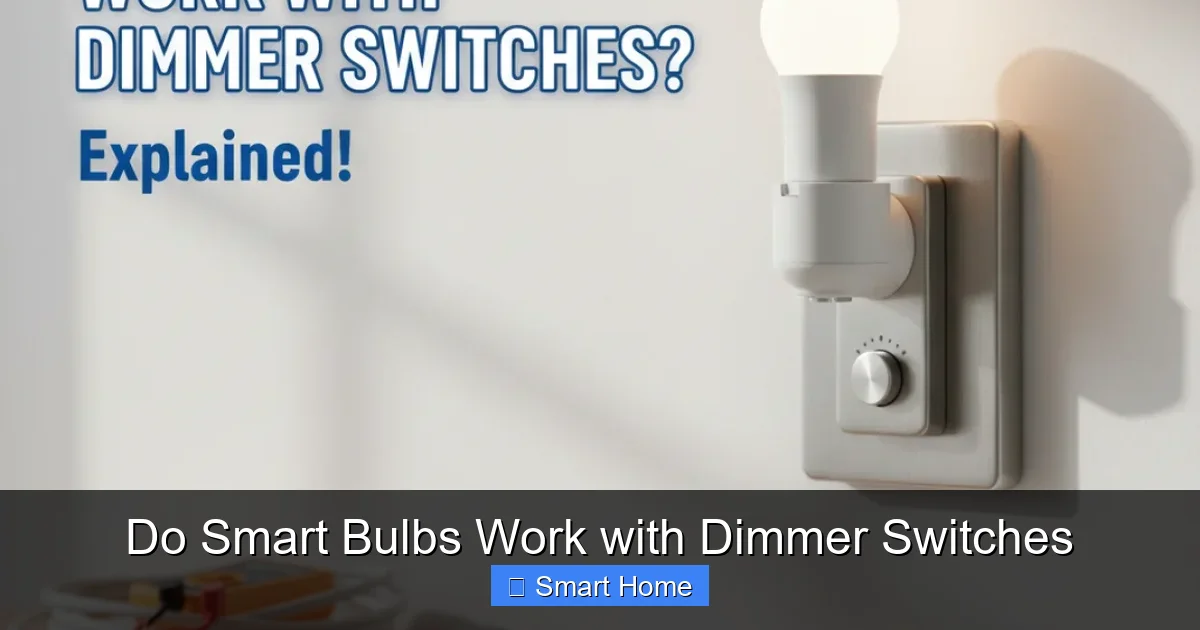
Do Smart Bulbs Work with Dimmer Switches
Can you use smart bulbs with dimmer switches? Yes, but only with dimmable smart bulbs and compatible dimmer switches. Not all smart bulbs support dimming, and mismatched components can cause flickering or damage. We’ll walk you through how to choose the right combo, avoid common pitfalls, and create a smooth, dimmable smart lighting experience.
Key Takeaways
- Not all smart bulbs work with dimmer switches: Only bulbs labeled as “dimmable” support dimming via traditional switches.
- Use compatible dimmer switches: Look for dimmers designed for LED loads and low-wattage bulbs to prevent flickering or overheating.
- Check bulb compatibility: Brands like Philips Hue, LIFX, and Sylvania offer dimmable smart bulbs—always verify before purchasing.
- Smart dimmers are an alternative: Replace your old switch with a smart dimmer (e.g., Lutron Caseta) for better control and compatibility.
- Troubleshoot common issues: If your smart bulb flickers or won’t dim, it may be incompatible, poorly wired, or need a neutral wire.
- Dimming via app or voice is possible: Even with a non-dimmable switch, many smart bulbs allow dimming through apps—but not all switches support it.
- Safety first: Always turn off power before installing, and consult an electrician if unsure about wiring or compatibility.
📑 Table of Contents
- Do Smart Bulbs Work with Dimmer Switches?
- Understanding Smart Bulbs and Dimming
- Can You Use Smart Bulbs with Dimmer Switches?
- Types of Smart Bulbs and Their Dimming Capabilities
- How to Set Up Smart Bulbs with Dimmer Switches
- Smart Dimmer Switches: A Better Alternative
- Troubleshooting Common Issues
- Safety Tips for Smart Bulb Installation
- Conclusion
Do Smart Bulbs Work with Dimmer Switches?
Imagine this: You come home after a long day, reach for your dimmer switch, and flip it down to create a cozy, relaxing atmosphere. But instead of smooth dimming, your smart bulb flickers like a disco light or won’t dim at all. Frustrating, right? You’ve invested in smart lighting for convenience and ambiance, only to run into a compatibility wall.
So, do smart bulbs work with dimmer switches? The short answer is sometimes. It depends on the type of smart bulb, the dimmer switch you’re using, and how your home’s wiring is set up. While smart bulbs offer incredible control via apps and voice assistants, not all of them are built to work with traditional dimmer switches. In this guide, we’ll break down everything you need to know—from compatibility to troubleshooting—so you can dim your lights safely and effectively.
Understanding Smart Bulbs and Dimming
What Makes a Smart Bulb Dimmable?
Not every smart bulb is designed to dim. Traditional incandescent bulbs respond beautifully to analog dimmers, but LEDs (which most smart bulbs use) require special circuitry to dim smoothly. A dimmable smart bulb includes internal electronics that can adjust brightness in response to a dimmer switch’s signal.
Visual guide about Do Smart Bulbs Work with Dimmer Switches
Image source: slashgear.com
However, this only works if the dimmer switch sends the right kind of signal. Many older dimmers are made for incandescent bulbs and can’t handle the low power draw of LEDs. This mismatch often causes flickering, buzzing, or the bulb refusing to dim at all.
The Role of Dimmer Switches
Dimmer switches reduce brightness by interrupting the electrical current in a controlled way. They work by either cutting off portions of the AC waveform (leading-edge or trailing-edge dimming) or by varying the voltage sent to the bulb.
For smart bulbs, the dimmer must be compatible with LED loads. Look for switches labeled “LED compatible” or “low-load dimmable.” Brands like Lutron, GE, and Leviton offer such models, often with adjustable settings to match different bulb types.
Can You Use Smart Bulbs with Dimmer Switches?
The simple truth is: Yes, but only under the right conditions. If your smart bulb is labeled as dimmable and your dimmer switch is LED-compatible, you can enjoy smooth, app-free dimming from your wall switch.
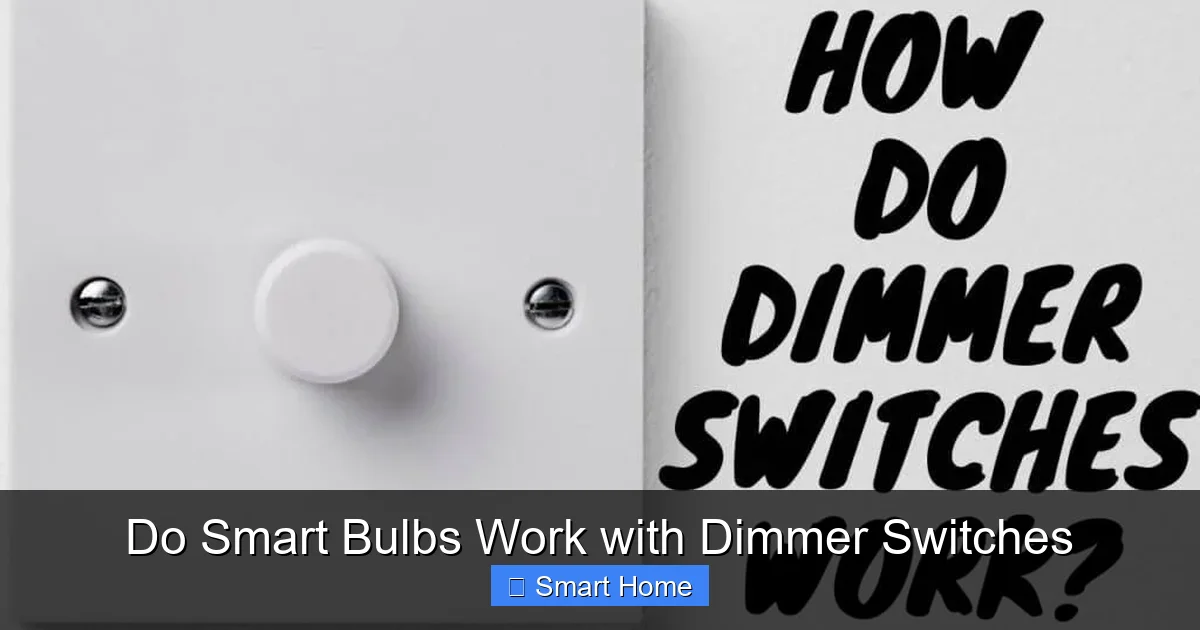
Visual guide about Do Smart Bulbs Work with Dimmer Switches
Image source: homebec.com
Let’s explore the key factors that determine whether your setup will work:
- Bulb Type: Only use smart bulbs explicitly marked as “dimmable.” Non-dimmable bulbs (even if smart) will not respond to a dimmer switch.
- Dimmer Compatibility: The switch must support low-wattage LED loads. Check the packaging or manufacturer’s website for compatibility lists.
- Wiring and Neutral Wire: Many smart bulbs need a neutral wire (a white wire in the switch box) to communicate properly. Without it, the bulb may not respond to the dimmer.
- Brand and Model Matching: Some brands (like Philips Hue) offer dimmable bulbs, but not all work with every dimmer. Always check compatibility charts.
Example: Philips Hue Dimmable Bulbs
Philips Hue offers several dimmable smart bulbs, including the A19 and BR30 models. These work with compatible dimmer switches, but only if the switch is listed in Hue’s official compatibility guide. For example, the Hue Dimmer Switch (sold separately) is designed to work seamlessly with Hue bulbs—but it’s not a traditional wall dimmer.
If you’re using a third-party dimmer, like a Lutron Maestro, you must verify it’s on the Hue compatibility list. Otherwise, you risk flickering or reduced bulb lifespan.
Types of Smart Bulbs and Their Dimming Capabilities
Dimmable Smart Bulbs
These are the gold standard. They include internal dimming circuitry and respond to a dimmer switch’s signal. Examples include:
Visual guide about Do Smart Bulbs Work with Dimmer Switches
Image source: ledlightplanet.com
- Philips Hue White and Color Ambiance A19 – Dimmable with compatible switches.
- LIFX Mini White to Warm – Supports dimming via switch or app.
- Sylvania Smart+ A19 – Dimmable and works with most LED dimmers.
Always check the product description or manual to confirm dimming support.
Non-Dimmable Smart Bulbs
These bulbs lack the circuitry to respond to a dimmer switch. Even if you turn down the switch, the bulb won’t dim. Common examples include some budget models from unknown brands or older smart LED bulbs not designed for dimming.
Warning: Never use a non-dimmable smart bulb with a dimmer switch. It can cause overheating, flickering, or even fire hazards.
Hybrid Smart Bulbs
Some bulbs offer “smart dimming” via app or voice, but not via a physical switch. For example, a non-dimmable smart bulb might allow you to dim it through the Philips Hue app, but flipping a dimmer switch won’t change the brightness.
This is useful if you want app control but don’t plan to use the wall switch for dimming. However, it’s not a true dimmable solution.
How to Set Up Smart Bulbs with Dimmer Switches
Step 1: Check Compatibility
Before buying anything, verify that:
- Your smart bulb is labeled “dimmable.”
- Your dimmer switch is LED-compatible and listed as compatible with your bulb brand.
- Your wiring includes a neutral wire in the switch box.
You can find compatibility lists on manufacturer websites. For example, Lutron maintains a searchable database of compatible LED bulbs and dimmers.
Step 2: Install the Smart Bulb
Turn off the power at the circuit breaker. Screw in the smart bulb and wait for it to power on (usually indicated by a quick flash or steady light).
Open your smart lighting app (e.g., Philips Hue, LIFX) and follow the setup instructions. Some bulbs require pairing with a hub or bridge (like the Philips Hue Bridge).
Step 3: Test the Dimmer Switch
Flip the dimmer switch slowly from off to full brightness. The bulb should dim smoothly without flickering. If it doesn’t, you may have a compatibility issue.
Step 4: Troubleshoot if Needed
If the bulb flickers or won’t dim, try:
- Using a different dimmer switch.
- Replacing the bulb with a known dimmable model.
- Adding a neutral wire or using a smart dimmer with built-in compatibility.
Smart Dimmer Switches: A Better Alternative
If you’re struggling to get your smart bulb and traditional dimmer to work, consider replacing the switch entirely. Smart dimmer switches are designed to work seamlessly with smart bulbs and offer more reliable dimming.
Popular Smart Dimmers
- Lutron Caseta Wireless Smart Dimmer – Works with Lutron, Philips Hue, and other smart bulbs. Requires a neutral wire.
- Sengled Smart Dimmer Switch – Budget-friendly and easy to install.
- GE Enbrighten Z-Wave Smart Dimmer – Compatible with Z-Wave hubs like Samsung SmartThings.
These switches allow you to dim bulbs via the switch, app, or voice commands—without compatibility headaches.
Benefits of Smart Dimmers
- No flickering or buzzing
- Better dimming range (down to 1% brightness)
- Remote control via app or voice assistant
- Scheduling and automation features
Troubleshooting Common Issues
Flickering or Buzzing
This usually means the dimmer and bulb aren’t compatible. Try swapping the dimmer for a known compatible model or using a smart dimmer instead.
Bulb Won’t Dim
Ensure the bulb is dimmable and the dimmer is LED-compatible. Also, check if the bulb is paired correctly in the app.
No Neutral Wire
Many smart bulbs need a neutral wire to communicate with the switch. If your switch box lacks one, you may need to run a new wire or use a smart bulb that doesn’t require it (like some LIFX models).
App Not Responding
Restart the app, check Wi-Fi connectivity, and ensure the bulb is online. Re-pair if necessary.
Safety Tips for Smart Bulb Installation
- Always turn off power before handling bulbs or switches.
- Use a voltage tester to confirm the circuit is off.
- Don’t over-tighten bulbs – hand-tight only.
- Follow manufacturer instructions for wiring and setup.
- Consult a licensed electrician if you’re unsure about wiring or neutral wire requirements.
Conclusion
So, do smart bulbs work with dimmer switches? The answer is yes—but only if you choose the right components and ensure compatibility. Dimmable smart bulbs paired with LED-compatible dimmer switches can deliver the smooth, customizable lighting you want without the frustration.
However, if you’re running into flickering, buzzing, or non-responsive bulbs, it’s often easier and safer to upgrade to a smart dimmer switch. These offer better performance, remote control, and seamless integration with your smart home ecosystem.
Whether you’re creating a relaxing bedroom ambiance or setting up automated lighting scenes, the key is to plan ahead. Check compatibility, use the right tools, and don’t hesitate to call in a pro if needed. With the right setup, your smart bulbs and dimmer switches can work together like a well-oiled machine—lighting up your life, one dim at a time.
Frequently Asked Questions
Can any smart bulb work with a dimmer switch?
No. Only smart bulbs specifically labeled as “dimmable” can work with dimmer switches. Non-dimmable bulbs will not respond and may cause flickering or damage.
Do I need a neutral wire for smart bulbs to work with dimmers?
Many smart bulbs require a neutral wire to communicate properly with dimmer switches. Without it, the bulb may not dim or respond at all.
What happens if I use a non-dimmable smart bulb with a dimmer switch?
It can cause flickering, buzzing, overheating, or even fire hazards. Always use dimmable smart bulbs with dimmer switches.
Can I dim smart bulbs through the app even if they’re not compatible with dimmer switches?
Yes. Even non-dimmable smart bulbs can be dimmed via the app or voice assistant, but this won’t work with a traditional dimmer switch.
Are smart dimmer switches worth the investment?
Yes. Smart dimmers offer reliable dimming, remote control, and better compatibility with smart bulbs, making them a safer and more convenient choice.
How do I know if my dimmer switch is compatible with smart bulbs?
Check the dimmer’s packaging or the manufacturer’s website for “LED-compatible” labeling and compatibility lists with brands like Philips Hue or LIFX.