Microfiber Duster for Electronics
Microfiber dusters are a must-have for anyone who cares about their electronics. They gently remove dust, lint, and debris without scratching delicate screens or ports. Whether you’re cleaning your TV, keyboard, or gaming console, a quality microfiber duster ensures your devices stay in top shape and function perfectly.
Key Takeaways
- Safe Cleaning: Microfiber dusters are non-abrasive and won’t scratch screens or damage sensitive electronics.
- Static-Free: They generate minimal static electricity, reducing the risk of attracting more dust or damaging components.
- Multi-Surface Use: Ideal for cleaning TVs, monitors, keyboards, consoles, speakers, and camera lenses.
- Easy to Clean: Most microfiber dusters can be washed and reused hundreds of times, saving money and reducing waste.
- Compact and Portable: Lightweight and easy to store, making them perfect for quick touch-ups at home or on the go.
- Eco-Friendly Option: Reusable microfiber tools reduce the need for disposable cleaning products and plastic waste.
- Effective Dust Removal: The fine fibers trap dust particles deeply, ensuring a thorough clean without spreading debris.
📑 Table of Contents
- Why a Microfiber Duster for Electronics Is a Game-Changer
- What Makes Microfiber the Best Choice for Electronics?
- Top Benefits of Using a Microfiber Duster for Electronics
- Types of Microfiber Dusters for Electronics
- How to Use a Microfiber Duster for Electronics Like a Pro
- Common Mistakes to Avoid When Cleaning Electronics
- Maintenance and Care for Your Microfiber Duster
- Microfiber Dusters vs. Other Cleaning Tools
- Eco-Friendly and Cost-Effective Cleaning
- Final Thoughts: Make Microfiber Your Go-To Cleaning Tool
Why a Microfiber Duster for Electronics Is a Game-Changer
We’ve all been there—sitting down to watch a movie or play a video game, only to be distracted by a faint film of dust on your TV screen or keyboard. Over time, that dust builds up, not just on visible surfaces but inside vents, ports, and crevices where it can affect performance. Traditional cleaning tools like paper towels, regular cloths, or compressed air can do more harm than good. Paper towels shed fibers. Regular cloths can leave lint. Compressed air might push dust deeper into devices. That’s where a microfiber duster for electronics comes in—a simple, safe, and surprisingly effective tool that makes cleaning your gadgets a breeze.
Microfiber dusters are made from ultra-fine synthetic fibers that attract and hold dust like a magnet. Unlike rough or abrasive materials, microfiber doesn’t scratch delicate surfaces such as glass screens or painted casings. They’re also static-free, meaning they won’t zap sensitive electronics with unwanted electricity. Whether you’re a tech enthusiast, a remote worker, or just someone who values a clean home, this humble cleaning tool is a must-have in your daily routine. In this article, we’ll explore everything you need to know about using a microfiber duster for electronics—from choosing the right one to mastering cleaning techniques and maintaining your tools for long-term use.
What Makes Microfiber the Best Choice for Electronics?
When it comes to cleaning delicate electronics, not all cloths are created equal. That’s why microfiber stands out as the top choice for anyone serious about maintaining their devices. But what exactly makes it so special?
Visual guide about Microfiber Duster for Electronics
Image source: homemart.com.cy
The Science Behind Microfiber
Microfiber is made from polyester and polyamide fibers, each thinner than a human hair. These fibers are woven so tightly that they create a large surface area, increasing the cloth’s ability to trap and hold dust, oil, and moisture. This unique structure allows microfiber to absorb up to seven times its weight in water—making it excellent not just for dusting, but also for wiping screens clean.
One of the biggest advantages of microfiber is its electrostatic properties. When properly manufactured, microfiber generates a slight static charge that helps attract and capture fine particles. This means you can clean a surface without needing sprays or liquids—ideal for electronics that shouldn’t get wet.
Why Regular Cloths Fail
Many people reach for old T-shirts, paper towels, or even napkins to clean their gadgets. But these materials often fall short in several ways:
- They shed fibers: Paper towels and some cloths leave behind lint that clings to screens and ports.
- They’re abrasive: Rough textures can scratch glass or plastic surfaces over time.
- They don’t trap dust well: Instead of collecting particles, they just push them around.
In contrast, a microfiber duster for electronics picks up and holds dust without spreading it. It’s gentle, effective, and safe—every time.
Top Benefits of Using a Microfiber Duster for Electronics
Switching to a microfiber duster isn’t just a small upgrade—it’s a smart investment in your devices’ longevity and performance. Here are the key benefits you’ll notice:
Visual guide about Microfiber Duster for Electronics
Image source: pettahkade.lk
1. Gentle on Delicate Surfaces
Electronics often feature glossy screens, painted casings, and fragile components. A microfiber duster glides over these surfaces without scratching or scuffing. Its soft texture ensures you can clean without fear of damaging your device.
2. Static-Free Cleaning
Static electricity can be a real problem when cleaning electronics. It can attract more dust or even damage sensitive circuits. High-quality microfiber dusters are designed to minimize static, making them safer than plastic brushes or metal tools.
3. Deep Dust Removal
Dust doesn’t just sit on the surface—it settles into vents, around buttons, and inside ports. A microfiber duster, especially one with extended bristles or a flexible tip, can reach into tight spaces and lift out stubborn grime.
4. No Chemicals Needed
Many cleaning solutions contain alcohol, ammonia, or other harsh chemicals that can degrade plastics or leave streaks. A microfiber duster works dry, so you never have to worry about liquid seeping into your device.
5. Reusable and Eco-Friendly
Unlike disposable wipes or paper towels, microfiber dusters can be washed and reused hundreds of times. This reduces waste and saves money in the long run. Just toss it in the washing machine with a gentle cycle and air dry it—no fabric softener, please.
6. Compact and Convenient
Most microfiber dusters are lightweight and easy to store. Some even come with extendable handles or foldable designs, making them perfect for quick cleanups at home or while traveling.
Types of Microfiber Dusters for Electronics
Not all microfiber dusters are the same. Depending on your needs, you might prefer one style over another. Here are the most common types and their best uses:
Visual guide about Microfiber Duster for Electronics
Image source: m.media-amazon.com
1. Standard Microfiber Cloths
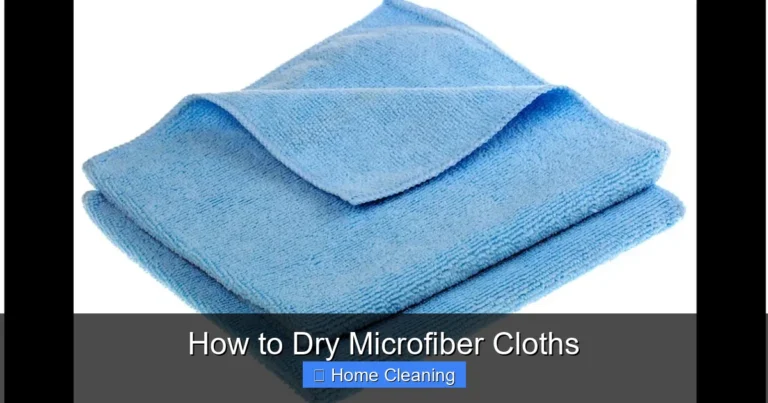
These are the simplest form—flat sheets or folded squares made from microfiber. They’re great for wiping down screens, tablets, and small gadgets. Look for lint-free, static-reducing cloths for best results.
2. Microfiber Duster Pads
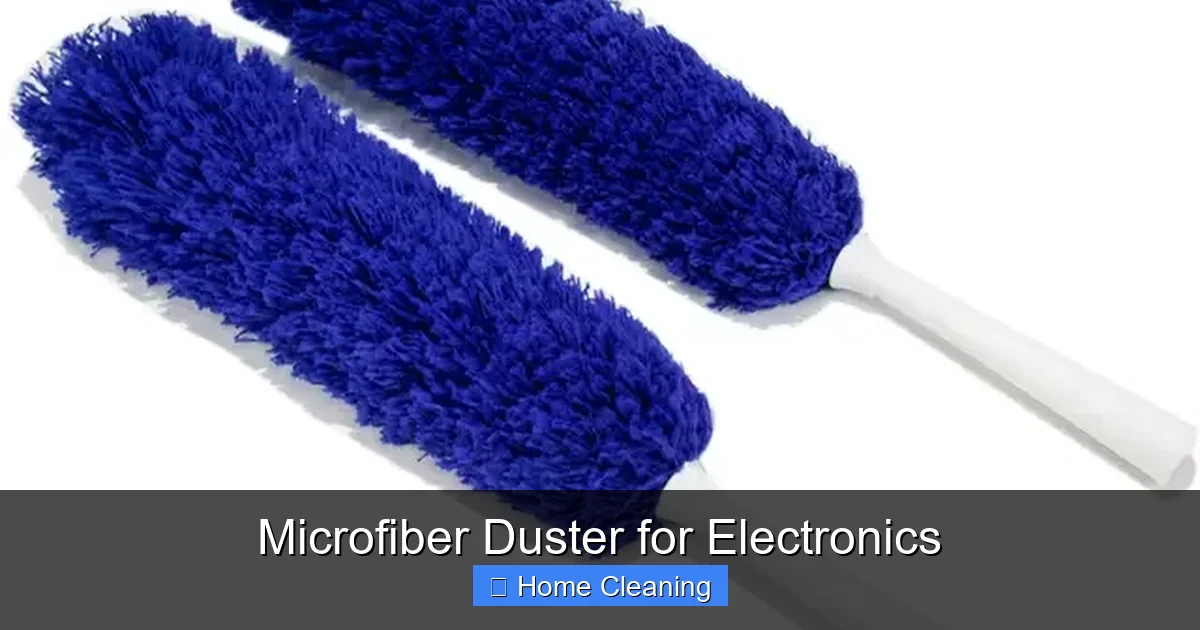
These feature a soft, brush-like head made from tightly packed microfiber strands. They’re excellent for dusting keyboards, remote controls, and speaker grilles. Some models have a flat surface on the back for wiping screens.
3. Extendable Microfiber Dusters
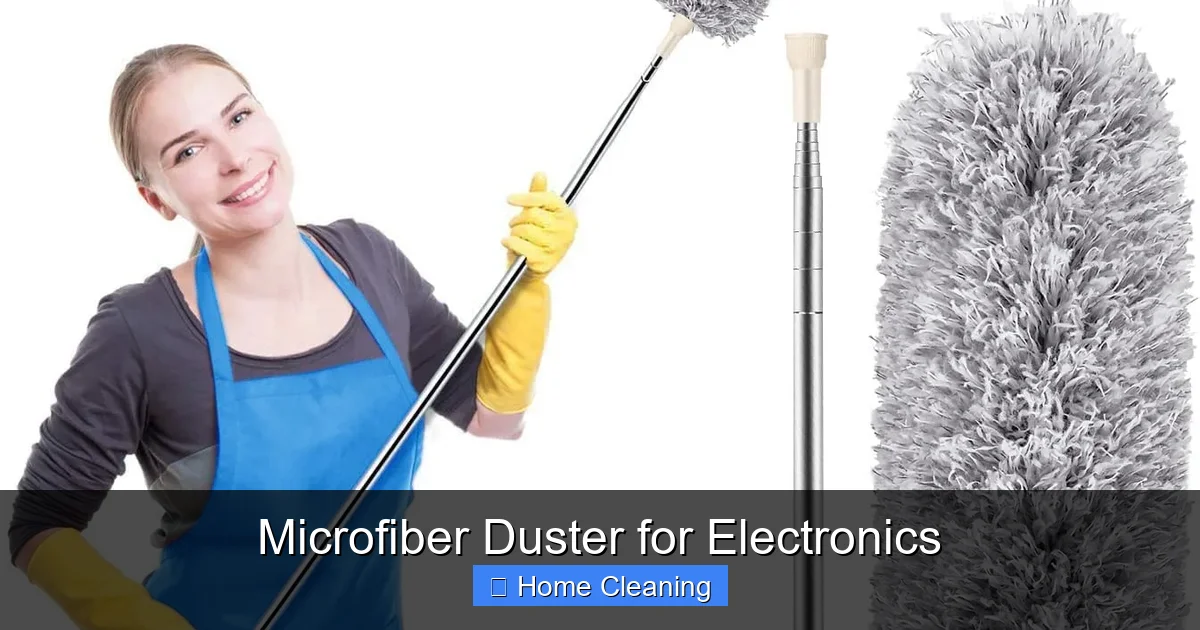
Perfect for hard-to-reach areas like ceiling fans, TV tops, or the back of gaming consoles. These tools have a telescoping handle that extends from a few inches to several feet, giving you full control without straining.
4. Microfiber Dusting Mitts
Similar to dishwashing gloves, these mitts cover your hand and provide a soft surface for cleaning. They’re ideal for detailed work on laptops, cameras, and small electronics.
5. Microfiber Cleaning Kits
Some brands offer complete kits that include a duster, a spray bottle with safe cleaning solution, and extra cloths. These are great for tech enthusiasts who want everything in one place.
When choosing a microfiber duster for electronics, consider the size of your devices, the level of dust buildup, and whether you need reach or precision. For most people, a combination of a standard cloth and a duster pad offers the best versatility.
How to Use a Microfiber Duster for Electronics Like a Pro
Using a microfiber duster correctly makes all the difference. A quick swipe might remove surface dust, but a proper cleaning routine ensures your electronics stay in top condition. Follow these steps for best results:
Step 1: Turn Off and Unplug Your Device
Before you begin, power down your device and unplug it from the outlet. This prevents accidental damage and ensures safety, especially when cleaning ports or vents.
Step 2: Shake Off Loose Dust
Give the duster a firm shake outside or over a trash can to dislodge any loose particles. This prevents you from redistributing dust back onto your device.
Step 3: Dust from Top to Bottom
Start at the top of your device and work your way down. This prevents dust from falling onto already-cleaned areas. Use gentle, sweeping motions—don’t press too hard.
Step 4: Clean Vents and Ports Carefully
For air vents and charging ports, use a soft-bristled microfiber duster or a cotton swab lightly coated with microfiber. Never insert anything sharp or wet into these areas.
Step 5: Wipe Screens with a Dry Cloth
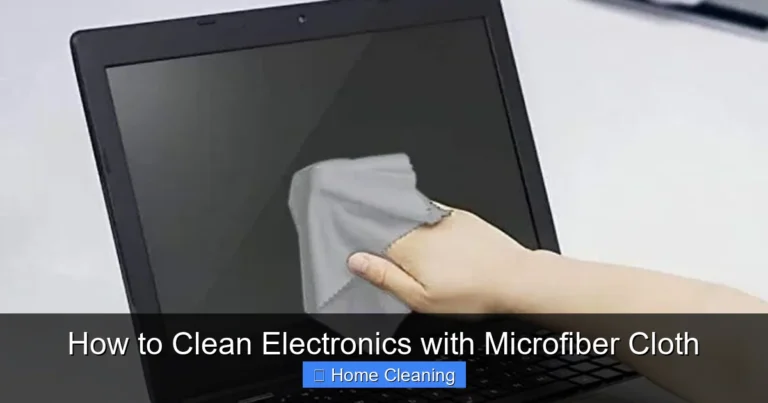
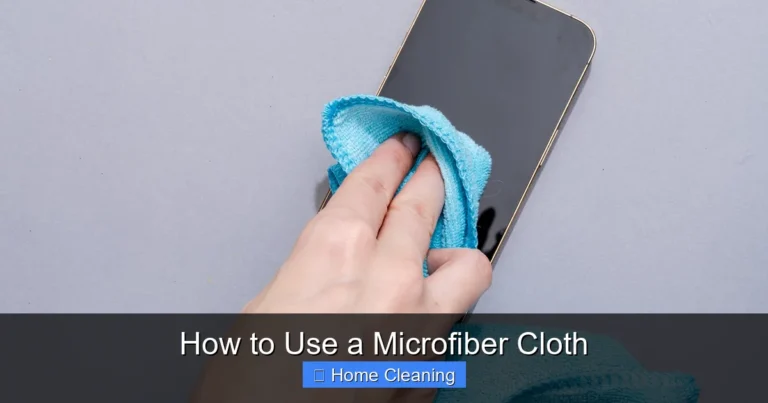
For glass or plastic screens, use a dry microfiber cloth in a circular motion. If smudges remain, lightly dampen the cloth with distilled water—never spray liquid directly on the screen.
Step 6: Let It Air Dry
After cleaning, allow your device to air dry for a few minutes before turning it back on. This ensures no moisture remains from cleaning.
Pro Tip:
Store your microfiber duster in a dry place away from dust. Avoid folding it tightly, as this can crush the fibers and reduce effectiveness over time.
Common Mistakes to Avoid When Cleaning Electronics
Even with the best tools, improper techniques can damage your devices. Here are some common mistakes to steer clear of:
- Using Wet Cloths on Screens: Moisture can seep into seams and damage internal components. Always use a dry microfiber cloth for screens.
- Applying Too Much Pressure: Scrubbing hard can scratch surfaces or push dust deeper into vents.
- Ignoring the Power Button: Always turn off your device before cleaning to avoid accidental activation or damage.
- Using Harsh Chemicals: Avoid alcohol, window cleaners, or disinfectants unless specifically labeled safe for electronics.
- Reusing Dirty Cloths: A dirty microfiber cloth can spread bacteria and scratches. Wash it regularly.
By avoiding these pitfalls, you’ll keep your electronics looking new and functioning smoothly for years.
Maintenance and Care for Your Microfiber Duster
To keep your microfiber duster effective, proper maintenance is key. With the right care, it can last for months—even years. Here’s how to maintain it:
Washing Instructions
Wash microfiber dusters in cold or warm water with a mild detergent. Avoid fabric softeners and bleach, as they coat the fibers and reduce their ability to trap dust. Tumble dry on low heat or air dry. Never dry clean microfiber.
Storage Tips
Store your duster in a clean, dry place. Avoid folding it tightly or stuffing it into drawers where it can get crushed. A breathable fabric pouch is ideal.
When to Replace
If your duster starts shedding fibers, loses its softness, or no longer picks up dust effectively, it’s time to replace it. Most quality microfiber tools can be washed 100+ times, so keep track of usage.
Microfiber Dusters vs. Other Cleaning Tools
You might wonder why you should choose a microfiber duster over other cleaning methods. Let’s compare it to some common alternatives:
Microfiber Duster vs. Compressed Air
Compressed air can be useful for blowing dust out of vents, but it often pushes debris deeper into devices. It’s also messy and can freeze components if used in cold environments. A microfiber duster gently lifts dust without spreading it.
Microfiber Duster vs. Paper Towels
Paper towels are cheap but ineffective. They shed fibers, leave lint, and can scratch surfaces. A microfiber duster picks up dust without leaving residue.
Microfiber Duster vs. Lint-Free Wipes
Lint-free wipes are better than paper towels, but they’re often pre-moistened and not reusable. They also come in single-use packaging, which isn’t eco-friendly. A microfiber duster is washable, sustainable, and versatile.
Microfiber Duster vs. Vacuum Attachments
Vacuum attachments can be too harsh for delicate screens and can generate static. Microfiber dusters are gentler and more precise.
In short, a microfiber duster for electronics offers a balance of safety, effectiveness, and sustainability that few other tools can match.
Eco-Friendly and Cost-Effective Cleaning
Beyond performance, microfiber dusters are a smart choice for environmentally conscious consumers. They eliminate the need for disposable wipes, sprays, and plastic packaging. One reusable duster can replace dozens of single-use products over its lifetime.
From a cost perspective, microfiber dusters are a one-time investment. While they may cost a bit more upfront than paper towels, they pay for themselves after just a few uses. Plus, they’re durable and long-lasting when cared for properly.
By choosing microfiber, you’re not just cleaning better—you’re cleaning smarter.
Final Thoughts: Make Microfiber Your Go-To Cleaning Tool
If you’re serious about keeping your electronics clean and functional, a microfiber duster for electronics is an essential addition to your cleaning kit. It’s safe, effective, easy to use, and eco-friendly. Whether you’re cleaning a smartphone, laptop, or home theater system, this simple tool delivers professional results without the hassle.
From reducing static and preventing scratches to deep-cleaning vents and screens, microfiber does it all. And with proper care, it lasts for months—even years. So why rely on outdated methods when you can upgrade to a cleaner, safer, and more sustainable solution?
Next time you notice dust on your gadgets, reach for your microfiber duster. Your devices—and your peace of mind—will thank you.
Frequently Asked Questions
Can I use a microfiber duster on my TV screen?
Yes, a microfiber duster is safe for use on TV screens when used gently. Always use a dry cloth and avoid pressing too hard. For stubborn smudges, lightly dampen the cloth with distilled water—never spray liquid directly on the screen.
How often should I wash my microfiber duster?
Wash your microfiber duster after every 10–15 uses or when it starts to feel rough or lose effectiveness. Use cold or warm water with mild detergent, and avoid fabric softeners. Most can be washed over 100 times.
Will a microfiber duster scratch my laptop keyboard?
No, a high-quality microfiber duster won’t scratch your laptop keyboard. Its soft fibers gently lift dust from between keys without damaging the surface. Just avoid using excessive pressure.
Can I use a microfiber duster on camera lenses?
Absolutely. Microfiber is the recommended material for cleaning camera lenses. Use a dry cloth in a circular motion to remove dust and smudges. For best results, use a lens-specific microfiber cloth.
Are microfiber dusters better than compressed air?
Microfiber dusters are safer and more precise for delicate electronics. Compressed air can push dust deeper into devices and generate static. Use microfiber for gentle, thorough cleaning.
How do I know if my microfiber duster is high quality?
Look for tightly woven fibers, a soft texture, and a label indicating it’s lint-free and static-reducing. High-quality microfiber should feel smooth, not rough, and pick up dust easily without shedding.