Which Desk Lamp Is Good for Eyes
Choosing a desk lamp good for eyes is crucial for preventing digital eye strain, fatigue, and headaches. The right lamp offers adjustable brightness, a warm to neutral color temperature, and flicker-free, high-CRI lighting. Prioritize lamps with diffusers for even light and smart features for effortless control. Investing in a proper eye-friendly lamp protects your long-term vision comfort.
We’ve all been there. After hours of reading, writing, or scrolling, your eyes feel dry, heavy, and sore. You might even get a dull headache. While screen time gets most of the blame, your lighting is a silent, major culprit. The humble desk lamp on your table can be your greatest ally or your worst enemy when it comes to eye comfort. So, what makes a desk lamp good for eyes? It’s not just about brightness. It’s a science of color, consistency, and control. Let’s break down everything you need to know to choose a lamp that protects your vision and boosts your productivity.
Key Takeaways
- Flicker-Free is Non-Negotiable: Imperceptible flicker from cheap LEDs causes eye fatigue and headaches. Always look for “flicker-free” certification or high PWM frequency.
- Color Temperature Matters: Use warmer light (2700K-3000K) for relaxing evenings and cooler, neutral light (4000K-5000K) for detailed work to match your circadian rhythm.
- High CRI (90+) is Essential: A high Color Rendering Index (90+) ensures colors appear true and natural, reducing eye strain as your brain doesn’t have to compensate for distorted hues.
- Adjustable Brightness is Key: Your lighting needs change. A lamp with smooth dimming lets you tailor illumination to the task, preventing glare from overly bright light.
- Even Light Distribution Prevents Glare: Lamps with wide shades or diffusers eliminate harsh shadows and bright spots, creating a uniform pool of light that’s gentle on the eyes.
- Positioning is Half the Battle: Place the lamp to the side of your dominant hand to avoid hand shadows, and ensure light falls on your work, not your eyes or screen.
- Smart Features Offer Convenience: Smart bulbs allow scheduling and scene setting, automatically adjusting your desk lamp’s color temperature throughout the day for optimal eye comfort.
📑 Table of Contents
Understanding the Enemy: How Bad Lighting Harms Your Eyes
Before we pick a champion, we must understand the problem. Poor lighting forces your eyes to work overtime. This leads to a condition called digital eye strain or computer vision syndrome. Symptoms include blurred vision, dry eyes, neck pain, and that all-too-familiar fatigue.
The Perils of Flicker
Many budget LED lamps use a technology called Pulse Width Modulation (PWM) to dim the light. It rapidly cycles the power on and off. Your brain doesn’t consciously see this flicker, but your eyes and nervous system do. This subliminal flicker is a primary cause of eye strain and headaches, even after short periods. A flicker-free lamp uses direct current (DC) or a very high-frequency PWM that is imperceptible and harmless.
The Glare and Shadow Trap
Harsh, point-source light creates stark shadows on your desk and a bright glare on your computer screen. Your pupils constantly dilate and constrict to compensate for these extremes, leading to muscle fatigue in the iris. A good lamp bathes your workspace in a soft, even glow.
The Wrong Color Temperature
Light color is measured in Kelvin (K). Cool, blue-rich light (5000K+) mimics midday sun. While great for alertness during the day, exposure at night suppresses melatonin, disrupting sleep and causing eye discomfort. Conversely, overly warm light (below 2700K) can feel dim and make colors look dull, causing your eyes to strain to see details.
The Golden Standards: What to Look For in an Eye-Friendly Desk Lamp
Now for the shopping checklist. A lamp that’s truly good for your eyes will excel in these key areas. Think of them as your non-negotiable criteria.

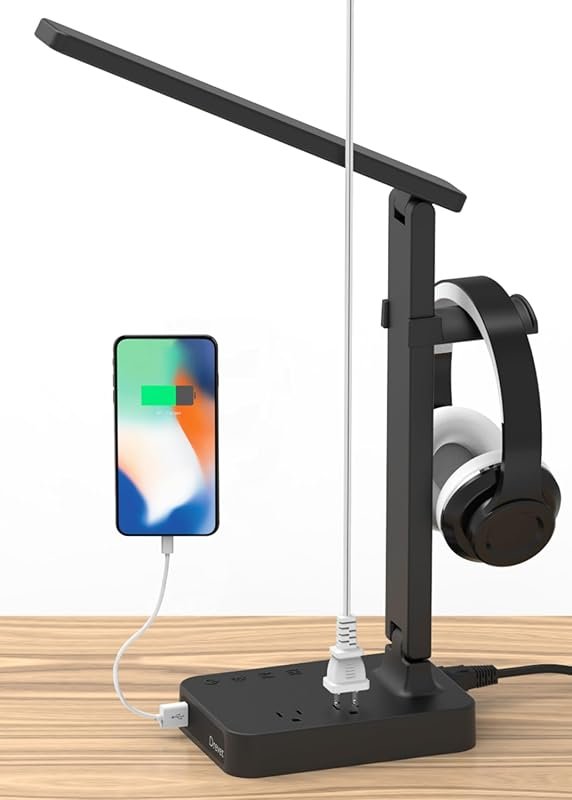
Visual guide about Which Desk Lamp Is Good for Eyes
Image source: m.media-amazon.com
1. Flicker-Free Certification or Technology
This is priority number one. Look for explicit “flicker-free” labels from reputable manufacturers. Some high-end lamps use DC dimming or advanced drivers to eliminate PWM entirely. If you’re unsure, a quick smartphone camera test can reveal flicker—point your phone’s camera at the lit bulb; if you see rolling bars or dark bands, it flickers.
2. High Color Rendering Index (CRI > 90)
CRI measures how accurately a light source reveals object colors compared to natural light. A CRI of 100 is perfect. For task lighting, aim for a CRI of 90 or above. This is critical for tasks involving color judgment, like graphic design, painting, or even just reading where black text should look truly black, not muddy. Low-CRI lighting makes everything look washed out and similar in hue, forcing your eyes to work harder to distinguish details.
3. Adjustable Brightness and Color Temperature
One size does not fit all. Your lighting needs change with the time of day and task. A great lamp offers a wide dimming range (e.g., 10%-100%) and adjustable color temperature, often from a warm 2700K up to a bright, cool 5000K or 6000K. This allows you to set a relaxing warm glow for evening reading and a crisp, cool light for detailed work.
4. Wide, Even Light Distribution
Examine the lamp’s shade design. A good task lamp has a wide, parabolic, or multi-layered shade that directs light downward and spreads it evenly across your entire workspace. Look for terms like “wide beam angle” or “glare-free diffusion.” The goal is to illuminate your desk without creating a single, harsh spotlight. This eliminates shadows cast by your hands and head.
5. Flexible Positioning and Stability
The lamp must be easy to position. Multiple joints (pivot, swivel, height adjustment) allow you to aim the light exactly where needed without glare on your screen. A heavy, stable base prevents tipping when you adjust it. Gooseneck designs offer ultimate flexibility.
Lamp Types: Which Technology Is Best?
With the criteria in mind, let’s compare common lamp types. While many use LEDs, the quality and control vary wildly.

Visual guide about Which Desk Lamp Is Good for Eyes
Image source: i.etsystatic.com
Traditional LED Desk Lamps
Most modern desk lamps are LED-based. The quality depends entirely on the internal LED driver and bulb. A cheap, non-dimmable LED lamp is often a flicker nightmare. A high-quality, branded LED lamp with a good driver will meet the flicker-free and high-CRI standards. They are energy-efficient and long-lasting. When buying, treat the lamp and its bulb as a single system—you can’t always swap in a better bulb.
Smart LED Lamps and Bulbs
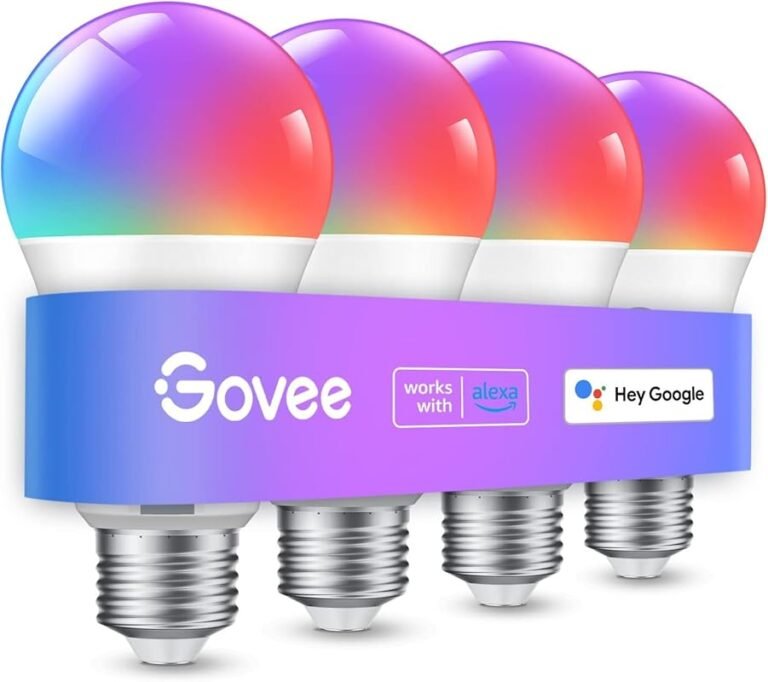
This is where convenience meets eye health. Smart desk lamps (or lamps paired with smart bulbs that work with your preferred ecosystem, like Google Home or Apple HomeKit) allow you to program schedules. You can set the lamp to automatically shift from a cool, bright 5000K during work hours to a warm, dim 2700K at 9 PM, syncing with your circadian rhythm. Many smart bulbs also offer superior dimming curves and are built to high flicker-free standards. If you choose this route, ensure the smart bulbs work with your existing smart home system to avoid compatibility headaches.
Halogen and Incandescent (The Nostalgic Choice)
These are inherently flicker-free since they use a simple heated filament. They also have a perfect CRI of 100, rendering colors beautifully. However, they are power-hogs, generate significant heat, and have short lifespans. They are largely obsolete for task lighting but are loved by some for their warm, continuous spectrum. An LED lamp that mimics these qualities is a far better modern choice.
How to Choose for Your Specific Needs
Your perfect lamp depends on what you do at your desk.
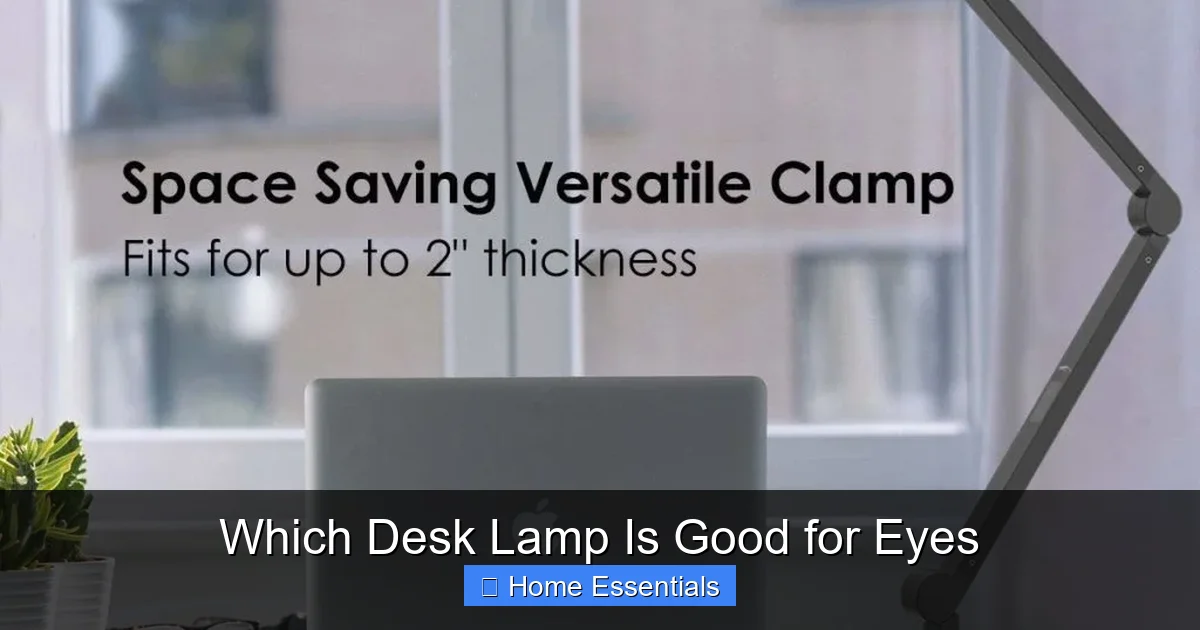
Visual guide about Which Desk Lamp Is Good for Eyes
Image source: brandreviewly.com
For Writers, Programmers, and General Office Work
You need a large, even pool of light that covers your keyboard and documents without glare on your monitor. Prioritize a lamp with a wide shade and excellent adjustability. A color temperature around 4000K (neutral white) is often ideal for sustained focus without the harshness of cool blue light. Look for models with a “screen mode” that reduces glare by dimming the portion of light aimed at your display.
For Artists, Designers, and Detail-Oriented Tasks
Color accuracy is paramount. You must have a lamp with a CRI of 95 or higher. A slightly higher color temperature (4500K-5000K) can help see fine details clearly, as long as it’s paired with high CRI. Consider an arm-based lamp that can be positioned very close to the work without casting shadows from your hand.
For Students and Readers
Comfort for long reading sessions is key. A warmer color temperature (2700K-3000K) is easier on the eyes for extended periods. A slightly lower, diffused brightness level prevents page glare. A lamp with a flexible neck is great for positioning light over books without disturbing a roommate with a bright room light.
Top Recommendations and What to Avoid
While we don’t endorse specific brands, here are the archetypes to seek out and pitfalls to dodge.
What to Buy
- Reputable Brand Task Lamps: Companies specializing in lighting (like BenQ, TaoTronics, Philips Hue) invest in proper drivers and optics. Their mid-to-high-range models will check all the boxes: flicker-free, high CRI, adjustable.
- Smart Bulb + Classic Lamp Combo: Buy a simple, well-designed, adjustable gooseneck or arm lamp (without a built-in bulb) and pair it with a high-quality smart bulb known for flicker-free dimming. This gives you maximum flexibility. Just verify the bulb base (E26/E27) matches.
- Lamps with Large, Fabric or Polycarbonate Diffusers: These materials soften the light source effectively, creating that crucial even distribution.
What to Avoid
- Extremely Cheap, No-Name LED Lamps: These are the most likely to have poor PWM dimming (causing flicker), low CRI (<80), and harsh, point-source lighting.
- Lamps with Tiny, Uncovered Bulbs: If you can see the bare LED chip, it will create a harsh spotlight and likely glare. The bulb should be fully shielded.
- Lamps with Only One Fixed Brightness/Color: This offers no adaptability to your needs or time of day.
- Overly Complex, Fiddly Lamps: If it’s a pain to adjust, you won’t adjust it. Simplicity and smooth operation win.
Setting Up and Using Your Lamp for Maximum Eye Comfort
You’ve bought the perfect lamp. Now, use it correctly.
The Perfect Position
For right-handed users, place the lamp on the left side of your desk, and vice versa. This prevents your writing hand from casting a shadow on your work. The light source should come from in front and slightly to the side, ideally slightly above your line of sight to the work. Never place the lamp directly behind you, causing a glare on your screen, or directly in front, shining into your eyes.
Brightness and Color Settings
Start with a brightness that feels comfortable—not too bright, not too dim. For screen work, your ambient room light should be roughly half as bright as your screen. Use your lamp’s cooler settings for high-focus tasks in the daytime. As evening approaches, manually switch to a warmer, dimmer setting or, better yet, let your smart bulb’s schedule do it for you. This reduces blue light exposure, which is key for eye comfort and sleep quality.
Maintenance
Keep the lamp shade clean. Dust buildup reduces light output and can create uneven hotspots. Ensure the lamp is stable and all joints are tight. For smart lamps, keep the firmware updated for the latest features and bug fixes. If a lamp starts flickering after years of use, the internal LED driver may be failing—consider replacement rather than enduring the strain.
In conclusion, a desk lamp good for eyes is an investment in your health and productivity. By prioritizing flicker-free technology, high CRI, and adjustable, even lighting, you can transform your desk from a source of fatigue into a haven of comfort and focus. Your eyes will thank you for years to come.
Frequently Asked Questions
What color temperature is best for a desk lamp for eyes?
For general use, a adjustable color temperature between 4000K (neutral white) and 5000K (cool white) is ideal for focus without excessive blue light. For evening use, shift to 2700K-3000K (warm white) to support melatonin production and reduce strain.
Is a higher brightness (lumens) always better for eye comfort?
No. Excessive brightness causes glare and pupil strain. Adequate, even illumination is key. Look for a lamp with smooth dimming (ideally down to 10-20% of its max output) so you can set the perfect level for your specific task and ambient room light.
Are smart desk lamps better for eye health?
They can be, primarily due to their scheduling features. Automatically shifting color temperature from cool to warm throughout the day aligns with your circadian rhythm, reducing blue light exposure at night. However, the core health benefits still depend on the lamp’s flicker-free and high-CRI specifications.
How can I test if my current desk lamp is flicker-free?
Use your smartphone camera. Point it at the lit bulb and look at the screen. If you see dark rolling bands or stripes, the lamp has visible flicker. A flicker-free bulb will show a steady, uniform light without these artifacts. This is a simple but effective preliminary check.
Should I use a desk lamp in a room with good overhead lighting?
Often, yes. Overhead lights are usually dim and create shadows on your desk. A dedicated task lamp provides focused, adjustable illumination exactly where you need it, eliminating shadows and reducing the contrast between your work and surroundings, which is a major cause of eye strain.
Can the wrong desk lamp really cause long-term eye damage?
While it won’t cause permanent structural damage like cataracts, prolonged use of a poor-quality lamp (with flicker, glare, and low CRI) absolutely contributes to chronic digital eye strain, headaches, and discomfort. Over time, this can exacerbate existing conditions and significantly impact your quality of life and productivity.