Which Smart Bulbs Work with Google Home
Not all smart bulbs are compatible with Google Home, but many popular brands like Philips Hue, LIFX, Wyze, and TP-Link offer excellent integration. With Google Assistant, you can control lighting with voice commands, set routines, and sync colors effortlessly. This guide breaks down which smart bulbs work with Google Home, helping you choose the right ones for your smart home setup.
Key Takeaways
- Compatibility is key: Not all smart bulbs support Google Home. Look for devices with Google Assistant integration.
- Top brands include: Philips Hue, LIFX, Wyze, TP-Link Kasa, Sylvania, and Nanoleaf are among the most reliable options.
- Wi-Fi vs. Hub-based: Some bulbs need a hub (like Philips Hue Bridge), while others connect directly to Wi-Fi for simpler setup.
- Voice control is essential: Google Assistant allows hands-free control, making smart lighting more convenient.
- Energy efficiency matters: Smart bulbs use less power than traditional bulbs and offer features like dimming and color changing.
- Smart routines enhance convenience: Set up morning routines, bedtime scenes, or security lighting using Google Home.
- Check reviews before buying: User feedback and compatibility updates can affect long-term performance.
📑 Table of Contents
- Which Smart Bulbs Work With Google Home? A Complete Guide
- Understanding Google Home Smart Bulb Compatibility
- Top Smart Bulbs That Work With Google Home
- How to Set Up Smart Bulbs With Google Home
- Advanced Google Home Features for Smart Bulbs
- Tips for Choosing the Right Smart Bulbs
- Conclusion: Brighten Your Home with Google Home Compatible Bulbs
Which Smart Bulbs Work With Google Home? A Complete Guide
Imagine walking into your living room and saying, “Hey Google, turn on the lights,” only to have your favorite ambient lighting kick in instantly. That’s the magic of smart bulbs and Google Home working together. But here’s the catch: not every smart bulb plays nice with Google Assistant. While many modern bulbs are designed to be “works with Google” (formerly Works With Assistant), compatibility can vary based on the brand, model, and connection type.
In this guide, we’ll walk you through everything you need to know about choosing smart bulbs that work seamlessly with Google Home. Whether you’re building your first smart lighting system or upgrading an existing one, we’ll help you avoid frustration and find bulbs that deliver on voice control, scheduling, and smart home integration. From premium options like Philips Hue to budget-friendly picks like Wyze Bulbs, we’ve got you covered.
Understanding Google Home Smart Bulb Compatibility
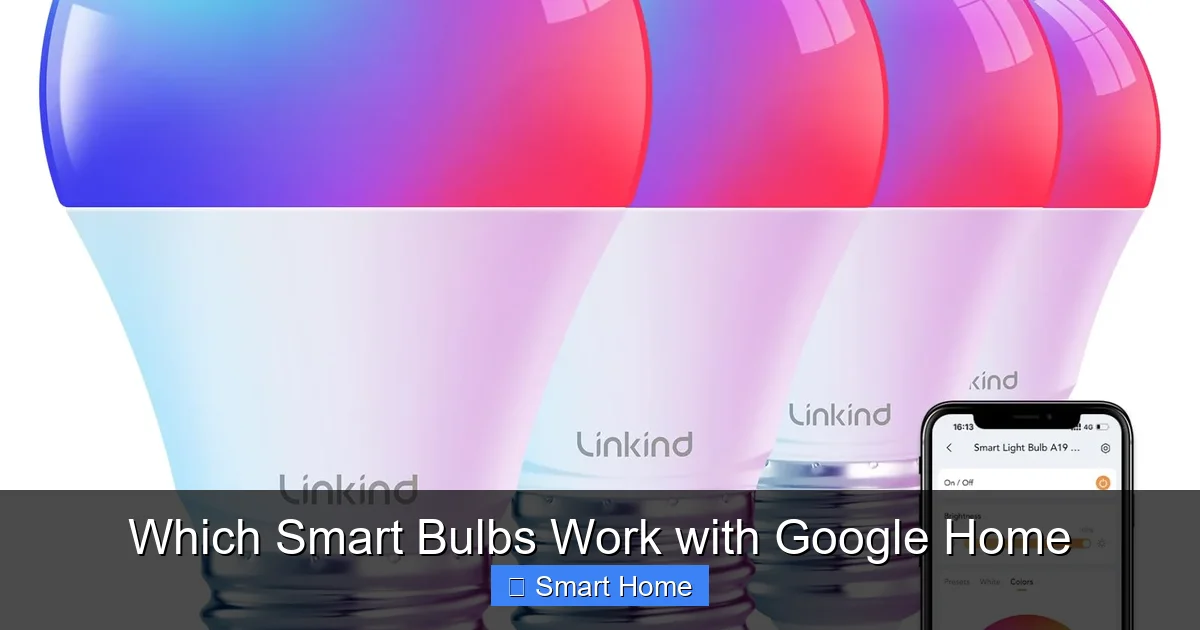
Before diving into specific brands, it’s important to understand how Google Home integrates with smart bulbs. Google uses a certification program called “Works with Google” to ensure devices meet certain standards for voice control, reliability, and user experience. When a bulb is labeled “Works with Google,” it means it’s been tested and approved to work with Google Assistant.
Visual guide about Which Smart Bulbs Work with Google Home
Image source: images-na.ssl-images-amazon.com
How Google Assistant Controls Smart Bulbs
Google Assistant communicates with smart bulbs through Wi-Fi or a local network. When you say, “Hey Google, dim the kitchen lights,” your request is sent to Google’s servers, which then relay the command to your bulb via your home’s internet connection. This means your bulb must be connected to the same network as your Google Home device.
Some smart bulbs, like those from Philips Hue, require a hub (the Hue Bridge) to connect to your network. Others, such as LIFX or Wyze, connect directly to Wi-Fi, making setup faster and simpler. Understanding this difference is crucial when choosing bulbs that work with Google Home.
Types of Smart Bulbs
Smart bulbs come in various types, and not all are compatible with Google Home. Here’s a quick breakdown:
- Wi-Fi Bulbs: Connect directly to your home network. Examples: LIFX, Wyze Bulbs.
- Hub-Based Bulbs: Require a separate hub (like Philips Hue Bridge) to communicate with Google Assistant.
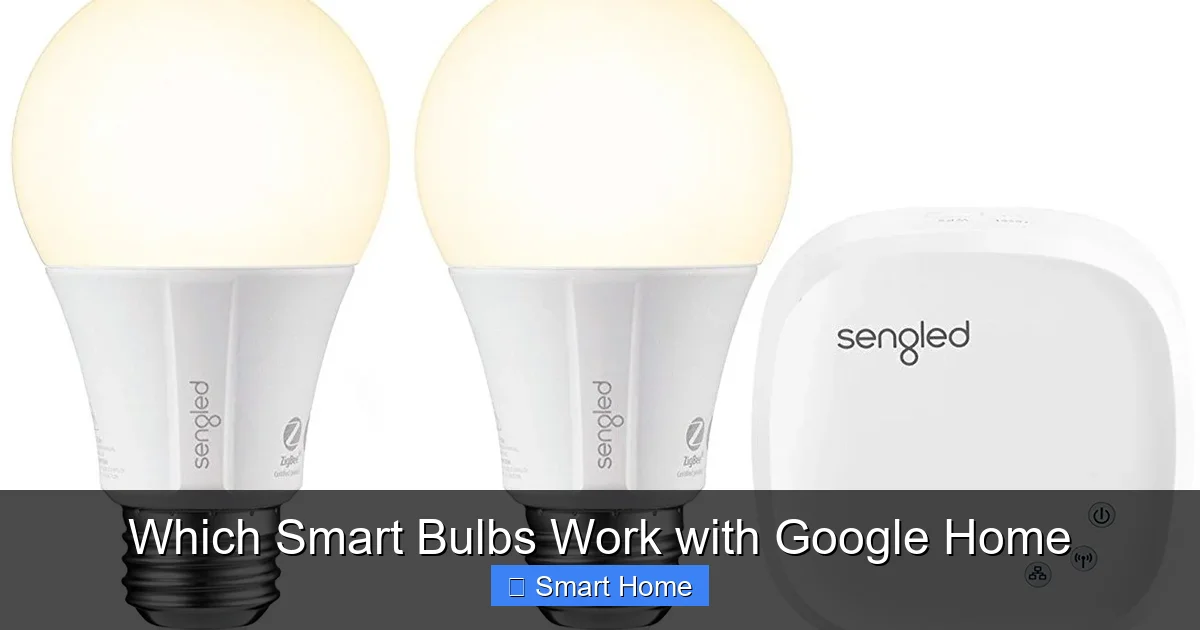
- Zigbee Bulbs: Use the Zigbee protocol and need a hub that supports Zigbee and Google Home (e.g., Philips Hue, IKEA TRÅDFRI).
- Bluetooth Bulbs: Limited range and usually don’t work with Google Home unless paired with a hub that bridges Bluetooth to Wi-Fi.
For most users, Wi-Fi or hub-based bulbs are the best options for Google Home integration.
Top Smart Bulbs That Work With Google Home
Now that you understand the basics, let’s explore the best smart bulbs that work with Google Home. We’ve categorized them by type and highlighted their key features.
Visual guide about Which Smart Bulbs Work with Google Home
Image source: androidcentral.com
Philips Hue Smart Bulbs
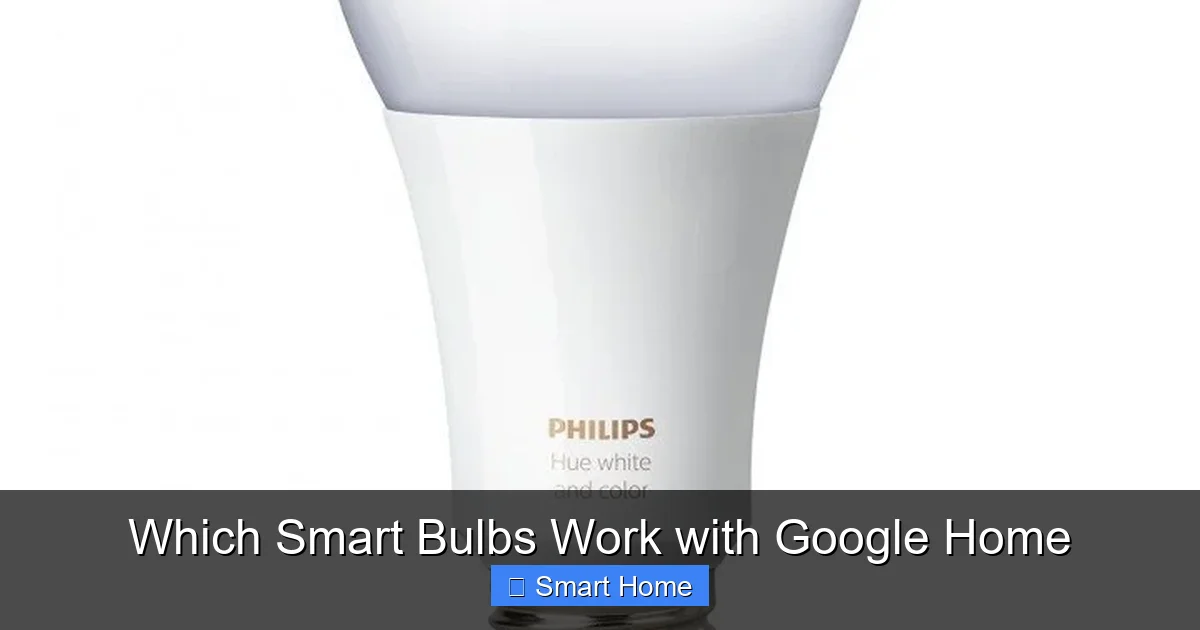
Philips Hue is arguably the most popular smart lighting brand, and its bulbs are fully compatible with Google Home. However, they require the Philips Hue Bridge (sold separately) to connect to Google Assistant. The Bridge acts as a hub, translating Google’s commands into signals your bulbs can understand.
Philips Hue bulbs offer 16 million colors, dimming, scheduling, and integration with other smart home devices like Google Nest and Amazon Alexa. They’re also energy-efficient and long-lasting, with a lifespan of up to 25,000 hours.
Best for: Users who want premium features, color customization, and full smart home integration.
Setup tip: Purchase the Hue Bridge separately, as it’s not included with the bulbs. You can buy it from Philips or retailers like Amazon.
LIFX Smart Bulbs
LIFX bulbs are Wi-Fi-enabled, meaning no hub is needed—just plug them in and connect to your home network. They’re fully compatible with Google Home and support features like color changing, dimming, and scheduling. LIFX bulbs use a lot less power than traditional bulbs and last up to 25,000 hours.
One standout feature of LIFX is their “LIFX Color” bulbs, which offer vibrant, saturated colors and smooth dimming. They also support Google’s routines, so you can create custom lighting scenes for different times of day.
Best for: Users who want a hub-free setup with vibrant colors and easy Google Assistant integration.
Setup tip: Download the LIFX app, connect your bulb to Wi-Fi, and link it to Google Home through the app’s integration settings.
Wyze Smart Bulbs
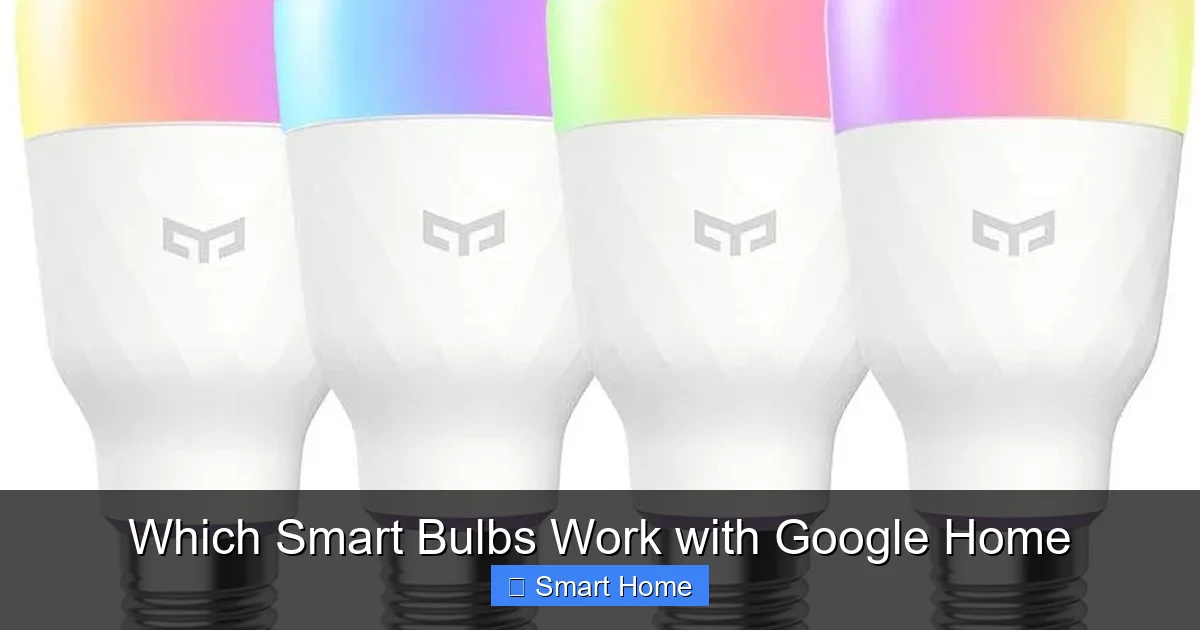
Wyze is known for affordable smart home devices, and its bulbs are no exception. Wyze Bulbs are Wi-Fi-enabled and fully compatible with Google Home. They support dimming, color changing, and scheduling, and they’re available in warm white, soft white, and tunable white (adjustable color temperature).
At around $8–$10 per bulb, Wyze is one of the most budget-friendly options that work with Google Home. They’re also energy-efficient, using up to 85% less power than incandescent bulbs.
Best for: Budget-conscious users who still want smart features and Google Assistant control.
Setup tip: Use the Wyze app to connect the bulb to Wi-Fi, then add it to Google Home via the app’s “Works with Google” section.
TP-Link Kasa Smart Bulbs
TP-Link’s Kasa smart bulbs are another excellent choice for Google Home users. These Wi-Fi bulbs support dimming, scheduling, and color changing (on select models). They’re easy to set up through the Kasa app and integrate seamlessly with Google Assistant.
Kasa bulbs are also compatible with Amazon Alexa and Apple HomeKit, making them a versatile option for multi-platform smart homes.
Best for: Users who want a reliable, affordable smart bulb with broad compatibility.
Setup tip: Plug in the bulb, open the Kasa app, connect to Wi-Fi, and link to Google Home through the app’s settings.
Sylvania Smart+ Bulbs
Sylvania’s Smart+ bulbs are designed for Google Home compatibility and use Wi-Fi to connect directly to your network. They support dimming, scheduling, and color changing (on select models). These bulbs are also energy-efficient and come with a 2-year warranty.
Sylvania bulbs are available in various bases (A19, BR30, etc.) and are compatible with standard light fixtures. They’re a great middle-ground option between budget and premium features.
Best for: Users who want a trusted brand with reliable Google Home integration.
Setup tip: Use the Smart+ app to connect the bulb to Wi-Fi, then add it to Google Home via the app’s integration menu.
Nanoleaf Elements Smart Bulbs
Nanoleaf is known for its modular lighting systems, but its Elements smart bulbs are also compatible with Google Home. These bulbs are Wi-Fi-enabled and support color changing, dimming, and scheduling. They’re also designed to be energy-efficient and long-lasting.
Nanoleaf bulbs are ideal for users who want customizable lighting effects and seamless integration with Google Assistant.
Best for: Users who want stylish, customizable lighting with Google Home control.
Setup tip: Use the Nanoleaf app to connect the bulb to Wi-Fi, then add it to Google Home through the app’s settings.
How to Set Up Smart Bulbs With Google Home
Setting up smart bulbs with Google Home is easier than ever. Here’s a step-by-step guide to get started:
Visual guide about Which Smart Bulbs Work with Google Home
Image source: androidcentral.com
Step 1: Choose Compatible Bulbs
Make sure the bulbs you buy are labeled “Works with Google” or “Compatible with Google Home.” Check the product description or packaging for this information.
Step 2: Install the Bulbs
Turn off the power to the light fixture, screw in the smart bulb, and turn the power back on. Make sure the bulb is securely in place.
Step 3: Download the Brand’s App
Download the app for your bulb’s brand (e.g., Philips Hue, LIFX, Wyze). Create an account and follow the setup instructions to connect the bulb to your Wi-Fi network.
Step 4: Link to Google Home
Open the Google Home app, tap the “+” icon, select “Set up device,” then “Have something already set up?” Find your bulb’s brand in the list and follow the prompts to link it.
Step 5: Test Voice Commands
Say, “Hey Google, turn on the living room lights,” and see if the bulb responds. If not, check your Wi-Fi connection or re-link the device.
Troubleshooting Tips
- Bulb not responding: Make sure it’s connected to the same Wi-Fi network as your Google Home device.
- Hub not working: Ensure the hub (like Philips Hue Bridge) is powered and connected to your router.
- Google Assistant not recognizing: Re-link the bulb in the Google Home app or restart your router.
Advanced Google Home Features for Smart Bulbs
Once your smart bulbs are set up, you can unlock even more functionality with Google Home’s advanced features.
Routines and Scenes
Create routines in Google Home to automate your lighting. For example, you can set a “Good Morning” routine that turns on your bedroom lights at 7 AM and dims the kitchen lights at sunset. Scenes let you group multiple bulbs and control them together with a single command.
Voice Commands and Shortcuts
Use custom voice commands like “Hey Google, movie time” to dim the lights and switch to a warm color scheme. You can also create shortcuts in the Google Assistant app for quick access.
Integration with Other Smart Devices
Pair your smart bulbs with other Google-compatible devices, like smart thermostats, doorbells, or security cameras. For example, you can set your lights to turn on when motion is detected at night.
Energy Monitoring
Some smart bulbs (like Wyze and TP-Link Kasa) provide energy usage data in their apps. Use this information to track and reduce your electricity consumption.
Tips for Choosing the Right Smart Bulbs
With so many options, how do you pick the best smart bulbs for Google Home? Here are some tips:
- Check compatibility: Always verify that the bulb is labeled “Works with Google.”
- Consider your needs: Do you want color-changing bulbs or just dimming and scheduling?
- Think about future expansion: If you plan to add more smart devices, choose bulbs that support hubs or multi-platform integration.
- Read reviews: User feedback can reveal real-world performance and compatibility issues.
- Budget wisely: While premium bulbs offer more features, budget options like Wyze and TP-Link Kasa deliver great value.
Conclusion: Brighten Your Home with Google Home Compatible Bulbs
Smart bulbs that work with Google Home can transform your living space, adding convenience, energy efficiency, and ambiance to your daily routine. Whether you choose the premium features of Philips Hue, the vibrant colors of LIFX, or the affordability of Wyze, there’s a perfect bulb for every home and budget.
By understanding compatibility, setup, and advanced features, you can create a lighting system that responds to your voice, fits your lifestyle, and enhances your smart home experience. So go ahead—plug in, link up, and let Google Assistant brighten your world.
Frequently Asked Questions
Do all smart bulbs work with Google Home?
No, not all smart bulbs are compatible with Google Home. Only those labeled “Works with Google” or “Compatible with Google Home” will work seamlessly with Google Assistant. Always check the product description before purchasing.
Can I use Philips Hue bulbs with Google Home?
Yes, Philips Hue bulbs work with Google Home, but they require the Philips Hue Bridge (sold separately) to connect. The Bridge acts as a hub, enabling communication between your bulbs and Google Assistant.
Do smart bulbs use a lot of electricity?
No, smart bulbs are designed to be energy-efficient. They use significantly less power than traditional incandescent bulbs and often include features like dimming and scheduling to further reduce energy consumption.
Can I control smart bulbs without a hub?
Yes, some smart bulbs (like LIFX and Wyze) connect directly to Wi-Fi and don’t require a hub. These are ideal for users who want a simple, plug-and-play setup with Google Home compatibility.
How do I add smart bulbs to Google Home?
To add smart bulbs to Google Home, download the brand’s app, connect the bulb to Wi-Fi, then open the Google Home app, tap “+”, select “Set up device,” and follow the prompts to link your bulb.
Are smart bulbs worth it?
Absolutely. Smart bulbs offer convenience, energy savings, and customizable lighting. With Google Assistant, you can control them with voice commands, set routines, and integrate them into a larger smart home ecosystem.