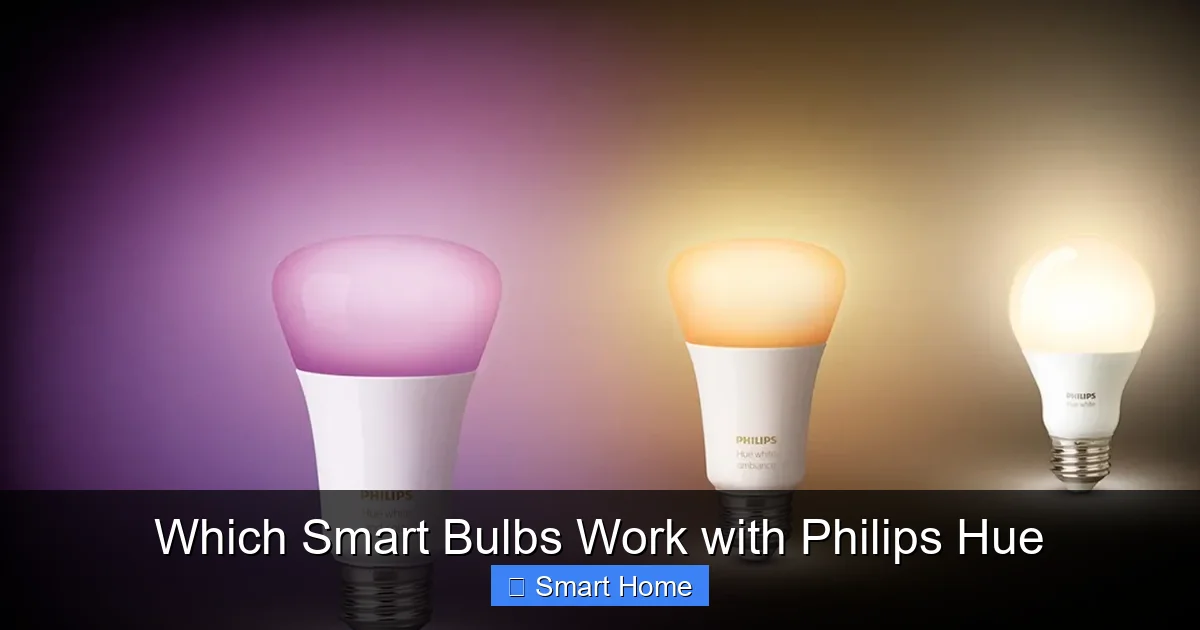
Which Smart Bulbs Work with Philips Hue
Which smart bulbs work with Philips Hue? The good news is: many do—but not all are created equal. Philips Hue’s ecosystem is built on the Zigbee protocol, which means only bulbs using this wireless standard can connect directly to your Hue Bridge. However, with a little know-how, you can expand your setup using third-party bulbs or smart switches.
Whether you’re looking to save money, customize your lighting, or simply upgrade your smart home, understanding compatibility is the first step toward a seamless Hue experience. In this guide, we’ll walk you through everything you need to know.
Key Takeaways
- Philips Hue uses Zigbee for smart lighting: Only bulbs and devices using the Zigbee protocol can connect directly to the Hue Bridge without extra hardware.
- Third-party bulbs can work with Hue: Brands like LIFX, Sylvania, and IKEA TRÅDFRI offer Zigbee-compatible bulbs that integrate with Hue.
- Non-Zigbee bulbs need a bridge: Bulbs using Wi-Fi, Bluetooth, or Z-Wave won’t work natively with Hue and may require a separate hub.
- Hue Bridge unlocks advanced features: Without the Bridge, you’re limited to basic app control. The Bridge enables scenes, schedules, and voice control.
- DIY and open-source options exist: Tools like Home Assistant or Zigbee2MQTT let you connect non-Hue bulbs to your Hue system.
- Color accuracy and dimming matter: Not all compatible bulbs offer the same brightness, color range, or dimming smoothness as genuine Hue bulbs.
- Always check compatibility first: Before buying, verify that a bulb supports Zigbee and is certified for use with Philips Hue.
📑 Table of Contents
Which Smart Bulbs Work with Philips Hue?
So, you’ve got a Philips Hue system humming in your living room, and now you’re thinking, “Can I add more smart bulbs without buying another expensive Hue pack?” Great question! The short answer is: yes—but only if they use the Zigbee wireless protocol. Philips Hue is built around this open standard, which allows bulbs and devices to communicate directly with the Hue Bridge. But before you start shopping, let’s break down exactly which smart bulbs work with Philips Hue and how to make the most of your setup.
Smart lighting has become a cornerstone of modern homes. Whether you’re setting the mood for movie night, waking up with a gentle sunrise simulation, or turning off lights remotely while you’re away, smart bulbs add convenience, energy savings, and ambiance. Philips Hue has long been the gold standard in smart lighting—but its ecosystem isn’t the only game in town. In fact, several third-party brands now offer Zigbee-compatible bulbs that play nicely with Hue. This opens up more options, better prices, and even more customization. But with so many choices, how do you know which ones are worth your money?
Understanding Philips Hue’s Ecosystem
What Makes Hue Special?
Philips Hue isn’t just a brand—it’s a complete smart lighting ecosystem. At its core is the Hue Bridge, a small device that connects to your router via Ethernet and acts as a hub for all your Hue-compatible lights. Once connected, you can control your bulbs through the Hue app, set up routines, sync lights to music or games, and even integrate with voice assistants like Alexa, Google Assistant, and Apple HomeKit.
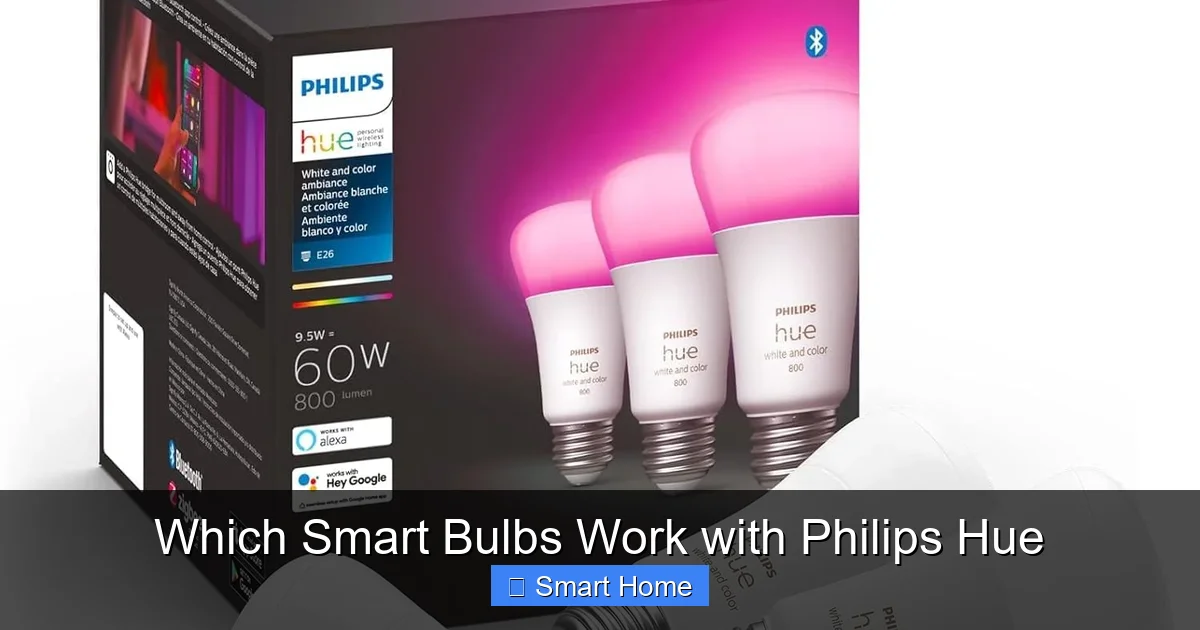
Visual guide about Which Smart Bulbs Work with Philips Hue
Image source: m.media-amazon.com
But here’s the catch: the Hue Bridge only talks to devices using the Zigbee protocol. Zigbee is a low-power, mesh-networking standard designed for home automation. It allows multiple devices to communicate with each other, even if they’re out of range of the Bridge. This means your lights can stay connected even if one bulb goes offline—unlike Wi-Fi bulbs, which rely on a constant internet connection.
Why Zigbee Matters
Not all smart bulbs use Zigbee. Many newer brands rely on Wi-Fi, which can overload your home network and drain your router’s bandwidth. Bluetooth bulbs? They’re usually limited to line-of-sight control and don’t support mesh networking. Z-Wave? That’s a different protocol entirely—useful for door locks and sensors, but not for lighting.
So, if you want to expand your Hue setup, you need bulbs that speak Zigbee. The good news? Many reputable brands now offer Zigbee bulbs that are certified for use with Philips Hue. These bulbs plug into your existing Hue Bridge and work seamlessly in the Hue app.
Third-Party Zigbee Bulbs That Work with Hue
Ready to branch out from Philips? You’re in luck. Several third-party brands have developed Zigbee bulbs that integrate perfectly with your Hue system. Here are the top picks:
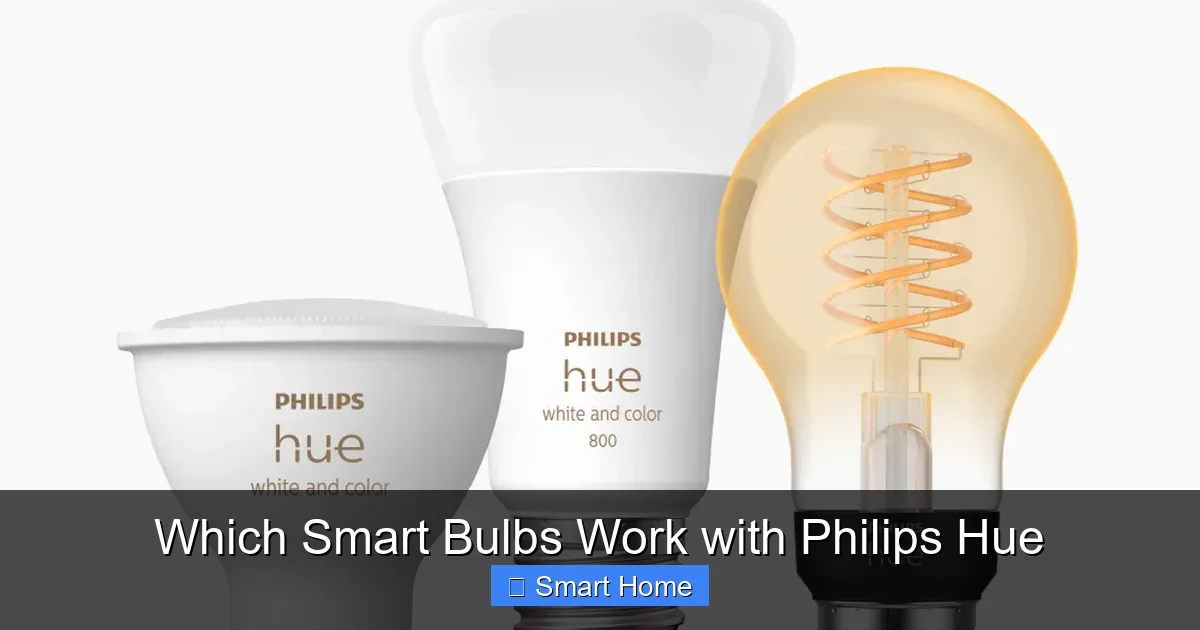
Visual guide about Which Smart Bulbs Work with Philips Hue
Image source: philips-hue.com
1. Sylvania Smart+
Sylvania is a well-known name in lighting, and their Smart+ line offers affordable Zigbee bulbs that work with Hue. These include options like the Smart+ A19 LED (1000 lumens), Smart+ BR30 (800 lumens), and even specialty shapes like candelabra and globe bulbs. Sylvania bulbs use the same Zigbee chipset as Hue, so they’re reliable and responsive.
Pro tip: Look for the “Works with Philips Hue” badge on packaging or product listings. This certification ensures full compatibility, including dimming, color control, and scene integration.
2. IKEA TRÅDFRI
Yes, you read that right—IKEA bulbs work with Hue! The TRÅDFRI line includes energy-efficient bulbs and downlights that support Zigbee. While IKEA has its own app and gateway (the E1743), you can connect your TRÅDFRI lights to the Hue Bridge using third-party tools like Zigbee2MQTT or deCONZ. This requires a bit of tech know-how, but it’s totally doable.
Once connected, you can control IKEA bulbs through the Hue app, set up automations, and even sync them to Hue Entertainment features. Just be aware that firmware updates from IKEA might occasionally break the connection—so keep an eye on compatibility after updates.
3. LIFX Mini White-to-Warm
Wait—doesn’t LIFX use Wi-Fi? Yes, but LIFX now offers a Zigbee version of its popular bulbs. The LIFX Mini White-to-Warm is a compact, energy-efficient option that works directly with the Hue Bridge. It supports tunable white lighting (from warm to cool), dimming, and full Hue app integration.
While LIFX bulbs are more expensive than some third-party options, they’re known for bright, crisp light and reliable performance. Just make sure you’re buying the Zigbee model—not the Wi-Fi version.
4. Osram Lightify
Osram, a German lighting giant, offers a range of Zigbee bulbs under the Lightify brand. These include color-changing A19 bulbs, white-tunable spots, and even outdoor floodlights. Osram bulbs are known for their high color rendering index (CRI), meaning colors appear more vibrant and natural under the light.
Like Sylvania, Osram bulbs are certified for use with Philips Hue, so you can trust them to work smoothly in your setup. They’re especially good for task lighting or accent lighting where color accuracy matters.
DIY: Connecting Non-Zigbee Bulbs to Hue
What if your favorite smart bulb uses Wi-Fi or Bluetooth and isn’t Zigbee-compatible? Don’t give up yet. With a little creativity, you can still integrate these bulbs into your Hue system—though it takes some extra hardware and setup.
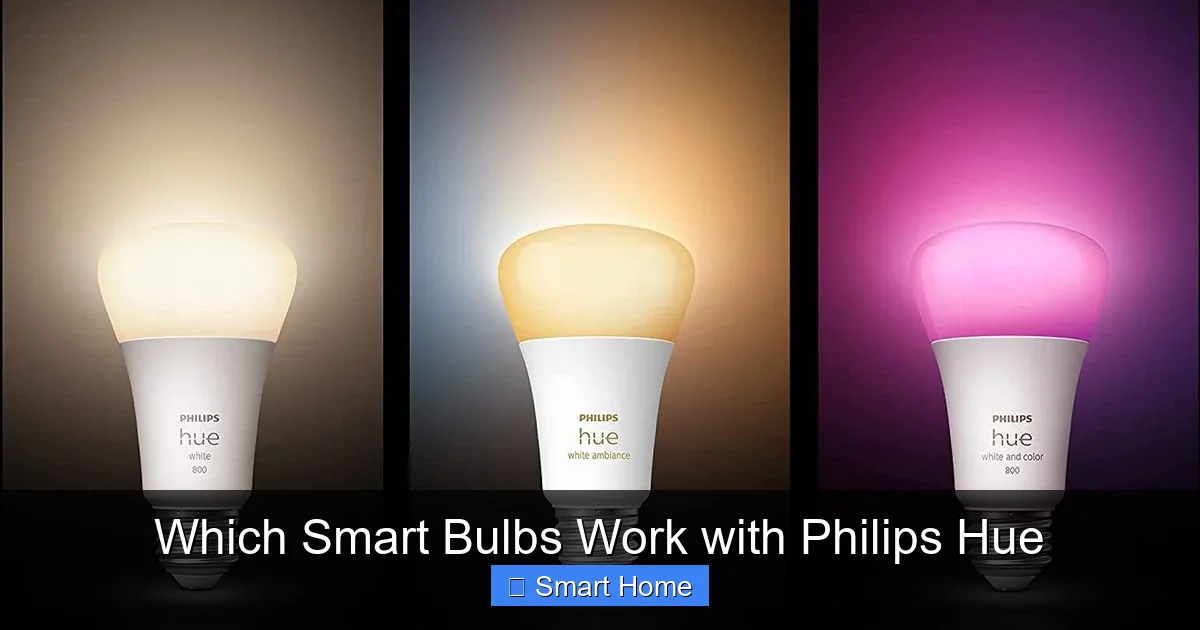
Visual guide about Which Smart Bulbs Work with Philips Hue
Image source: rollingstone.com
Using Smart Plugs as a Bridge
One of the simplest ways to add non-Zigbee bulbs to your Hue ecosystem is through a smart plug. For example, if you have a Wi-Fi bulb like a LIFX or TP-Link Kasa bulb, you can plug it into a smart outlet that’s compatible with Hue (like the TP-Link Kasa HS110 or the Philips Hue Smart Plug).
Once connected, you can control the plug through the Hue app and set up routines. For example, you could turn on the Wi-Fi bulb at sunset or dim it along with your Hue lights. While this doesn’t give you full color or dimming control (since the bulb isn’t directly integrated), it does let you include it in scenes and automations.
Home Assistant and Zigbee2MQTT
For advanced users, tools like Home Assistant and Zigbee2MQTT offer deep integration possibilities. These open-source platforms allow you to connect virtually any Zigbee device—even those not officially supported by Hue—to your smart home system.
Here’s how it works: You install Home Assistant on a Raspberry Pi or a dedicated server. Then, you connect a Zigbee USB dongle (like the CC2531 or CC2652P) to communicate with your Hue Bridge and other Zigbee devices. Using Zigbee2MQTT, you can bridge your Hue system with non-Hue bulbs and control them all from one interface.
This setup is powerful but requires technical know-how. You’ll need to configure YAML files, set up MQTT brokers, and troubleshoot connectivity issues. If you’re up for the challenge, though, you can create a truly unified smart home—Hue lights, IKEA bulbs, and even non-Zigbee devices all working together.
Tips for Expanding Your Hue Setup
Adding new bulbs to your Hue system can be exciting—but it’s important to do it smart. Here are some practical tips to get the most out of your expansion:
- Stick to one protocol: If you’re using a Hue Bridge, try to keep all your smart bulbs on Zigbee to avoid network congestion and compatibility issues.
- Check the color gamut: Not all bulbs offer the same range of colors. Hue bulbs support millions of colors, while some third-party options are limited to RGB only. Make sure your new bulbs match your needs.
- Consider dimming performance: Some budget bulbs have poor dimming curves—meaning they flicker or don’t dim smoothly. Look for bulbs with “full-range dimming” or “smooth dimming” features.
- Use the Hue app to test: Before buying, check if the bulb is listed in the Hue app’s “Compatible Lights” section. Philips maintains a public list of verified devices.
- Plan your network: Zigbee uses a mesh network, so adding more bulbs can actually improve signal strength. Place new bulbs near existing ones to boost coverage.
Limitations and Gotchas
While expanding your Hue setup is possible, there are some limitations to keep in mind:
- No cross-brand voice control: Even if a third-party bulb works with Hue, it won’t respond to voice commands unless it’s also supported by Alexa or Google Assistant.
- Firmware updates can break compatibility: Brands like IKEA occasionally update their bulbs, which can disconnect them from the Hue system. Always check forums or Reddit before upgrading.
- Some bulbs lack advanced features: Not all third-party bulbs support Hue Entertainment, which allows lights to sync with music or games. Only Hue-certified bulbs do.
- Warranty concerns: Using non-Hue bulbs with a Hue Bridge is generally safe, but mixing bulbs from different brands might void warranties on individual bulbs.
Conclusion: Build Your Ideal Smart Lighting System
So, which smart bulbs work with Philips Hue? The answer is: most Zigbee bulbs do, and many third-party brands now offer certified, affordable options. Whether you’re looking for Sylvania’s budget-friendly A19s, IKEA’s stylish downlights, or LIFX’s bright white-to-warm bulbs, you have plenty of choices.
But remember: compatibility is key. Always verify that a bulb uses Zigbee and is certified for Hue. And if you’re venturing into DIY territory with Home Assistant or smart plugs, be prepared to spend some time learning the ropes.
At the end of the day, your smart lighting system should reflect your lifestyle. Whether you want energy-efficient bulbs in the kitchen, mood lighting in the bedroom, or synchronized effects in the living room, Philips Hue—and its compatible partners—can make it happen. Just make sure you’re building on a solid foundation, one Zigbee bulb at a time.
Frequently Asked Questions
Can I use any smart bulb with Philips Hue?
No, only bulbs that use the Zigbee protocol can connect directly to the Hue Bridge. Bulbs using Wi-Fi, Bluetooth, or Z-Wave won’t work without additional hardware or workarounds.
Do third-party Zigbee bulbs work the same as Hue bulbs?
Most do—but quality varies. Certified third-party bulbs offer similar features like dimming and color control, but some may lack brightness, color accuracy, or advanced features like Hue Entertainment.
How do I know if a bulb is compatible with Hue?
Look for the “Works with Philips Hue” badge on packaging or product listings. You can also check Philips’ official compatibility list in the Hue app or on their website.
Can I control non-Zigbee bulbs through the Hue app?
Not directly. You’ll need a smart plug or a third-party hub like Home Assistant to integrate Wi-Fi or Bluetooth bulbs into your Hue system.
Will adding more bulbs slow down my Hue system?
No—Zigbee uses a mesh network, so adding more bulbs can actually improve signal strength. Just avoid overloading your network with too many Wi-Fi devices.
Are IKEA TRÅDFRI bulbs compatible with Hue?
Yes, but not natively. You’ll need to use a third-party tool like Zigbee2MQTT or deCONZ to connect them to the Hue Bridge. This requires some technical setup.