Desk Lamp with Wireless Charger
A desk lamp with wireless charger combines two essential tools in one sleek design. It frees up outlet space, reduces cable clutter, and provides adjustable lighting for any task. Ideal for home offices, students, or anyone wanting a tidy, efficient workspace. Say goodbye to tangled cords and bulky chargers—this all-in-one solution boosts productivity and style.
Picture your desk. That pile of books, the scattered pens, the laptop, the tablet, and then… the tangle of charging cables. It’s a familiar scene for anyone working or studying from home. What if you could eliminate at least one of those cables? What if the light that brightens your work could also power your phone? Enter the desk lamp with wireless charger—a brilliant fusion of form and function that’s redefining the modern workspace. It’s not just a lamp; it’s your new organizational sidekick.
This isn’t about buying a gimmick. It’s about investing in a single, elegant tool that solves two daily problems: poor lighting and dead device batteries. For the remote worker burning the midnight oil, the student pulling an all-nighter, or the creative professional whose desk is their command center, this hybrid device is a game-changer. Let’s dive deep into why this combo makes so much sense, what features truly matter, and how to pick the perfect one for your unique setup.
Key Takeaways
- Space-Saving Hero: Combines illumination and device charging into one unit, decluttering your desk and freeing wall outlets.
- Modern Charging Standard: Most use Qi wireless charging, compatible with most smartphones, but check wattage for faster speeds (7.5W, 10W, 15W).
- Lighting Quality Matters: Look for high CRI (90+), flicker-free LEDs, and adjustable color temperature (2700K-6500K) for eye comfort.
- Smart Features Available: Premium models offer app control, voice commands, and scheduling, often integrating with ecosystems like Apple Home or Google Home.
- Safety First: Ensure the lamp has certifications (UL, CE), overheating protection, and a stable base to prevent tipping over charging devices.
- User-Specific Design: Consider your workflow—gamers may want RGB accents, while remote workers need flexible arms and brightness memory.
- Future-Proofing: Choose models with USB-A/C passthrough ports for charging a second device, ensuring longevity as your tech needs evolve.
📑 Table of Contents
Why This Combo Makes Perfect Sense
At first glance, a lamp and a charger seem like an odd couple. But once you experience the synergy, you’ll wonder why it took so long for someone to combine them. The logic is beautifully simple: your phone is almost always on your desk, and you always need light. Merging them is the ultimate space-saving hack.
The Clutter Problem (And The Simple Solution)
Every wireless charger is one less power brick and one less cable snaking across your surface. Every lamp is one less separate device taking up precious real estate. Together, they reclaim your desk. This is especially crucial for smaller workspaces like apartment nooks, dorm rooms, or kitchen counters. That freed-up outlet space can now power your monitor or laptop. The visual reduction in clutter isn’t just aesthetically pleasing—it’s mentally calming. A tidy desk promotes a tidy mind, and starting with a clean surface sets a productive tone for the entire work session.
Two Tools, One Footprint: The Efficiency Win
Think about your workflow. You sit down, turn on the light, and plug in your phone. With a desk lamp with wireless charger, that’s one motion instead of two. The charging pad is often integrated seamlessly into the base or the arm, meaning your phone is always in the perfect spot to power up while you work. It encourages good habits; you don’t have to remember to plug in your phone at the end of the day. You just place it on the designated spot on your lamp, and it begins charging immediately. This seamless integration turns a routine chore into an effortless, unconscious action.
Ergonomics and Eye Comfort Get an Upgrade
This combo isn’t just about saving space; it’s about enhancing your well-being. Quality lamps in this category are designed with ergonomics in mind. Flexible gooseneck arms, swiveling heads, and adjustable brightness let you position light exactly where you need it, reducing glare and eye strain. Many offer multiple color temperature settings—warm light for relaxing evenings and cool, blue-enriched light for daytime focus. When your lighting is optimal, you experience fewer headaches, less fatigue, and better concentration. Pair that with the convenience of always having a charged device within arm’s reach, and you’ve created a workspace that actively supports your health and productivity.
Essential Features to Look For (Beyond the Obvious)
Not all desk lamps with wireless chargers are created equal. The market is flooded with options, from budget-friendly basics to high-end smart models. To avoid buyer’s remorse, you need to look past the marketing photos and understand the specs. Here’s your non-negotiable checklist.
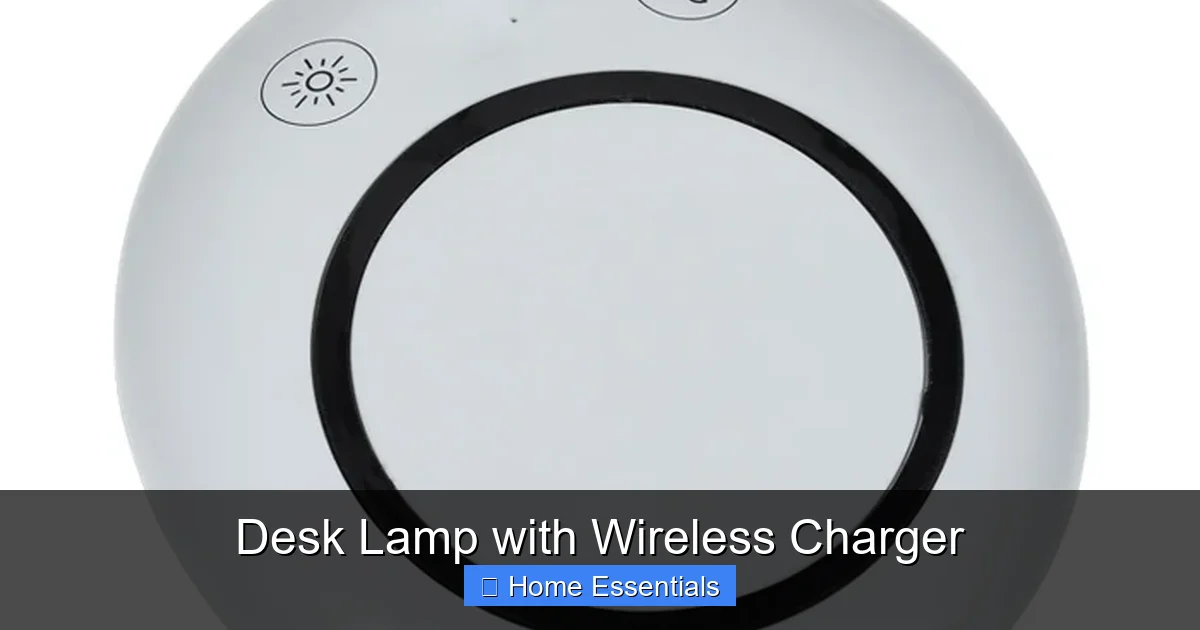
Visual guide about Desk Lamp with Wireless Charger
Image source: cdna.4imprint.com
Wireless Charging Specs: Speed and Compatibility
The wireless charging standard is almost universally Qi (pronounced “chee”), which is good news. It means compatibility with most modern iPhones, Samsung Galaxies, Google Pixels, and many other Android phones. However, compatibility doesn’t guarantee speed.
- Wattage Matters: Look for 10W or 15W output for Android phones (Samsung, Google) for the fastest wireless charging. iPhones are limited to 7.5W for Qi charging, so a 10W pad will still charge an iPhone at its maximum speed. Avoid any lamp advertising “5W” as that’s the slow, standard speed.
- Charging Distance: Some lamps require your phone to be in direct contact with the charging pad. Others work through a thin case. Check the product details—most work with cases up to 3mm thick. Thick, rugged cases with metal plates can block charging entirely.
- Foreign Object Detection: This is a critical safety feature. The charger should automatically shut off if it detects something metallic (like keys or a foil wrapper) on the pad, preventing overheating or damage.
Lighting Technology: Brightness, Color, and Quality
A lamp is useless if the light is harsh, dim, or unnatural. Here’s what the jargon means:
- Lumens: This is brightness. For a desk lamp, 300-500 lumens is usually sufficient for tasks like reading or writing. More lumens are needed for detailed work like drafting or art.
- CRI (Color Rendering Index): This measures how accurately a light source reveals colors. A CRI of 80 is okay, but 90+ is excellent. For anyone working with color—designers, photographers, artists—a high CRI is non-negotiable.
- Flicker-Free: Cheap LEDs can flicker at a high frequency, causing eye strain and headaches over time. Ensure the lamp is marketed as “flicker-free” or “DC dimming.”
- Color Temperature (Kelvin): Measured in K. 2700K-3000K is warm, cozy white. 4000K-5000K is neutral, “daylight” white, ideal for focus. 6500K is cool, blue-ish light. The best lamps offer a range, often via a touch-sensitive control or a physical knob, allowing you to shift from warm to cool as the day progresses.
Adjustability and Control: Find Your Perfect Beam
The lamp’s physical movement is as important as its light quality. Look for:
- Arm & Head Articulation: A gooseneck offers maximum flexibility. A double-arm design can provide stability and reach. Ensure the head tilts and rotates to direct light without causing glare on your screen.
- Control Interface: Touch controls are sleek but can be finicky. Physical buttons or a rotary dial are often more reliable and allow for precise brightness/color adjustments. Some remember your last setting (memory function), which is a huge convenience.
- Dimming Range: The lamp should dim smoothly from 100% down to a very low, night-light level. A wide dimming range is key for different times of day and tasks.
Build Quality, Safety, and Certifications
You’re placing a potentially hot charging pad and an electrical device on your desk. Safety is paramount.
- Materials: Metal bases (aluminum, steel) are more stable and dissipate heat better than plastic. A weighted base prevents tipping if you accidentally bump it.
- Heat Management: Wireless charging generates heat. The lamp’s design should vent this heat effectively. A hot base is a red flag.
- Certifications: Look for UL, CE, or ETL marks. These indicate the product has been tested for electrical safety and fire risk. Don’t buy a lamp without one.
- Cable Management: Does it have a clip or channel to hide the power cable? A neat cable is part of the clutter-free promise.
Choosing the Right One for Your Workspace
With features in mind, match a lamp to your specific context. The “best” lamp is the one that fits your desk, your devices, and your daily routine.
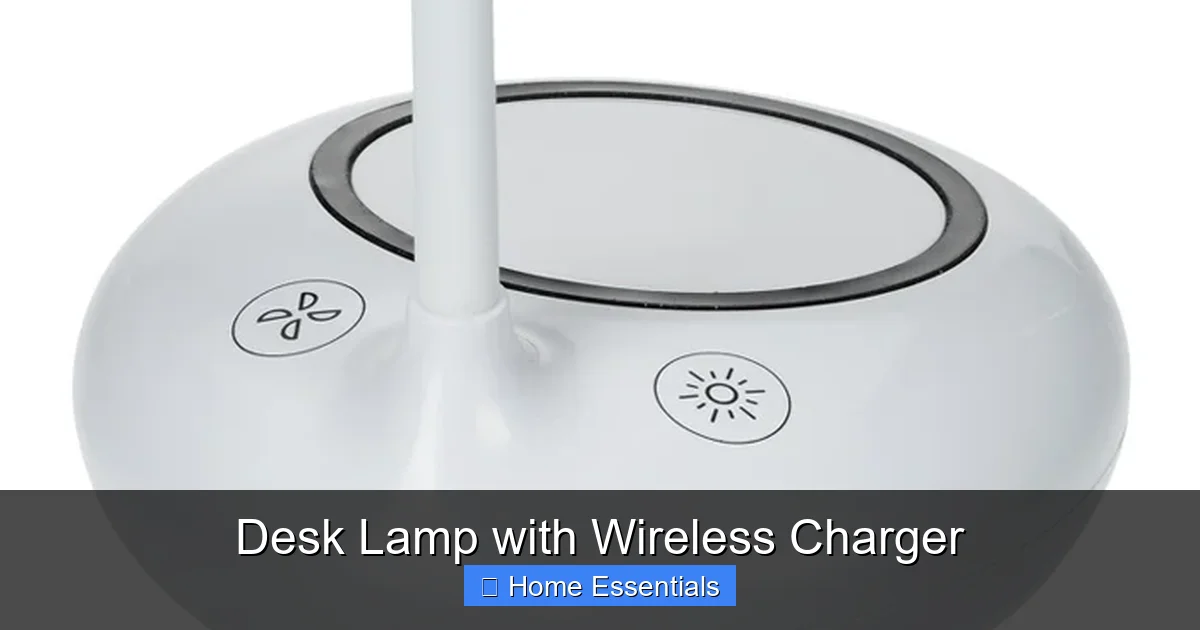
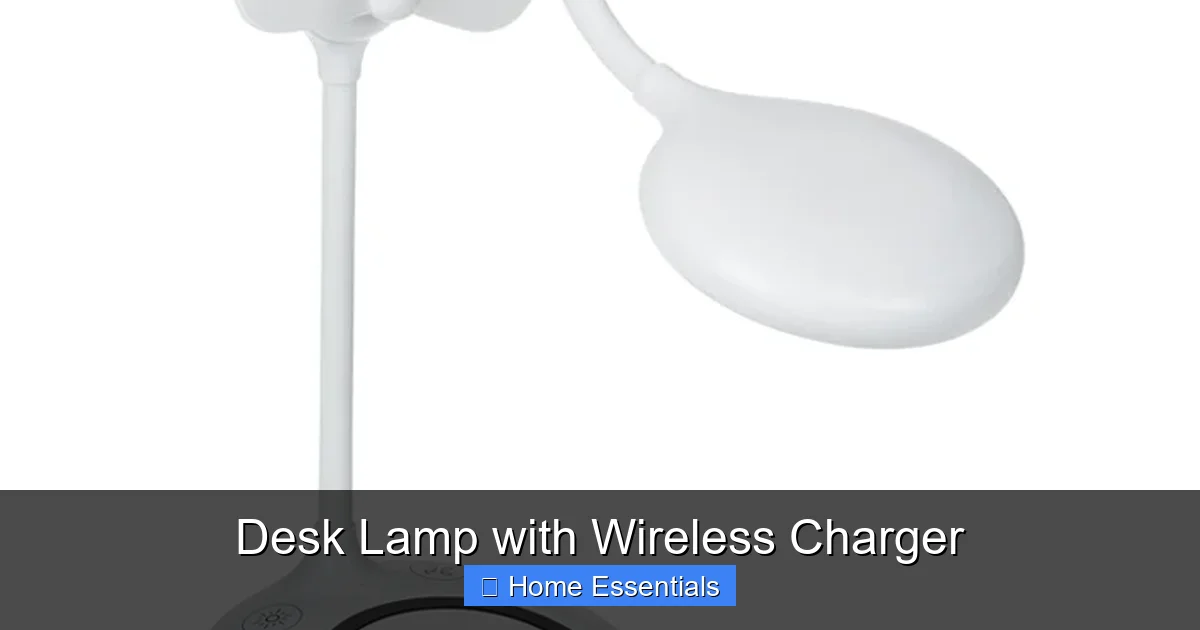
Visual guide about Desk Lamp with Wireless Charger
Image source: cdna.4imprint.com
By Workspace Size and Layout
If you have a small desk (like in a studio apartment or dorm), look for a compact base and a single-arm design that doesn’t overhang. A clamp-on model that attaches to the desk edge is a brilliant space-saver, though it may limit placement. For a large, L-shaped desk, a wider base and a longer, double-arm lamp can cover more surface area and provide light to two distinct zones (e.g., computer work and paper notes). Consider the lamp’s “footprint”—how much desk space it monopolizes. A slim, vertical base is less intrusive than a wide, rectangular one.
By User Type: Worker, Student, Creator, Gamer
- The Remote Worker / Professional: Prioritize eye comfort and stability. Look for high CRI (>90), smooth dimming, a sturdy weighted base, and a flexible arm that won’t droop over time. A memory function to recall your perfect work setting is a premium touch. If you take video calls, a lamp with a front-facing, soft light can also serve as a flattering key light.
- The Student: Budget and versatility are key. A lamp with a good range of brightness and color temperature is essential for late-night studying (warm light at night won’t disrupt sleep as much). A USB-A port on the base for charging a second device (like a tablet or e-reader) adds huge value. Durability is important for dorm life.
- The Creative (Designer/Artist/Writer): Color accuracy is your top priority. You need the highest CRI you can find (95+ is ideal). A wide color temperature range allows you to simulate different lighting conditions. A fully adjustable arm to eliminate shadows on your work surface is critical. Some high-end models even offer “focus modes” that concentrate the beam.
- The Gamer / Streamer: You might want a bit of flair. Some lamps incorporate subtle RGB lighting on the base or arm that can sync with your PC’s RGB ecosystem. More importantly, you need a lamp that provides clear, non-glare light for your keyboard and peripherals without washing out your monitor. A low-profile design that doesn’t block your second monitor view is beneficial.
Budget vs. Premium: Where to Splurge
You can find decent models for $40-$60. These will offer basic lighting (maybe 2-3 color temps) and 5W-7.5W charging. They’re fine for casual use. The $80-$150 mid-range is where you get the best value: solid build metal, 10W charging, high CRI LEDs, smooth dimming, and better adjustability. The $200+ premium tier is for the enthusiast: app-controlled smart features, ultra-high CRI, exceptional build quality, multi-device charging pads, and designs that are works of art. Splurge on the premium tier if your desk is your livelihood and you spend 8+ hours a day at it. The mid-range offers the sweet spot for most people.
Setup and Best Practices for Peak Performance
You’ve unboxed your new lamp. Don’t just plug it in and wing it. Proper setup and placement maximize its benefits and ensure safety.
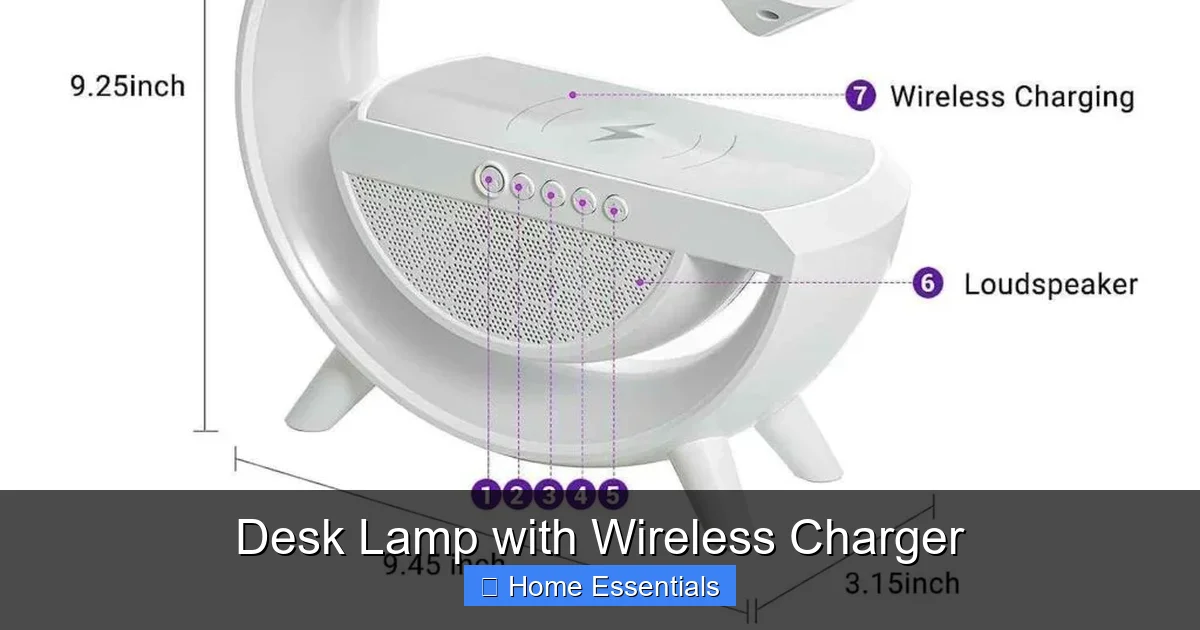
Visual guide about Desk Lamp with Wireless Charger
Image source: homafy.com
Placement is Everything
The golden rule: the light source should come from the side opposite your writing hand to avoid shadows. For right-handed people, place the lamp on the left side of the desk, and vice versa. Position the lamp so the light hits your work surface at an angle, not directly into your eyes or your computer screen. The charging pad should be placed where your phone naturally rests when not in use—often on the desk beside your keyboard or in a dedicated spot at the back of the desk. Ensure there’s nothing between the phone and the charging coil (like a thick notebook or metal ruler).
Cable Management: Keep the Promise of a Clean Desk
Even with one less charger, you still have the lamp’s power cable. Use the built-in clips or channels if available. If not, a simple adhesive cable clip on the desk edge can route the cable neatly down the leg. Consider a short, braided cable for a tidier look. The goal is to make the cable invisible or at least orderly. Pair your new lamp with other cord management tools like desk grommets and under-desk trays for a truly pristine workspace.
Maintenance and Care
These lamps are low-maintenance, but a little care goes a long way. Dust the base and arm regularly with a soft, dry microfiber cloth. For smudges on the lamp head or base, slightly dampen the cloth—never spray liquid directly onto the lamp. The charging pad area can accumulate pocket lint and dust, which can interfere with charging. Clean it gently with a dry toothbrush or a lint-free cloth. Avoid harsh chemicals. When cleaning the surface, remember the principles from guides on how to clean electronics with a microfiber cloth. A clean charging surface ensures efficient power transfer.
Smart Home Integration: The Next Level
The latest generation of desk lamps goes beyond simple touch controls. They connect to your Wi-Fi network, joining your smart home ecosystem. This opens up a world of convenience.
- Voice Control: “Hey Siri, dim my desk lamp to 50%.” “Alexa, turn on my desk lamp.” If you already have a smart home hub, a compatible lamp lets you control your workspace lighting without lifting a finger. This is fantastic when your hands are full or you’re already in bed. When researching compatibility, check if the lamp works with your preferred platform. Guides on what smart bulbs work with Apple Home can give you insight into the broader ecosystem, even though you’re dealing with a lamp. The principles of seamless integration are similar.
- App Control & Schedules: A companion app lets you fine-tune color temperature and brightness with a slider, create custom scenes (e.g., “Focus Mode” = cool white, 80% brightness), and set schedules. Have the lamp gradually brighten in the morning to simulate sunrise, or turn on automatically at your usual work start time.
- Automations: This is where it gets powerful. Use IFTTT or your smart home platform’s routines to make the lamp react to other events. For example: “When my phone starts charging on the lamp, switch the light to ‘Reading’ mode.” Or, “When I get a calendar notification for a meeting, blink the lamp gently.”
A Note on Smart Bulbs vs. Smart Lamps: You might be familiar with smart bulbs. A smart desk lamp is different—the intelligence is built into the lamp itself, not a replaceable bulb. This often means better build quality for the light fixture and more integrated features. However, if you want to control your *room’s* lighting ecosystem together, ensure your new desk lamp can be grouped with your other smart lights in the same app or platform. Compatibility with systems like Google Home is common and allows for this unified control.
Future-Proofing Your Purchase
Technology evolves. Your needs might change. How do you buy a lamp that won’t feel obsolete in three years?
Look for Pass-Through Ports
The most valuable future-proofing feature is a USB-A or USB-C port on the base that provides power passthrough. This means while the lamp is plugged in, you can use that port to charge a second device—a tablet, headphones, or a second phone—using your own cable. As your collection of devices grows, this extra port becomes indispensable. It transforms the lamp from a single-function charger into a multi-port hub.
Modularity and Repairability
Check if the LED panel or module is replaceable. In a premium lamp, if the LEDs eventually dim (they last 25,000-50,000 hours, but it happens), you might be able to replace the light engine instead of buying a whole new lamp. This is rare but a sign of exceptional design. Also, a standard, detachable power cable is a plus—if the cable frays, you can replace it cheaply.
Software Support and Updates
For smart lamps, investigate the manufacturer’s reputation for software updates. A lamp that connects to a well-established platform like Apple HomeKit, Google Home, or Amazon Alexa is more likely to receive long-term support than one using a proprietary, closed app that might be abandoned. Read recent user reviews to see if connectivity issues are common after a few months.
Conclusion: More Than a Lamp, It’s a Workspace Upgrade
The desk lamp with wireless charger represents a beautiful shift in product design: solving multiple problems with elegant simplicity. It’s a direct answer to the digital-age clutter that plagues our desks and minds. By choosing a model with thoughtful features—fast, safe Qi charging; high-quality, adjustable illumination; and, if you want it, smart home integration—you’re doing more than just buying a lamp. You’re investing in a cleaner, more organized, and healthier work environment. You’re reducing friction in your daily routine. You’re saying yes to focus and productivity, and no to cord chaos. Do your research, match the lamp to your specific needs, and experience the quiet revolution on your desk. You’ll wonder how you ever worked without it.
Frequently Asked Questions
Will a desk lamp with wireless charger work with my phone case?
Most Qi wireless chargers work with standard phone cases up to 3-4mm thick, including common silicone and plastic cases. However, thick, rugged cases with metal plates or magnets can block the charging signal. For best results, remove very thick cases or check the manufacturer’s case compatibility specifications.
Is it safe to leave my phone charging on the lamp overnight?
Yes, it is generally safe. Quality lamps with wireless charging have built-in protection against overcharging, overheating, and short circuits. Once your phone reaches 100%, the charger will trickle a tiny amount of power to maintain the charge. However, for maximum long-term battery health, it’s ideal to avoid keeping it at 100% constantly, but modern phones manage this well.
Can I replace the light bulb if it burns out?
Almost never. The vast majority of these lamps use integrated, non-replaceable LED arrays. This is a design choice for sleekness and cost. The LEDs are rated for 25,000 to 50,000 hours, meaning they should last for decades with normal use. If the light fails within the warranty period, contact the manufacturer for a repair or replacement.
Does the wireless charging pad work with other devices like earbuds or smartwatches?
Yes, it will charge any Qi-compatible device. This includes most wireless earbuds cases (like AirPods Pro), many smartwatches (Apple Watch uses a different standard, so it won’t work), and some tablets. Just place the device centered on the charging area. Note that some smaller devices may not align perfectly with the charging coil, so placement is key.
Can I dim the light and charge my phone at the same time?
Absolutely. The wireless charging function and the light’s brightness/color temperature controls are independent. You can dim the light to a low level for a relaxing ambiance while your phone charges at full speed, or vice versa. This independence is a key advantage of the design.
Will the lamp’s base get hot while charging my phone?
It will get warm, but not dangerously hot. Wireless charging is inherently less efficient than wired charging and generates some heat. A well-designed lamp uses its metal base to dissipate this heat. You should feel warmth, but the base should not be uncomfortably hot to the touch. If it becomes excessively hot, discontinue use and contact the manufacturer, as this indicates a fault.